
moonstride Bewertung 2026: Vorteile, Nachteile, Funktionen und Preise
moonstride zeichnet sich als Reise-CRM-Software aus, die für Hotels, Agenturen und Reiseveranstalter entwickelt wurde. Erfahren Sie, wie sie Teams bei der Verwaltung von Kunden, Buchungen und Reiseabläufen unterstützt.

Wir prüfen Tools unabhängig, und Provisionen helfen, unsere Tests zu finanzieren. Siehe unsere transparente Richtlinie, unsere Methodik oder schlagen Sie ein Tool vor.
moonstride is a hotel CRM software built for hospitality businesses that need to manage guest relationships, bookings, and sales pipelines in one place. It's worth a close look if your team handles complex group bookings or multi-leg itineraries and needs more than a generic CRM can offer without heavy customization. I'd point you toward moonstride over something like HubSpot if you want a platform purpose-built for travel and hospitality—one that fits how hotels actually operate without requiring you to engineer that fit yourself.
moonstride Evaluation Summary
0/5
- From $645/month (5 users)
- Free demo available
Warum Sie unseren Software-Empfehlungen vertrauen können
6,700+
Reviews
20
Industry experts
16+
Evaluation factors
14
Years
Unser Team testet und bewertet Software seit 2012. Als Führungskräfte in der Hotellerie wissen wir selbst, wie schwierig – und wichtig – es ist, die richtige Software auszuwählen.
Für diesen Leitfaden haben wir Tools mithilfe von praktischen Tests und unabhängiger Recherche bewertet und dabei unsere Bewertungskriterien angewendet.
Unsere Bewertungen spiegeln unser menschliches redaktionelles Urteilsvermögen wider, keine Verkaufsstrategie.
moonstride Overview
From my perspective, moonstride stands out for its travel-focused CRM, booking management, and automation features. I find its quotation tools, itinerary management, and customer workflows especially useful for travel agencies, tour operators, and hospitality teams managing complex bookings.
While it may not replace a dedicated hotel CRM or property management system, it’s a strong choice for businesses that need better control over enquiries, customer communication, and travel operations without adding unnecessary complexity.
Pros
- Centralizes customer profiles, travel inquiries, communications, and booking details.
- Helps hospitality and travel teams manage quotes, itineraries, and customer workflows.
- Supports automation for follow-ups and personalized customer engagement.
Cons
- Not a traditional hotel CRM focused on property management or room operations.
- Advanced customization may require setup time for complex travel workflows.
- Best suited for travel-focused businesses rather than general hospitality teams.
Is moonstride Right For Your Needs?
Who Would be a Good Fit for moonstride?
moonstride is a good fit for travel businesses that need CRM, booking management, sales automation, and operational tools. It’s ideal for travel agencies, tour operators, DMCs, and hospitality teams managing customer enquiries, itineraries, suppliers, and reservations. Its automation, reporting, and document management features help teams streamline travel workflows and improve customer experiences.
- Travel AgenciesCRM, quotation tools, and booking workflows help agencies manage customer enquiries and travel sales.
- Tour OperatorsItinerary builders, supplier management, and booking tools help operators organize travel packages and services.
- Destination Management Companies (DMCs)B2B agent management, supplier tools, and transfer management support destination-based operations.
- Group Travel TeamsGroup booking features help teams manage private tours, scheduled departures, and passenger details.
- Hospitality Sales TeamsCustomer management and communication tools help hospitality teams manage travel-related enquiries and relationships.
- Multi-Location Travel BusinessesReporting and centralized customer data help teams manage operations across different branches.
Who Would be a Bad Fit for moonstride?
moonstride may not be the best fit for businesses looking for a traditional hotel CRM focused only on guest stays, loyalty programs, or property operations. Companies outside the travel industry or teams that only need simple contact management may find its travel-specific features more than they need.
- Independent Hotels Needing Only Guest CRMHotels focused only on guest profiles, loyalty, and stay history may prefer a dedicated hotel CRM.
- Vacation Rental ManagersProperty-focused tools with owner management and rental operations may be a better fit.
- General Sales TeamsBusinesses outside travel may not need moonstride’s booking, itinerary, and supplier features.
- Small Teams With Basic CRM NeedsSimple contact management workflows may not require its full travel management capabilities.
- Event Management TeamsTeams focused on conferences and events may need dedicated event management software.
- Property Management TeamsTeams needing housekeeping, room inventory, or front desk operations should use a dedicated PMS instead.
Wie wir Tools testen und bewerten
Wir haben jahrelang unser System zur Softwareprüfung und -bewertung aufgebaut, verfeinert und verbessert. Der Bewertungsmaßstab ist darauf ausgelegt, die Feinheiten der Softwareauswahl zu erfassen und herauszustellen, was ein Tool effektiv macht, wobei der Fokus auf den kritischen Aspekten des Entscheidungsprozesses liegt. Unten sehen Sie genau, wie unser Test- und Bewertungssystem anhand von sieben Kriterien funktioniert. Es ermöglicht uns eine unparteiische Beurteilung der Software basierend auf Kernfunktionen, besonderen Merkmalen, Benutzerfreundlichkeit, Einarbeitung, Kundensupport, Integrationen, Kundenrezensionen und Preis-Leistungs-Verhältnis.
Kernfunktionalität (25% der Gesamtbewertung)
Ausgangspunkt unserer Bewertung ist immer die Kernfunktionalität des Tools. Verfügt es über die grundlegenden Funktionen und Merkmale, die Nutzer:innen erwarten? Sind einige dieser Kernfunktionen in teureren Preistarifen gesperrt? Im Kern erwarten wir, dass sich ein Tool mit den Basisfähigkeiten seiner Konkurrenten messen kann.
Besondere Merkmale (25% der Gesamtbewertung)
Danach bewerten wir ungewöhnliche, herausragende Merkmale, die über die typischen Kernfunktionen vergleichbarer Tools hinausgehen. Eine hohe Punktzahl spiegelt spezialisierte oder einzigartige Funktionen wider, die das Produkt schneller, effizienter oder für Nutzer:innen besonders wertvoll machen. Wir bewerten auch, wie leicht sich das Tool mit anderen Programmen im technischen Ökosystem verbinden lässt, um dessen Funktionalität und Nutzen zu erweitern. Tools mit umfangreichen, nativen Integrationen, Drittanbieteranbindungen und API-Zugriff für individuelle Integrationen erzielen die höchsten Ergebnisse.
Benutzerfreundlichkeit (10% der Gesamtbewertung)
Wir berücksichtigen, wie schnell und einfach sich mit dem Tool Aufgaben erledigen lassen, die zur Kernfunktionalität gehören. Hoch bewertete Software ist gut gestaltet, intuitiv zu bedienen, bietet Apps für Mobilgeräte, stellt Vorlagen bereit und lässt relativ komplexe Aufgaben einfach erscheinen.
Einarbeitung (10% der Gesamtbewertung)
Uns ist bewusst, wie wichtig eine schnelle Einführung eines neuen Systems im Team ist. Daher bewerten wir, wie einfach ein Tool mit minimalem Training zu erlernen und zu nutzen ist. Wir prüfen, wie schnell sich ein Teammitglied ohne Vorerfahrung anmelden und beginnen kann, das Tool zu verwenden. Lösungen, die mit wenig oder keiner Unterstützung auskommen, schneiden am besten ab.
Kundensupport (10% der Gesamtbewertung)
Wir prüfen, wie schnell und einfach man telefonisch, per Live-Chat oder in der Wissensdatenbank Hilfe findet, um Probleme zu beheben. Tools und Anbieter, die Echtzeit-Unterstützung bieten, erzielen die besten Werte, während Chatbots am schlechtesten abschneiden.
Kundenrezensionen (10% der Gesamtbewertung)
Über unsere eigenen Tests und Bewertungen hinaus berücksichtigen wir den Net Promoter Score aktueller und ehemaliger Kund:innen. Wir prüfen, wie wahrscheinlich sie sich erneut für das Tool entscheiden würden, rein basierend auf den Kernfunktionen. Hoch bewertete Software reflektiert einen hohen Net Promoter Score von bestehenden oder früheren Kund:innen.
Preis-Leistungs-Verhältnis (10% der Gesamtbewertung)
Abschließend bewerten wir unter Berücksichtigung aller anderen Kriterien den durchschnittlichen Einstiegspreis im Vergleich zu den Kernfunktionen sowie zum Wert der anderen Bewertungsmerkmale. Software, die mehr für weniger bietet, wird höher bewertet.
Core Features
Customer Profile Management
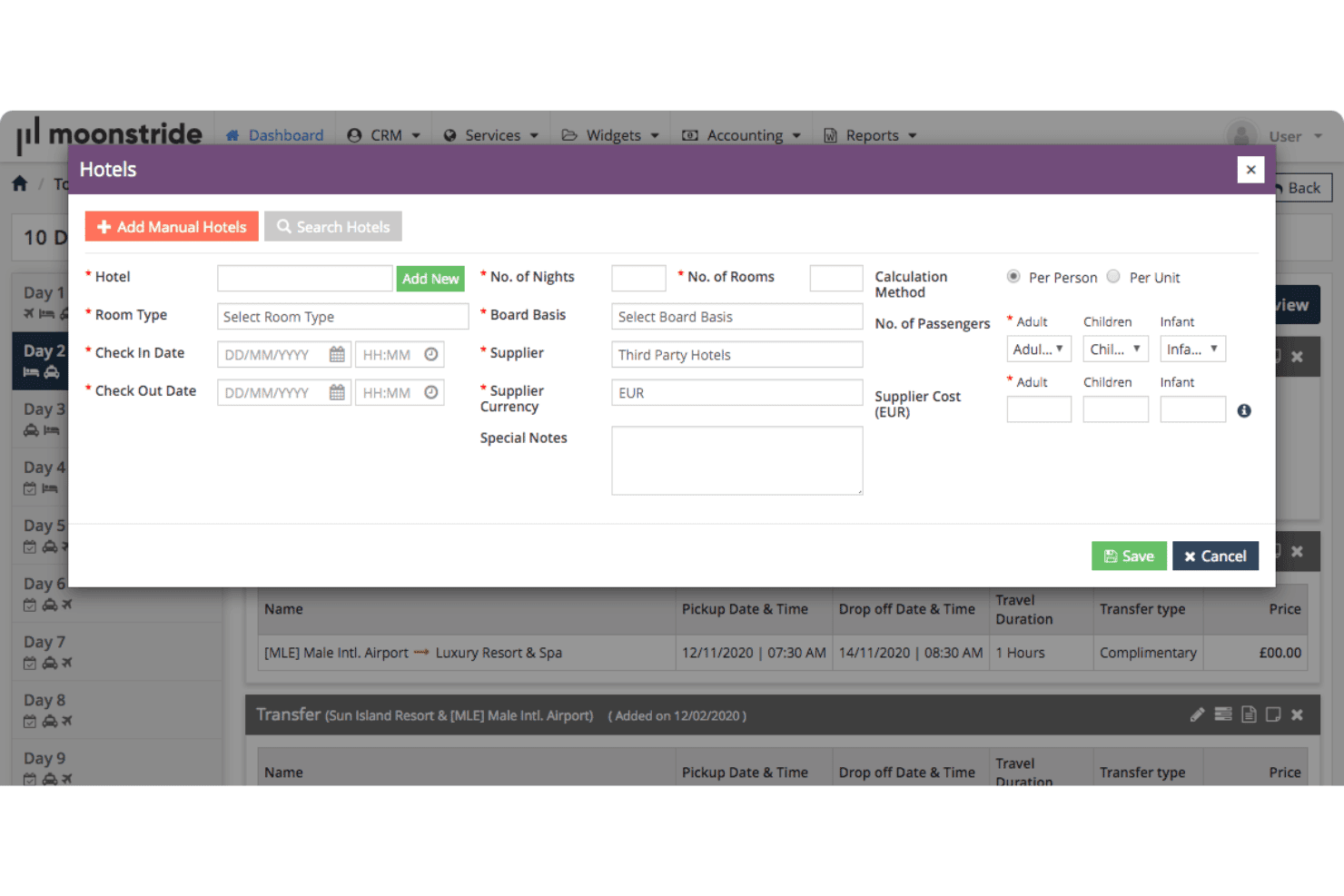
Store customer details, preferences, booking history, and communications. Teams can personalize travel experiences and manage relationships more effectively.
Sales and Marketing Automation
Automate follow-ups, customer communications, and sales activities. Teams can manage leads and nurture travelers throughout the booking journey.
Quotation and Booking Management
Create customized quotes, manage reservations, and organize travel services. Teams can handle customer requests from inquiry to confirmation.
Itinerary Builder
Build and manage detailed travel itineraries with services, activities, and booking details. This helps teams deliver organized customer experiences.
Task and Workflow Automation
Assign tasks, track activities, and automate internal workflows. Teams can improve coordination across sales and operations.
Analytics and Reporting Dashboards
Track sales performance, customer activity, and operational insights. Teams can use reporting tools to make informed business decisions.
Ease of Use
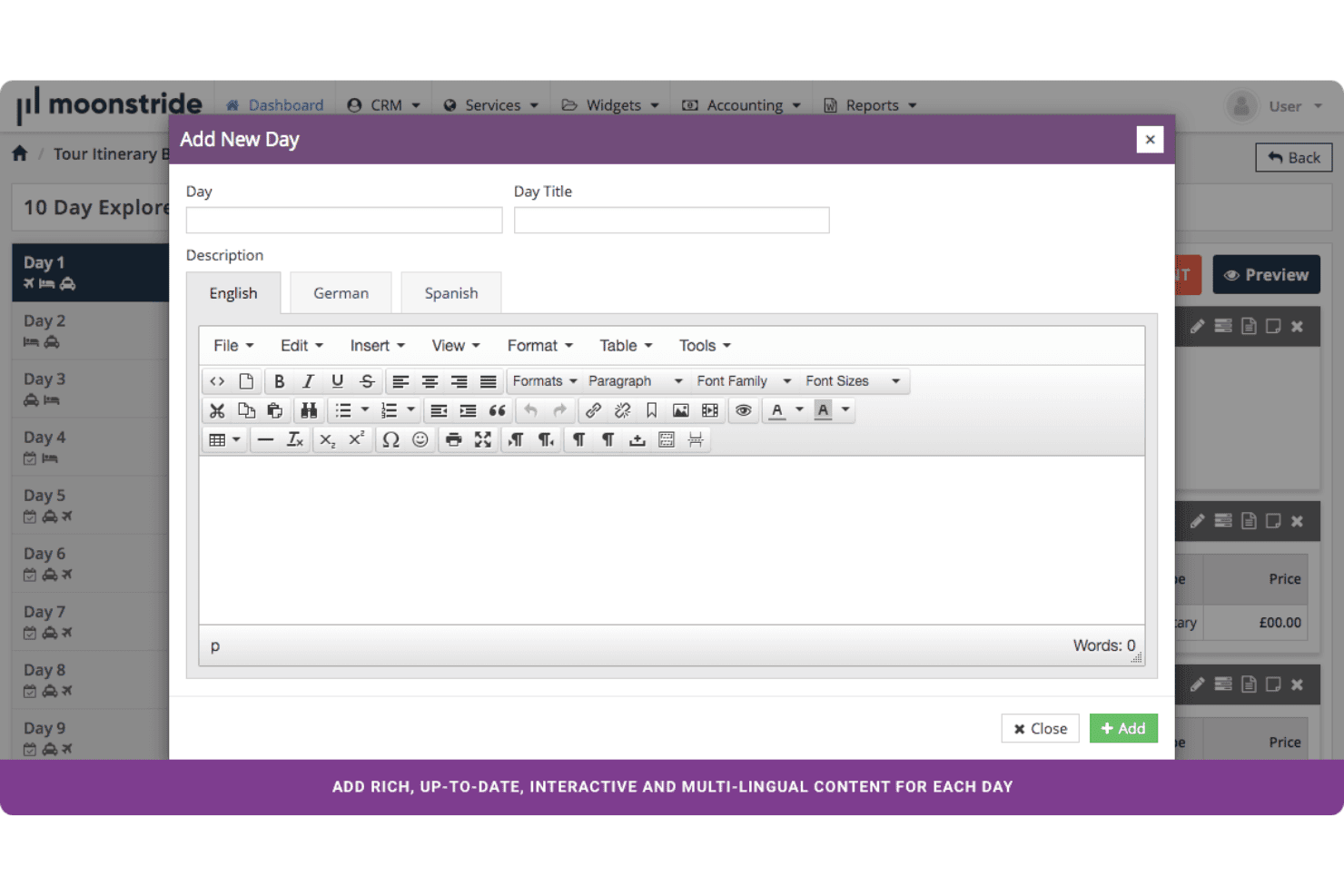
moonstride is designed with a structured interface that helps travel teams manage customers, quotes, bookings, and operations without switching between disconnected processes. Users can access customer details, track enquiries, build itineraries, and manage daily tasks through organized workflows. I find its layout especially useful for agencies and travel businesses that need to coordinate sales and operations while keeping customer information easy to find.
Integrations
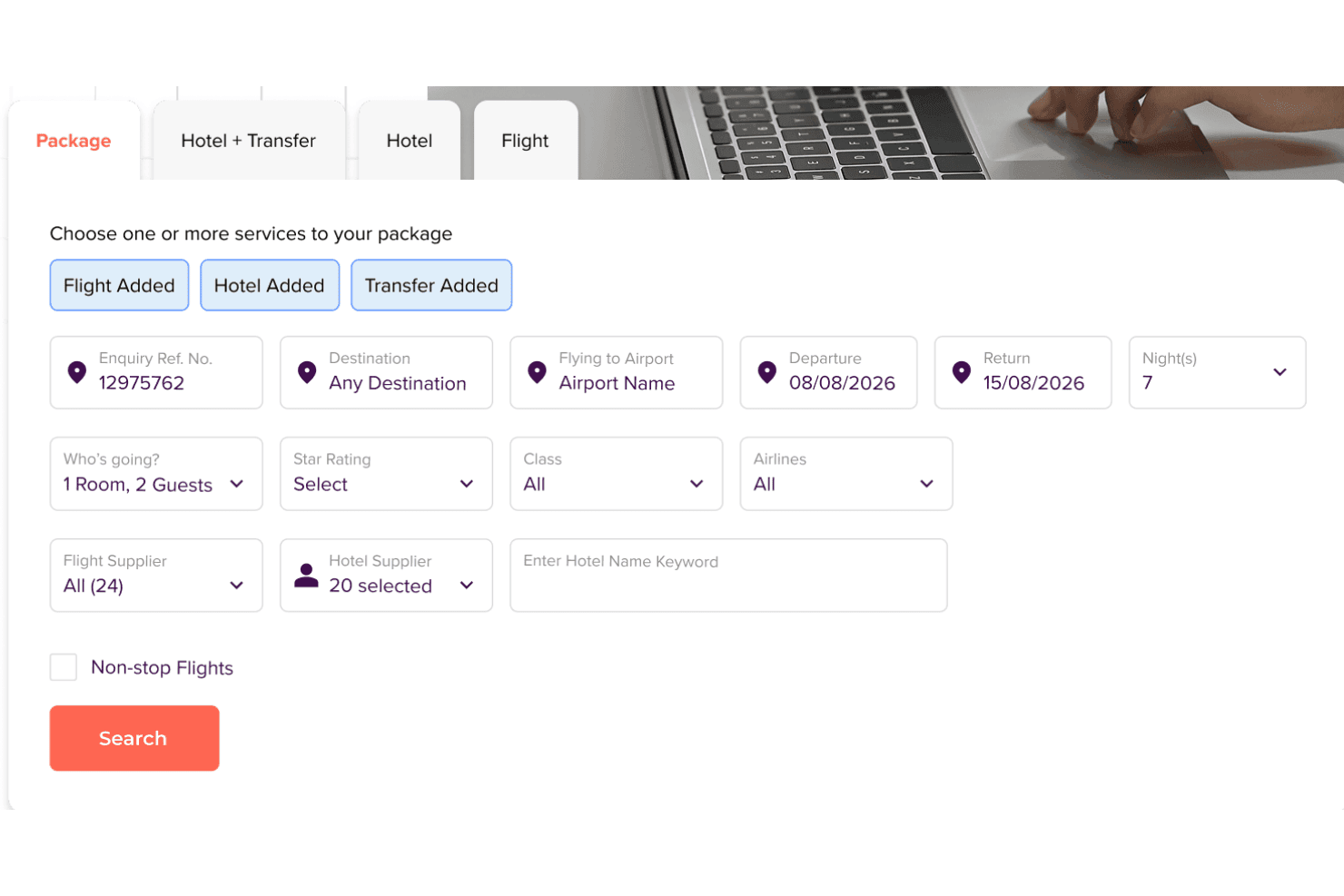
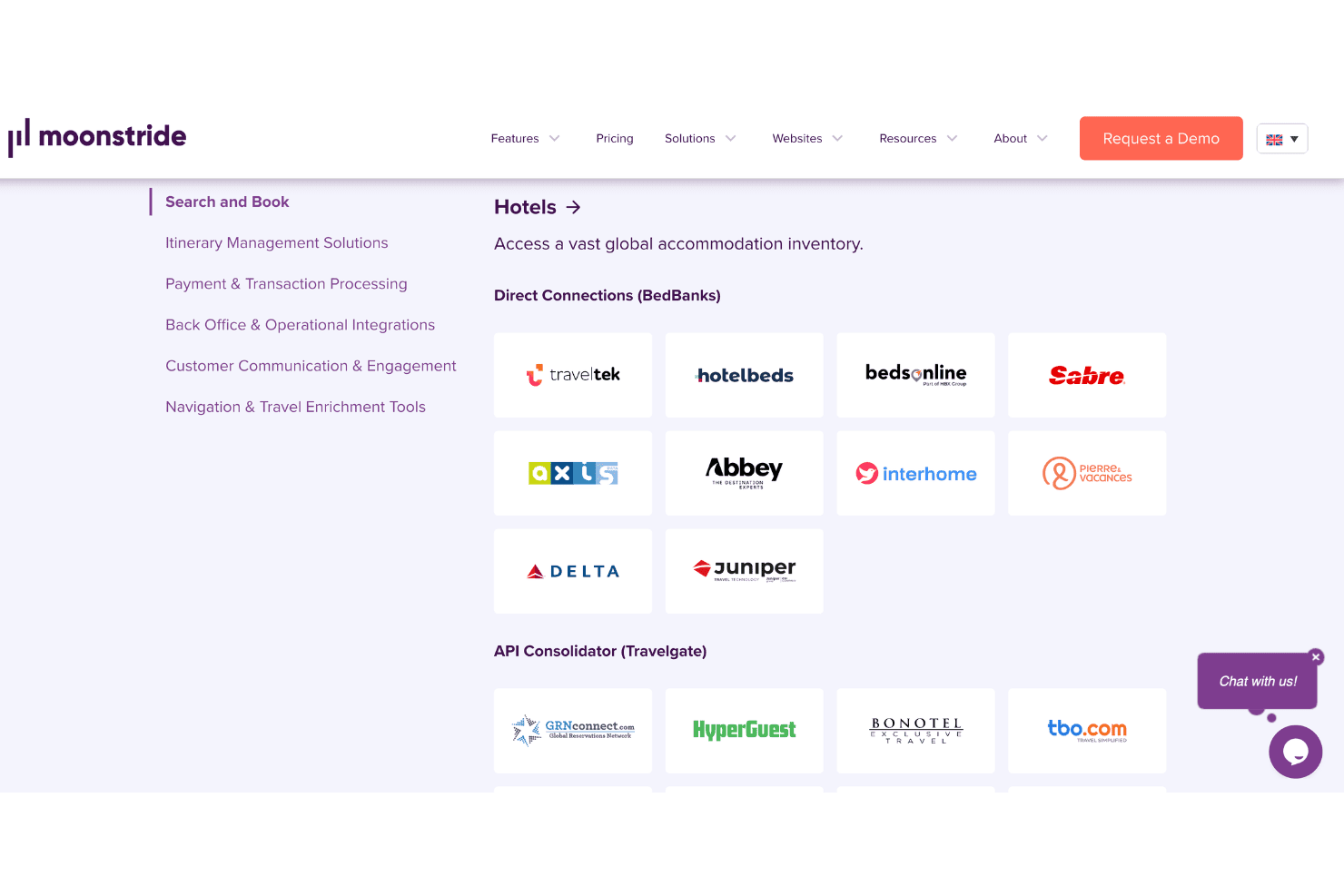
moonstride integrates with travel, payment, and service providers such as Twilio, Trust Payments, Authorize.Net, GDS connections, Travelgate, iVector, GIATA, Google Maps, Open Exchange Rates, and Bonotel, among others.
moonstride also offers API capabilities and supplier integrations to help travel businesses connect their existing systems and extend platform functionality.
moonstride Specs
- API: Yes
- Budgeting: No
- Calendar Management: No
- Compliance Tracking: No
- Contact Management: Yes
- Customer Management: Yes
- Dashboard: Yes
- Data Export: Yes
- Data Import: Yes
- Data Visualization: Yes
- Document Management: Yes
- Expense Tracking: No
- External Integrations: No
- Forecasting: No
- Inventory Tracking: No
- Multi-Currency: Yes
- Multi-User: No
- Notifications: Yes
- Organization Management: Yes
- Payment Processor: Yes
- Payroll: No
- Scheduling: No
- Supplier Management: Yes
- Tax Management: No
- Workflow Management: Yes


