

Reseña de Bizzabo: Ventajas, Desventajas, Funciones y Precios
Bizzabo reúne todo tu proceso de gestión de eventos en una sola plataforma, desde la planificación y el registro hasta la participación de los asistentes y la analítica.

Revisamos las herramientas de forma independiente, y las comisiones ayudan a financiar nuestras pruebas. Consulta nuestra política de transparencia, nuestra metodología o sugiere una herramienta.
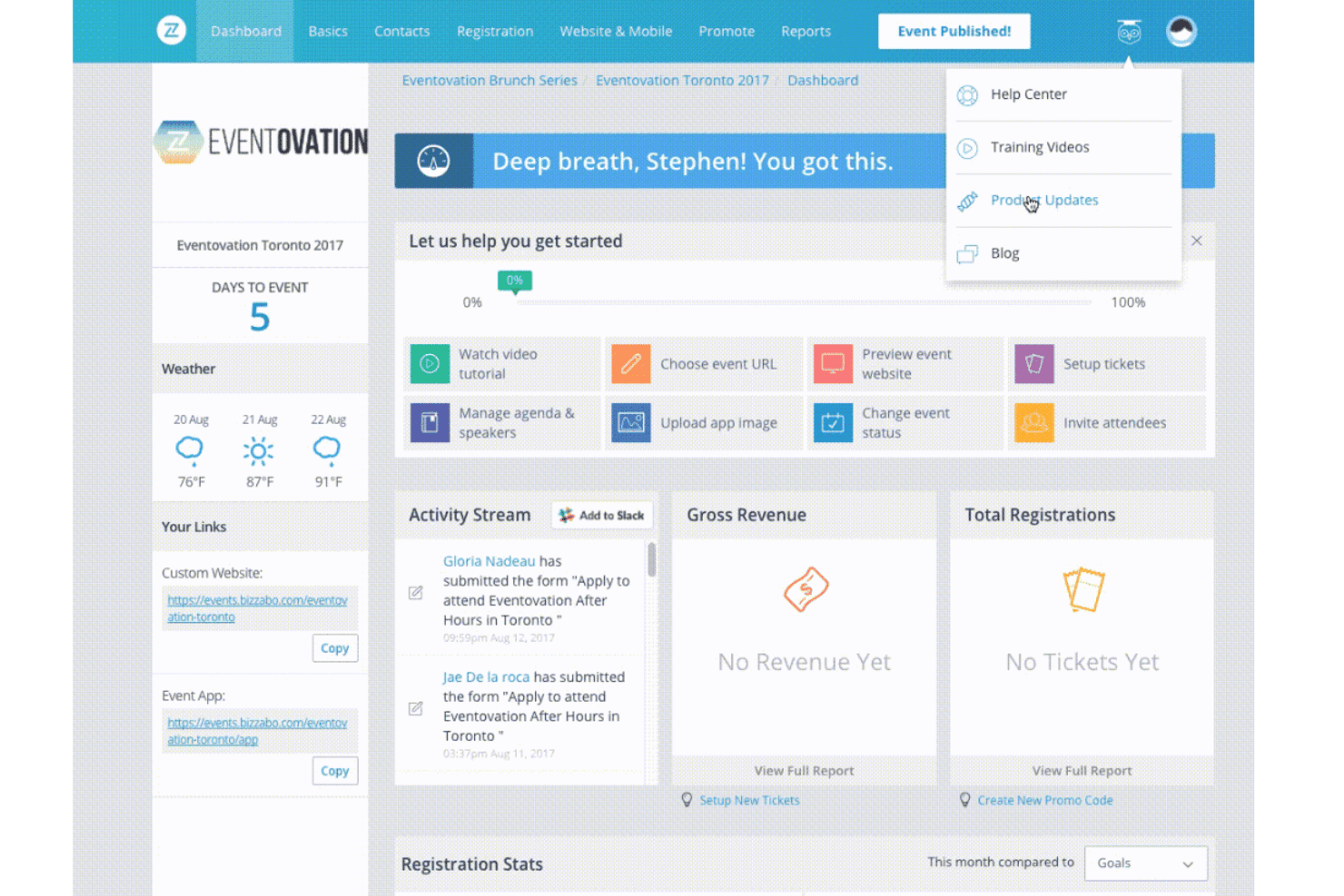
Bizzabo is an event management software built for teams running large-scale in-person, virtual, and hybrid events. I'd consider it if your property hosts conferences or corporate gatherings and needs detailed attendee analytics alongside session, speaker, and sponsor management tools. If you're weighing it against Cvent, Bizzabo tends to be the better choice for teams that want a more modern interface and stronger real-time attendee engagement features without the steep learning curve Cvent typically demands.
Bizzabo Evaluation Summary
4.5/5
- From $499/user/month (billed annually)
- Free demo available
Por qué confiar en nuestras recomendaciones de software
6,700+
Reviews
20
Industry experts
16+
Evaluation factors
14
Years
Nuestro equipo lleva probando y evaluando software desde 2012. Como líderes del sector hotelero, sabemos lo difícil —y lo importante— que es elegir el software adecuado.
Para esta guía, evaluamos las herramientas mediante pruebas prácticas e investigación independiente, puntuando las herramientas según nuestros criterios de selección.
Nuestras reseñas reflejan nuestro criterio editorial humano, no un discurso de ventas.
Bizzabo Overview
When I compare Bizzabo to other event management software, I think its hybrid event tools, customizable branding, and analytics set it apart. The interface is modern, and onboarding is straightforward, even for teams new to digital events. Pricing is on the higher side, but you get strong support and deep integrations.
I’d suggest Bizzabo for hotels or venues running large, complex, or hybrid events where attendee engagement and data matter most. If you’re judging by flexibility and feature depth, Bizzabo is a top contender, though smaller teams may find it more than they need.
Pros
- Hybrid event tools support in-person, virtual, and hybrid formats.
- Customizable registration flows and branded event websites.
- Strong customer support with 24/7 access and dedicated managers.
Cons
- Pricing is higher than many alternatives.
- Some users report slow response to technical issues.
- Advanced features can be overwhelming for smaller teams.
Is Bizzabo Right For Your Needs?
Who Would be a Good Fit for Bizzabo?
Bizzabo is a strong choice for organizations that need advanced event management, attendee engagement, and hybrid event capabilities. Its analytics, branding, and support make it ideal for teams running large-scale or complex events. If your business relies on data-driven decisions, custom workflows, and seamless attendee experiences, Bizzabo’s feature set is going to deliver real value.
- Event AgenciesSupports multiple clients, complex logistics, and detailed reporting needs.
- AssociationsMembership management and recurring event tools fit annual conferences and expos.
- Marketing DepartmentsCustomizable registration and branded websites boost lead capture and engagement.
- Higher EducationUniversities can manage hybrid graduations, alumni events, and open days.
- Corporate Event TeamsIts analytics and engagement tools support high-stakes conferences and summits.
- Large HotelsBizzabo handles multi-room scheduling, guest management, and branded experiences.
Who Would be a Bad Fit for Bizzabo?
Bizzabo isn’t the best choice for smaller teams, simple events, or organizations with tight budgets. Its advanced features and pricing are often more than what basic event planners or small venues need. If you’re looking for a lightweight, low-cost, or highly specialized solution, Bizzabo may not be the right fit.
- Trade Show ExhibitorsExhibitors needing only booth management won’t use most Bizzabo features.
- Local Community GroupsBudget constraints and simple event formats make Bizzabo excessive.
- Internal HR TeamsBasic internal meetings or trainings don’t need Bizzabo’s full suite.
- Solo Event PlannersSingle users may find the platform overwhelming and underutilized.
- Boutique VenuesSimple event needs don’t justify Bizzabo’s complexity or cost.
- Small NonprofitsPricing and advanced features exceed what most small nonprofits require.
Cómo Probamos y Puntamos Herramientas
Hemos pasado años construyendo, refinando y mejorando nuestro sistema de pruebas y puntuación de software. La rúbrica está diseñada para capturar las particularidades de la selección de software y lo que hace que una herramienta sea efectiva, enfocándose en aspectos críticos del proceso de toma de decisiones. A continuación, puedes ver exactamente cómo funcionan nuestras pruebas y puntuaciones en siete criterios. Nos permite proporcionar una evaluación imparcial del software basada en funcionalidad principal, características destacadas, facilidad de uso, incorporación, soporte al cliente, integraciones, opiniones de clientes y relación calidad-precio.
Funcionalidad Principal (25% de la puntuación final)
El punto de partida de nuestra evaluación es siempre la funcionalidad principal de la herramienta. ¿Tiene las características y funciones básicas que un usuario esperaría ver? ¿Alguna de esas funciones básicas está limitada a planes de precios superiores? En esencia, esperamos que una herramienta esté a la altura de las capacidades mínimas de sus competidores.
Características Destacadas (25% de la puntuación final)
Luego, evaluamos las características destacadas poco comunes que van más allá de la funcionalidad principal, típicamente encontrada en herramientas de su tipo. Una puntuación alta refleja funciones especializadas o únicas que hacen que el producto sea más rápido, eficiente u ofrezca valor adicional al usuario. También evaluamos lo fácil que resulta integrar con otras herramientas normalmente presentes en el paquete tecnológico para ampliar la funcionalidad y utilidad del software. Las herramientas con abundantes integraciones nativas, conexiones de terceros y acceso a API para crear integraciones personalizadas obtienen la mejor puntuación.
Facilidad de Uso (10% de la puntuación final)
Consideramos qué tan rápido y fácil es ejecutar las tareas definidas en la funcionalidad principal usando la herramienta. El software que obtiene una puntuación alta está bien diseñado, es intuitivo de usar, ofrece aplicaciones móviles, proporciona plantillas y hace que tareas relativamente complejas parezcan sencillas.
Incorporación (10% de la puntuación final)
Sabemos lo importante que es la adopción rápida del equipo para una nueva plataforma, por eso evaluamos la facilidad para aprender y usar una herramienta con mínima capacitación. Analizamos qué tan rápido un miembro del equipo puede configurarse y comenzar a usar la herramienta sin experiencia. Las soluciones que obtienen una puntuación alta requieren poco o ningún soporte.
Soporte al Cliente (10% de la puntuación final)
Revisamos qué tan rápido y fácil es obtener ayuda por teléfono, chat en vivo o base de conocimientos. Las herramientas y empresas que ofrecen soporte en tiempo real obtienen la mejor puntuación, mientras que los chatbots obtienen la peor.
Opiniones de Clientes (10% de la puntuación final)
Más allá de nuestras propias pruebas y evaluaciones, consideramos el índice neto de promotores de clientes actuales y anteriores. Analizamos la probabilidad de que elijan la herramienta de nuevo para la función principal. Un software con alta puntuación refleja un alto índice neto de promotores de clientes actuales o anteriores.
Relación Calidad-Precio (10% de la puntuación final)
Por último, considerando todos los demás criterios, revisamos el precio promedio de los planes iniciales frente a las características principales y valoramos los otros criterios de evaluación. El software que ofrece más por menos obtiene una mejor puntuación.
Core Features
Custom Registration Flows
Design attendee registration with custom questions, ticket types, and approval steps. This helps you capture the right data for every event.
Dynamic Event Websites
Build branded, mobile-friendly event sites and agendas in minutes. You can update schedules and content in real time.
Mobile Event App
Engage attendees with push notifications, live polling, and personalized agendas. The app supports both in-person and virtual participation.
Smart Networking Tools
Enable AI-powered matchmaking and real-time connections using Klik wearable tech. Attendees get tailored networking suggestions and contactless lead exchange.
Sponsor and Exhibitor Management
Onboard, promote, and track sponsor and exhibitor performance from one dashboard. Sponsors can access real-time lead data and engagement metrics.
Analytics and Reporting
Centralize event data from registration to post-event engagement. Access dashboards that link attendee activity to revenue and ROI.
Ease of Use
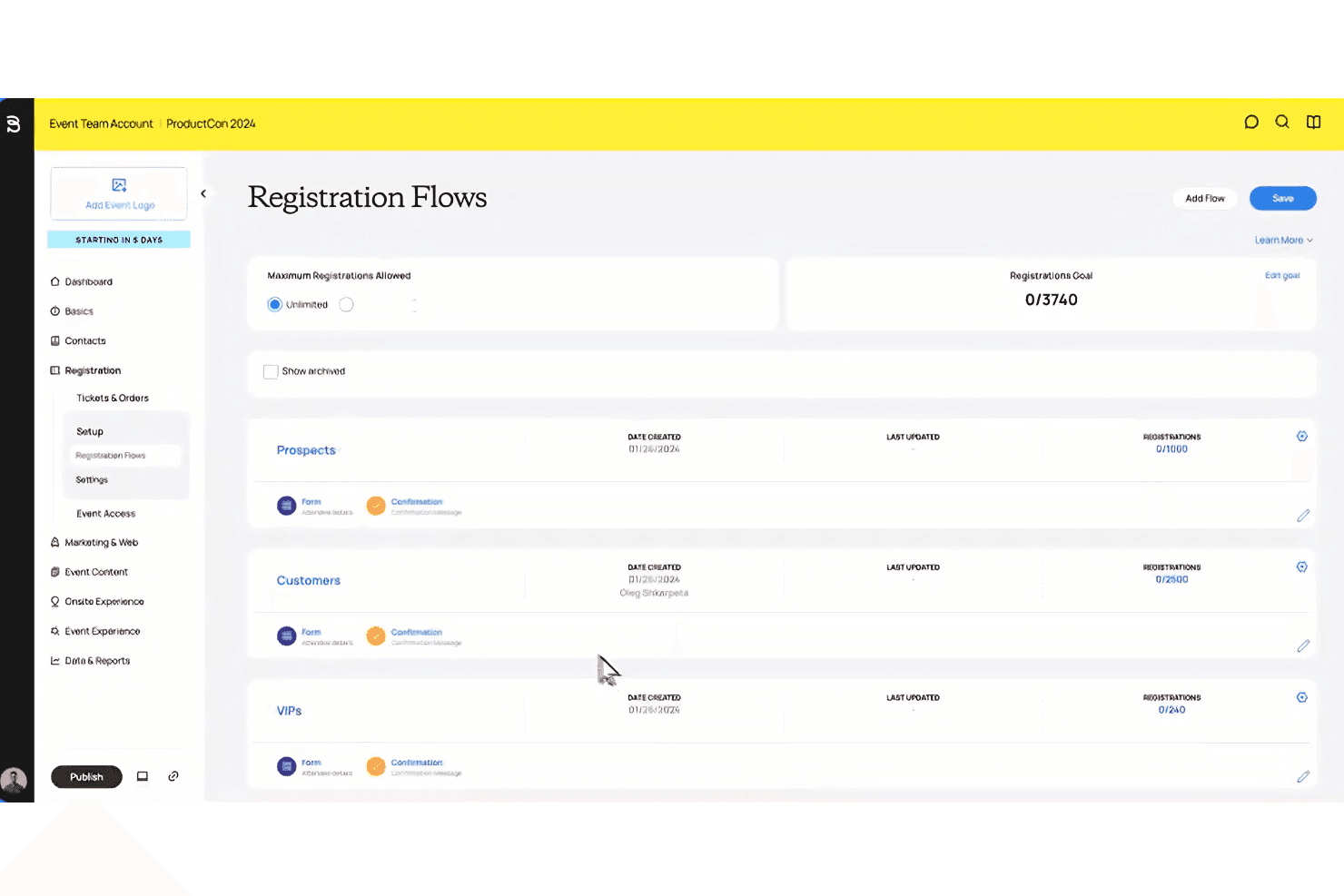
Bizzabo’s interface is modern and intuitive, making it easy for teams to build events, manage registrations, and customize branding without much training. Users often mention the drag-and-drop website builder and clear navigation as highlights. While the platform packs in advanced features, onboarding is guided and support is responsive, so even first-time users can get up to speed quickly.
Some users say the depth of options can feel overwhelming, but most appreciate the flexibility.
Integrations
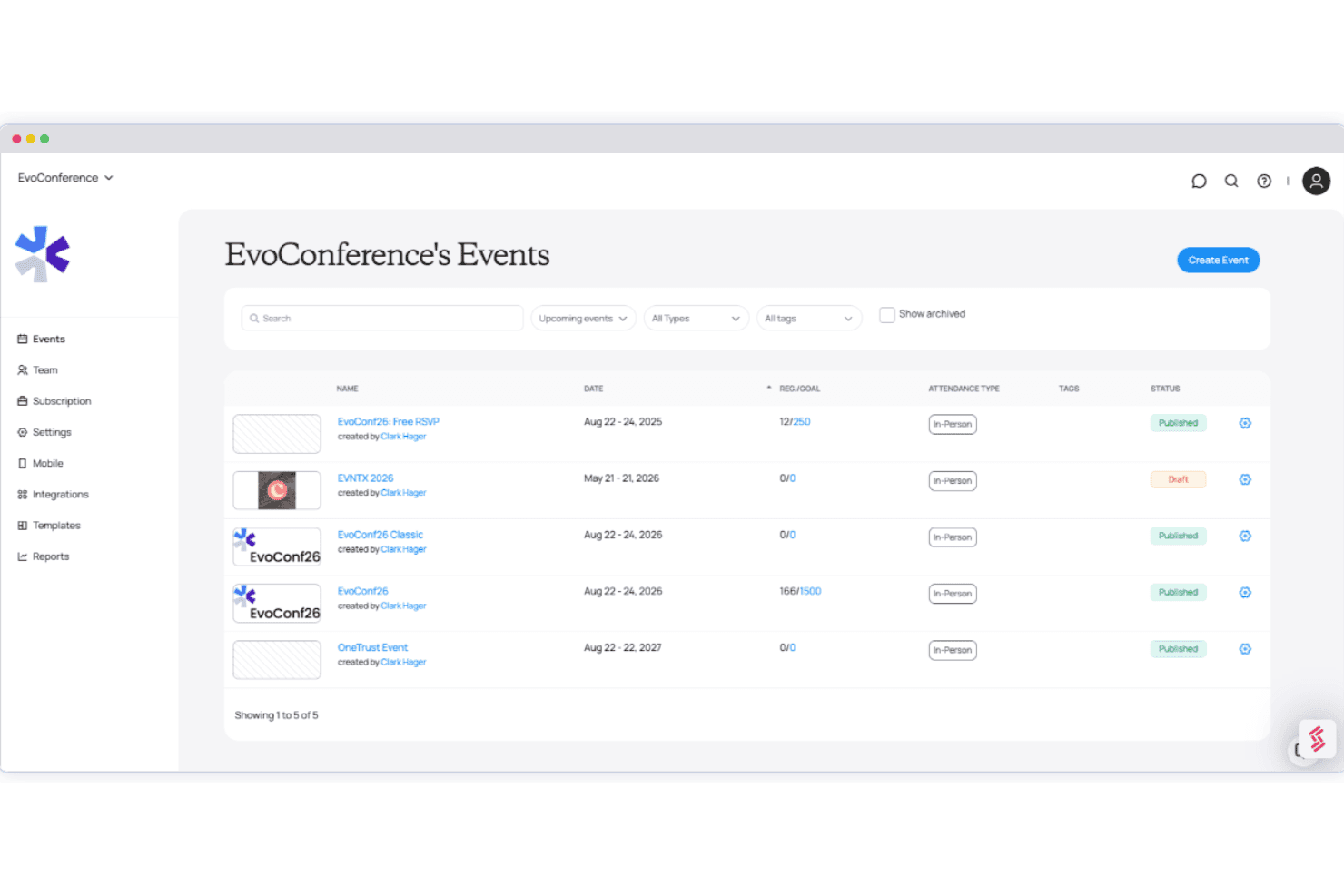
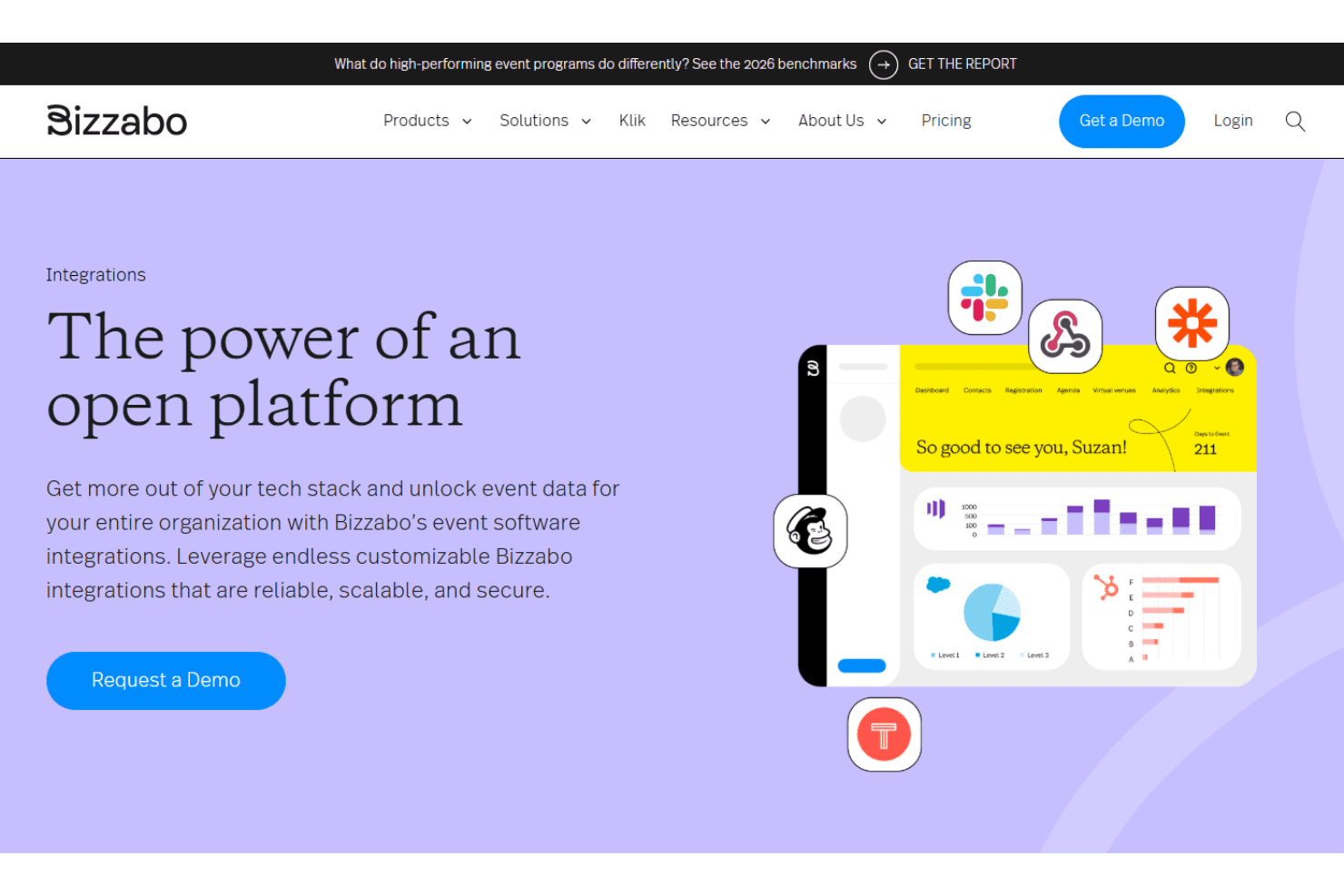
Bizzabo integrates with Salesforce, Slack, Marketo, Eloqua, Pardot, Microsoft Dynamics 365, Slack, Zoom, Brightcove, and Sessionboard, among others.
Bizzabo also offers an open API and connects with third-party integration tools for custom workflows.
Bizzabo Specs
- Accounts Payable: No
- Accounts Receivable: No
- API: Yes
- Audience Targeting: Yes
- Budgeting: Yes
- Calendar Management: Yes
- Contact Management: Yes
- Customer Management: Yes
- Dashboard: Yes
- Data Export: Yes
- Data Import: Yes
- Data Visualization: Yes
- Expense Tracking: No
- External Integrations: Yes
- Forecasting: Yes
- General Account Ledger: Yes
- Inventory Tracking: No
- Lead Management: Yes
- Lead Scoring: Yes
- Marketing Automation: Yes
- Multi-User: Yes
- Notifications: Yes
- Project Management: Yes
- Scheduling: Yes
- Social-Media Integration: Yes
- Supplier Management: No
- Third-Party Plugins/Add-Ons: Yes
- Travel Management: No


