

Bizzabo Review: Pros, Cons, Features and Pricing
Bizzabo brings your entire event management process into one platform, from planning and registration to attendee engagement and analytics.

We review tools independently, and commissions help fund our testing. See our transparency policy, our methodology, or suggest a tool.
Bizzabo is an event management software built for teams running large-scale in-person, virtual, and hybrid events. I'd consider it if your property hosts conferences or corporate gatherings and needs detailed attendee analytics alongside session, speaker, and sponsor management tools. If you're weighing it against Cvent, Bizzabo tends to be the better choice for teams that want a more modern interface and stronger real-time attendee engagement features without the steep learning curve Cvent typically demands.
Bizzabo Evaluation Summary
4.5/5
- From $499/user/month (billed annually)
- Free demo available
Why Trust Our Software Recommendations
6,700+
Reviews
20
Industry experts
16+
Evaluation factors
14
Years
Our team has been testing and reviewing software since 2012. As hospitality leaders ourselves, we know how difficult—and important—it is to choose the right software.
For this guide, we evaluated tools using hands-on testing and independent research, scoring tools using our selection criteria.
Our reviews reflect our human editorial judgment, not a sales pitch.
Bizzabo Overview
When I compare Bizzabo to other event management software, I think its hybrid event tools, customizable branding, and analytics set it apart. The interface is modern, and onboarding is straightforward, even for teams new to digital events. Pricing is on the higher side, but you get strong support and deep integrations.
I’d suggest Bizzabo for hotels or venues running large, complex, or hybrid events where attendee engagement and data matter most. If you’re judging by flexibility and feature depth, Bizzabo is a top contender, though smaller teams may find it more than they need.
Pros
- Hybrid event tools support in-person, virtual, and hybrid formats.
- Customizable registration flows and branded event websites.
- Strong customer support with 24/7 access and dedicated managers.
Cons
- Pricing is higher than many alternatives.
- Some users report slow response to technical issues.
- Advanced features can be overwhelming for smaller teams.
Is Bizzabo Right For Your Needs?
Who Would be a Good Fit for Bizzabo?
Bizzabo is a strong choice for organizations that need advanced event management, attendee engagement, and hybrid event capabilities. Its analytics, branding, and support make it ideal for teams running large-scale or complex events. If your business relies on data-driven decisions, custom workflows, and seamless attendee experiences, Bizzabo’s feature set is going to deliver real value.
- Event AgenciesSupports multiple clients, complex logistics, and detailed reporting needs.
- AssociationsMembership management and recurring event tools fit annual conferences and expos.
- Marketing DepartmentsCustomizable registration and branded websites boost lead capture and engagement.
- Higher EducationUniversities can manage hybrid graduations, alumni events, and open days.
- Corporate Event TeamsIts analytics and engagement tools support high-stakes conferences and summits.
- Large HotelsBizzabo handles multi-room scheduling, guest management, and branded experiences.
Who Would be a Bad Fit for Bizzabo?
Bizzabo isn’t the best choice for smaller teams, simple events, or organizations with tight budgets. Its advanced features and pricing are often more than what basic event planners or small venues need. If you’re looking for a lightweight, low-cost, or highly specialized solution, Bizzabo may not be the right fit.
- Trade Show ExhibitorsExhibitors needing only booth management won’t use most Bizzabo features.
- Local Community GroupsBudget constraints and simple event formats make Bizzabo excessive.
- Internal HR TeamsBasic internal meetings or trainings don’t need Bizzabo’s full suite.
- Solo Event PlannersSingle users may find the platform overwhelming and underutilized.
- Boutique VenuesSimple event needs don’t justify Bizzabo’s complexity or cost.
- Small NonprofitsPricing and advanced features exceed what most small nonprofits require.
How We Test & Score Tools
We’ve spent years building, refining, and improving our software testing and scoring system. The rubric is designed to capture the nuances of software selection and what makes a tool effective, focusing on critical aspects of the decision-making process.
Below, you can see exactly how our testing and scoring works across seven criteria. It allows us to provide an unbiased evaluation of the software based on core functionality, standout features, ease of use, onboarding, customer support, integrations, customer reviews, and value for money.
Core Functionality (25% of final scoring)
The starting point of our evaluation is always the core functionality of the tool. Does it have the basic features and functions that a user would expect to see? Are any of those core features locked to higher-tiered pricing plans? At its core, we expect a tool to stand up against the baseline capabilities of its competitors.
Standout Features (25% of final scoring)
Next, we evaluate uncommon standout features that go above and beyond the core functionality typically found in tools of its kind. A high score reflects specialized or unique features that make the product faster, more efficient, or offer additional value to the user.
We also evaluate how easy it is to integrate with other tools typically found in the tech stack to expand the functionality and utility of the software. Tools offering plentiful native integrations, 3rd party connections, and API access to build custom integrations score best.
Ease of Use (10% of final scoring)
We consider how quick and easy it is to execute the tasks defined in the core functionality using the tool. High scoring software is well designed, intuitive to use, offers mobile apps, provides templates, and makes relatively complex tasks seem simple.
Onboarding (10% of final scoring)
We know how important rapid team adoption is for a new platform, so we evaluate how easy it is to learn and use a tool with minimal training. We evaluate how quickly a team member can get set up and start using the tool with no experience. High scoring solutions indicate little or no support is required.
Customer Support (10% of final scoring)
We review how quick and easy it is to get unstuck and find help by phone, live chat, or knowledge base. Tools and companies that provide real-time support score best, while chatbots score worst.
Customer Reviews (10% of final scoring)
Beyond our own testing and evaluation, we consider the net promoter score from current and past customers. We review their likelihood, given the option, to choose the tool again for the core functionality. A high scoring software reflects a high net promoter score from current or past customers.
Value for Money (10% of final scoring)
Lastly, in consideration of all the other criteria, we review the average price of entry level plans against the core features and consider the value of the other evaluation criteria. Software that delivers more, for less, will score higher.
Core Features
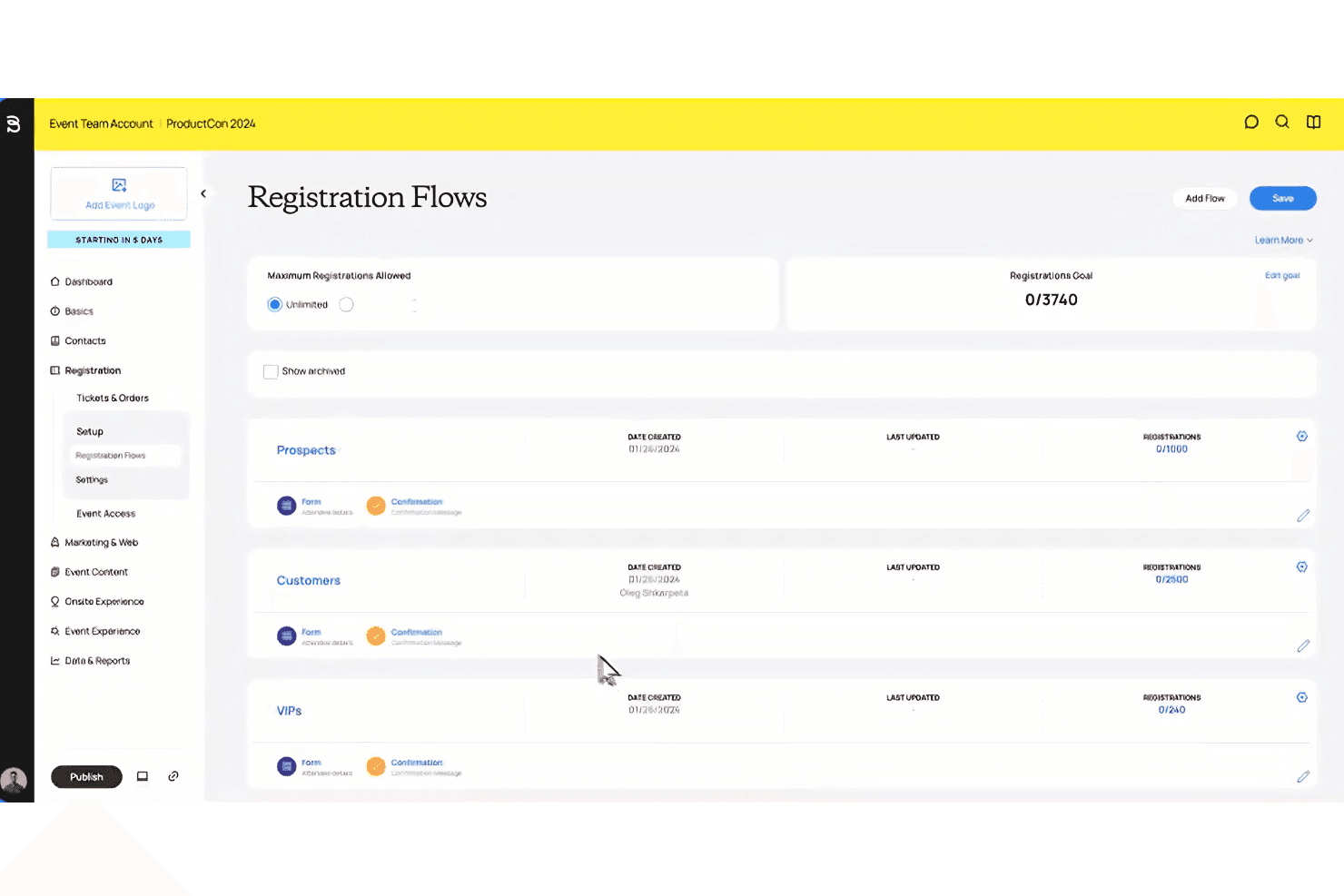
Custom Registration Flows
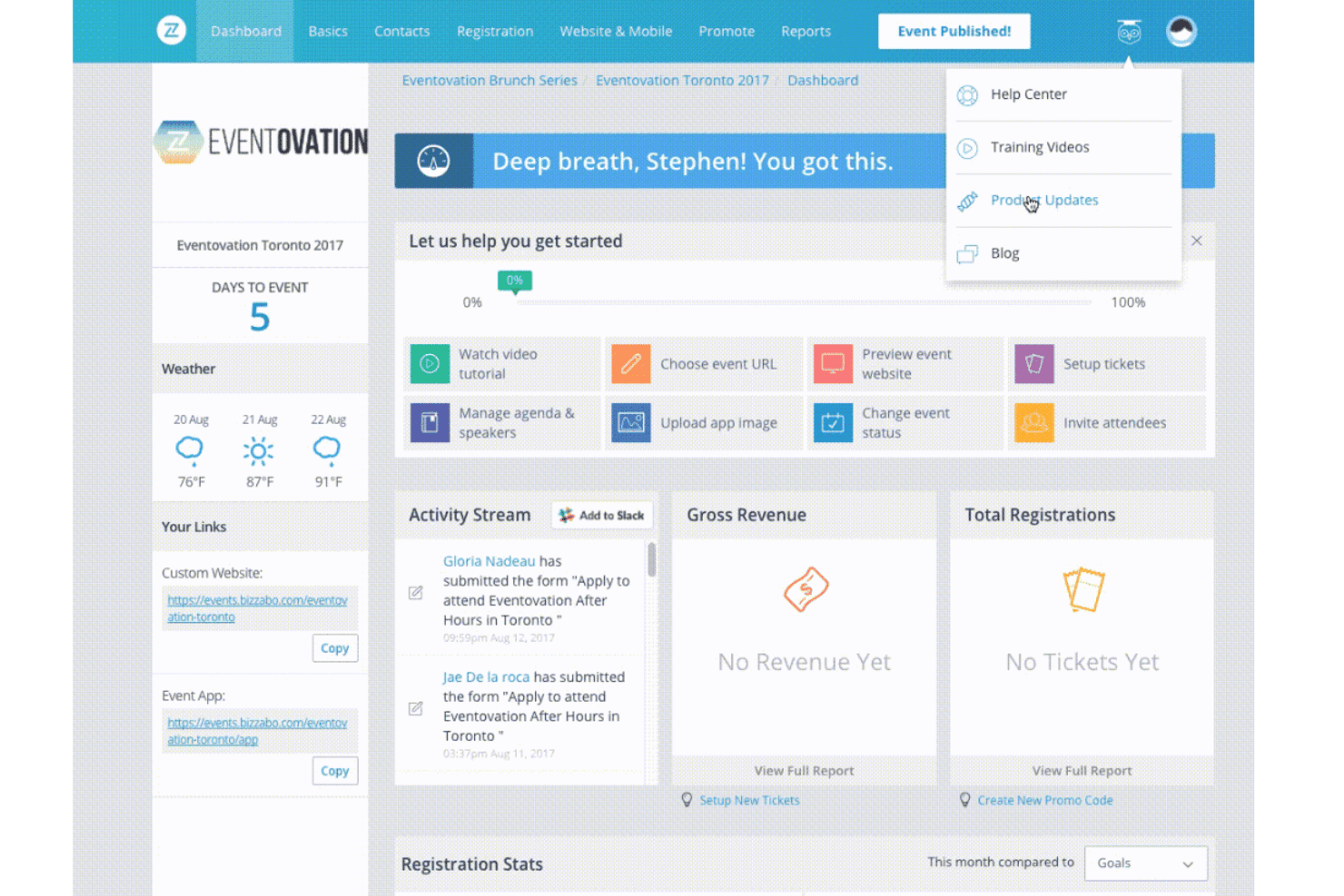
Design attendee registration with custom questions, ticket types, and approval steps. This helps you capture the right data for every event.
Dynamic Event Websites
Build branded, mobile-friendly event sites and agendas in minutes. You can update schedules and content in real time.
Mobile Event App
Engage attendees with push notifications, live polling, and personalized agendas. The app supports both in-person and virtual participation.
Smart Networking Tools
Enable AI-powered matchmaking and real-time connections using Klik wearable tech. Attendees get tailored networking suggestions and contactless lead exchange.
Sponsor and Exhibitor Management
Onboard, promote, and track sponsor and exhibitor performance from one dashboard. Sponsors can access real-time lead data and engagement metrics.
Analytics and Reporting
Centralize event data from registration to post-event engagement. Access dashboards that link attendee activity to revenue and ROI.
Ease of Use
Bizzabo’s interface is modern and intuitive, making it easy for teams to build events, manage registrations, and customize branding without much training. Users often mention the drag-and-drop website builder and clear navigation as highlights. While the platform packs in advanced features, onboarding is guided and support is responsive, so even first-time users can get up to speed quickly.
Some users say the depth of options can feel overwhelming, but most appreciate the flexibility.
Integrations
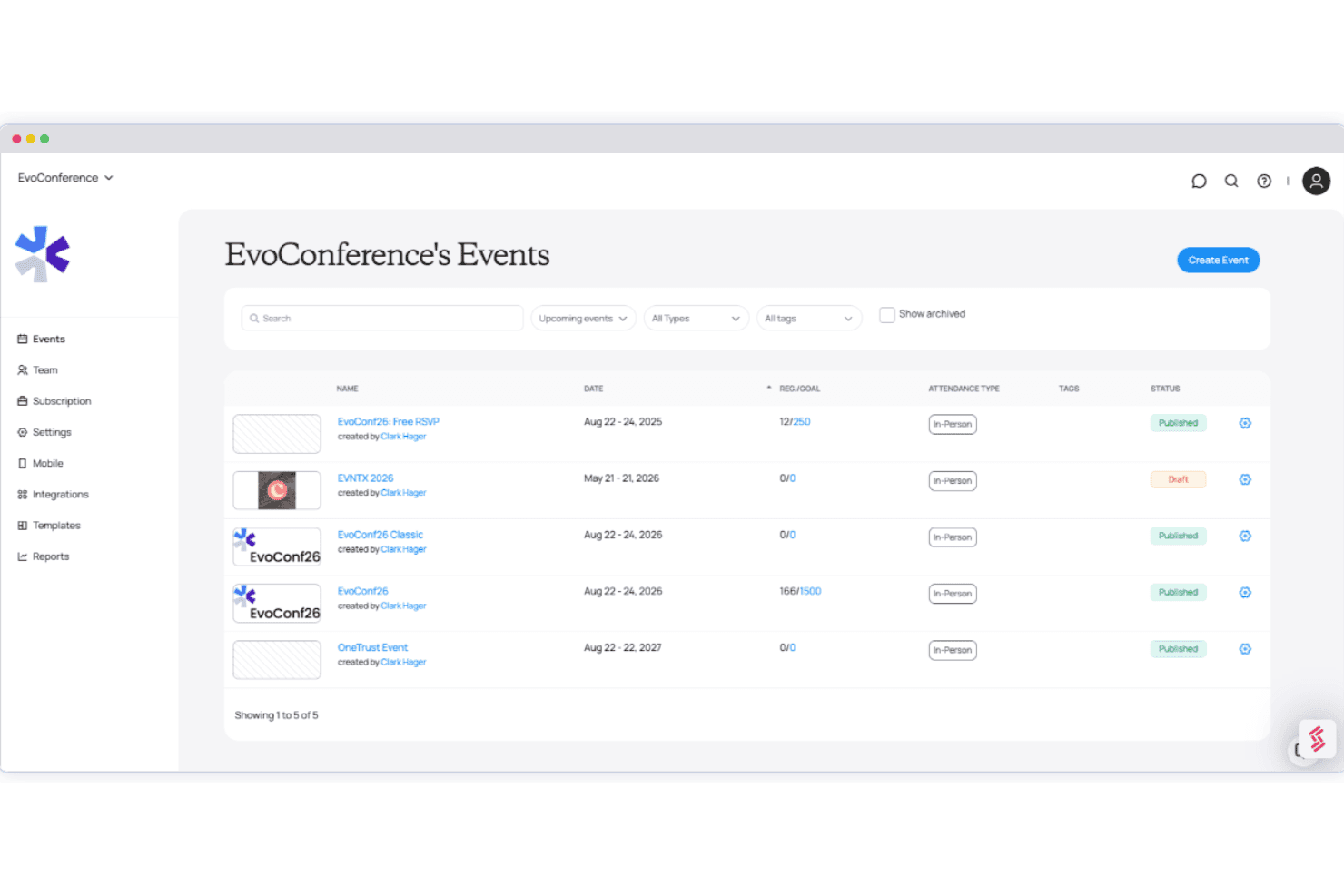
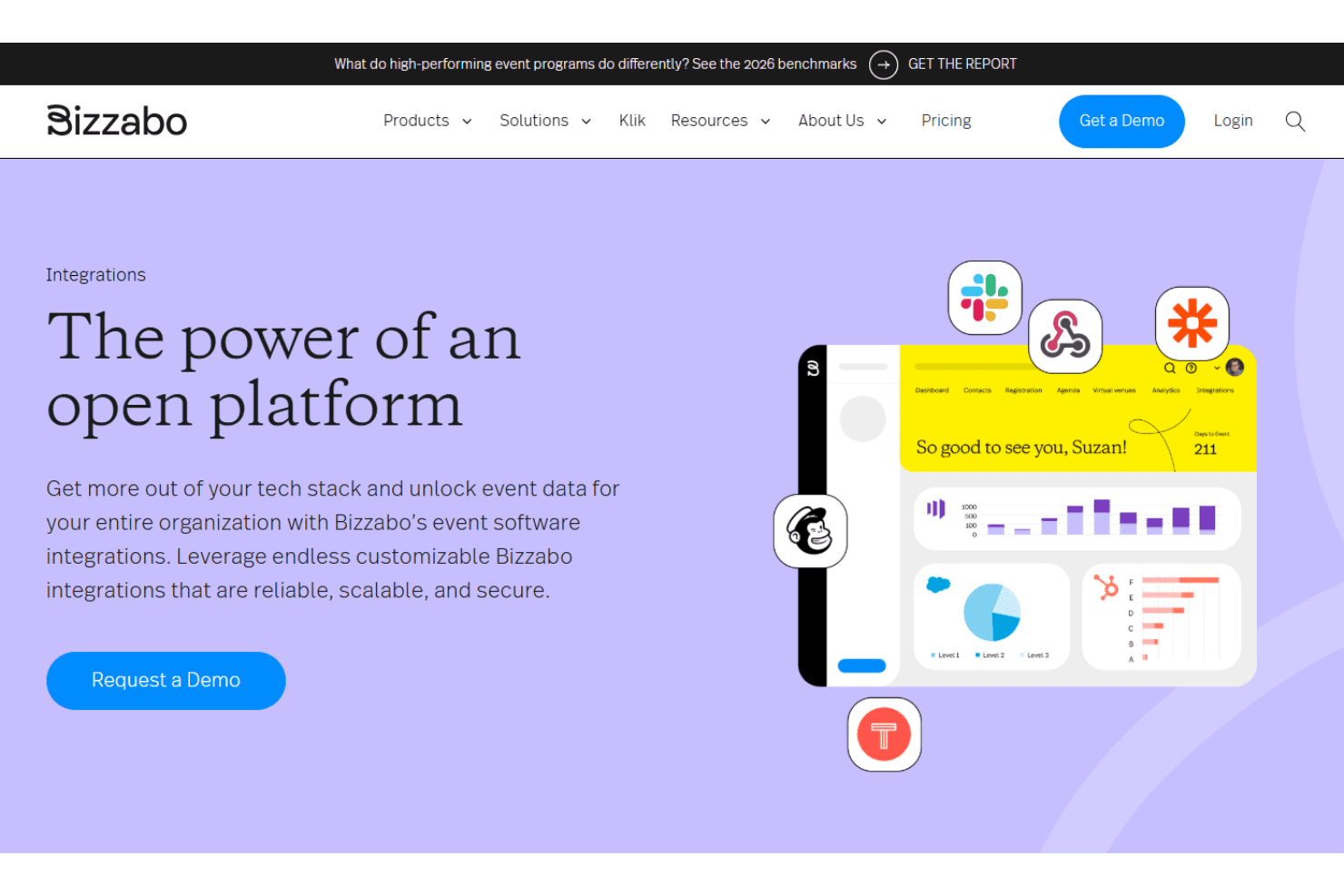
Bizzabo integrates with Salesforce, Slack, Marketo, Eloqua, Pardot, Microsoft Dynamics 365, Slack, Zoom, Brightcove, and Sessionboard, among others.
Bizzabo also offers an open API and connects with third-party integration tools for custom workflows.
Bizzabo Specs
- Accounts Payable: No
- Accounts Receivable: No
- API: Yes
- Audience Targeting: Yes
- Budgeting: Yes
- Calendar Management: Yes
- Contact Management: Yes
- Customer Management: Yes
- Dashboard: Yes
- Data Export: Yes
- Data Import: Yes
- Data Visualization: Yes
- Expense Tracking: No
- External Integrations: Yes
- Forecasting: Yes
- General Account Ledger: Yes
- Inventory Tracking: No
- Lead Management: Yes
- Lead Scoring: Yes
- Marketing Automation: Yes
- Multi-User: Yes
- Notifications: Yes
- Project Management: Yes
- Scheduling: Yes
- Social-Media Integration: Yes
- Supplier Management: No
- Third-Party Plugins/Add-Ons: Yes
- Travel Management: No


