
vFairs Review: Pros, Cons, Features, and Pricing
vFairs brings virtual, hybrid, and in-person event management into one platform, combining customizable event spaces, attendee engagement tools, and networking features to support seamless event experiences.

We review tools independently, and commissions help fund our testing. See our transparency policy, our methodology, or suggest a tool.
vFairs is an event management software built for teams that need to host virtual, hybrid, and in-person events with registration, ticketing, networking, and analytics in one place. I'd consider it if your property runs conferences, trade shows, or corporate events and you want more customization and flexibility than Cvent offers—without the enterprise price tag and implementation complexity that comes with it.
vFairs Evaluation Summary
4.7/5
- Pricing upon request
- Free demo available
Why Trust Our Software Recommendations
6,700+
Reviews
20
Industry experts
16+
Evaluation factors
14
Years
Our team has been testing and reviewing software since 2012. As hospitality leaders ourselves, we know how difficult—and important—it is to choose the right software.
For this guide, we evaluated tools using hands-on testing and independent research, scoring tools using our selection criteria.
Our reviews reflect our human editorial judgment, not a sales pitch.
vFairs Overview
I think vFairs is a top pick if you want a visually engaging, all-in-one event management platform with strong support and easy onboarding. Its 3D virtual venues, interactive booths, and networking tools set it apart, especially for large-scale or hybrid events. Pricing is higher than some, but you get hands-on help and customization.
I’d suggest vFairs for hotels hosting conferences, expos, or multi-session events where attendee engagement and branded experiences matter most. If you need deep integrations or advanced analytics, you might find some limits compared to other options.
Pros
- You can create highly customizable virtual event environments that engage attendees.
- Your team will appreciate the intuitive interface that makes managing events straightforward.
- You get access to robust analytics tools that help track and improve event performance.
Cons
- Users often find the initial setup process time-consuming.
- Some report that the platform can be overwhelming due to its extensive features.
- You might experience occasional technical glitches during live events.
Is vFairs Right For Your Needs?
Who Would be a Good Fit for vFairs?
Vfairs is perfect for large enterprises, educational institutions, and tech companies looking to host dynamic virtual and hybrid events. Your marketing teams and HR departments will benefit from its customizable environments and robust analytics.
If your work involves engaging large audiences or providing complex event experiences, Vfairs’s comprehensive features make it a top choice. Its ability to handle extensive attendee lists and provide interactive elements helps your team deliver memorable events.
- Large EnterprisesYour enterprise can manage complex events with Vfairs’s scalable and customizable solutions.
- Educational InstitutionsYou can host virtual fairs and conferences that engage students and staff with interactive tools.
- Tech CompaniesYour tech firm can showcase products and build networks using Vfairs’s detailed analytics and custom branding.
- Marketing TeamsYou can create engaging virtual experiences that captivate audiences and collect valuable insights.
- Human Resources DepartmentsYou can organize virtual job fairs and training sessions that enhance employee engagement and recruitment.
- Nonprofit OrganizationsYour nonprofit can reach broader audiences with cost-effective virtual fundraising and awareness events.
Who Would be a Bad Fit for vFairs?
Small businesses or teams with limited resources might find Vfairs overwhelming due to its extensive feature set and initial setup demands. If your events are small-scale or simple, you might not need the advanced capabilities Vfairs offers. Additionally, organizations that require quick, straightforward virtual meetings without the need for customization or analytics might find Vfairs’s comprehensive tools unnecessary.
- Small BusinessesYour small team might not need the full range of features or find Vfairs cost-effective for simple events.
- FreelancersAs an individual, you might find the platform’s complexity excessive for basic event needs.
- Local MeetupsFor local gatherings, the extensive customization and analytics might be more than you require.
- Short-term ProjectsIf your project demands quick execution, Vfairs’s setup time might not be suitable.
- Ad-hoc MeetingsFor spontaneous meetings, Vfairs’s detailed features might slow down the process.
- Basic WebinarsIf your webinars are straightforward, Vfairs’s advanced tools might be unnecessary.
How We Test & Score Tools
We’ve spent years building, refining, and improving our software testing and scoring system. The rubric is designed to capture the nuances of software selection and what makes a tool effective, focusing on critical aspects of the decision-making process.
Below, you can see exactly how our testing and scoring works across seven criteria. It allows us to provide an unbiased evaluation of the software based on core functionality, standout features, ease of use, onboarding, customer support, integrations, customer reviews, and value for money.
Core Functionality (25% of final scoring)
The starting point of our evaluation is always the core functionality of the tool. Does it have the basic features and functions that a user would expect to see? Are any of those core features locked to higher-tiered pricing plans? At its core, we expect a tool to stand up against the baseline capabilities of its competitors.
Standout Features (25% of final scoring)
Next, we evaluate uncommon standout features that go above and beyond the core functionality typically found in tools of its kind. A high score reflects specialized or unique features that make the product faster, more efficient, or offer additional value to the user.
We also evaluate how easy it is to integrate with other tools typically found in the tech stack to expand the functionality and utility of the software. Tools offering plentiful native integrations, 3rd party connections, and API access to build custom integrations score best.
Ease of Use (10% of final scoring)
We consider how quick and easy it is to execute the tasks defined in the core functionality using the tool. High scoring software is well designed, intuitive to use, offers mobile apps, provides templates, and makes relatively complex tasks seem simple.
Onboarding (10% of final scoring)
We know how important rapid team adoption is for a new platform, so we evaluate how easy it is to learn and use a tool with minimal training. We evaluate how quickly a team member can get set up and start using the tool with no experience. High scoring solutions indicate little or no support is required.
Customer Support (10% of final scoring)
We review how quick and easy it is to get unstuck and find help by phone, live chat, or knowledge base. Tools and companies that provide real-time support score best, while chatbots score worst.
Customer Reviews (10% of final scoring)
Beyond our own testing and evaluation, we consider the net promoter score from current and past customers. We review their likelihood, given the option, to choose the tool again for the core functionality. A high scoring software reflects a high net promoter score from current or past customers.
Value for Money (10% of final scoring)
Lastly, in consideration of all the other criteria, we review the average price of entry level plans against the core features and consider the value of the other evaluation criteria. Software that delivers more, for less, will score higher.
Core Features
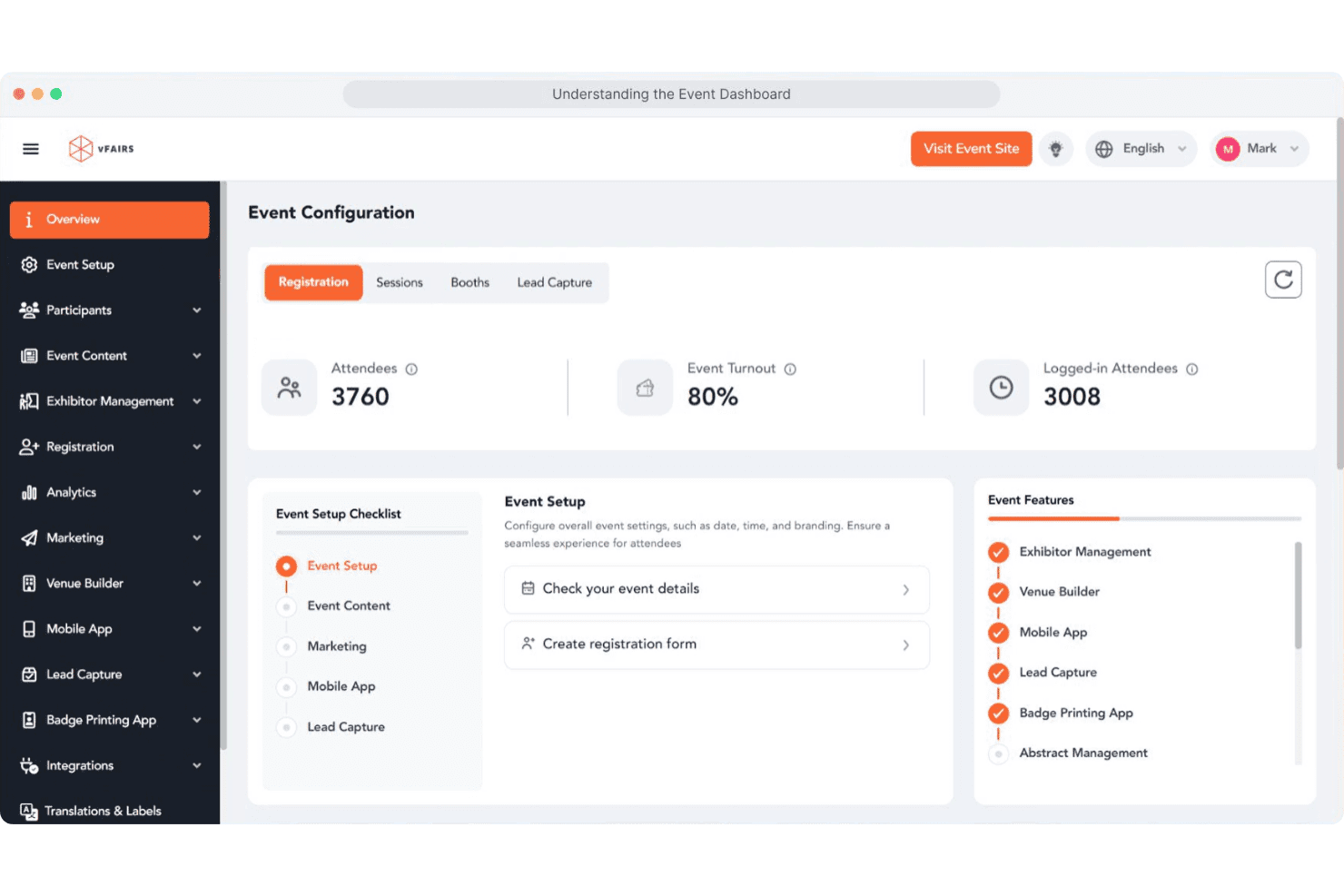
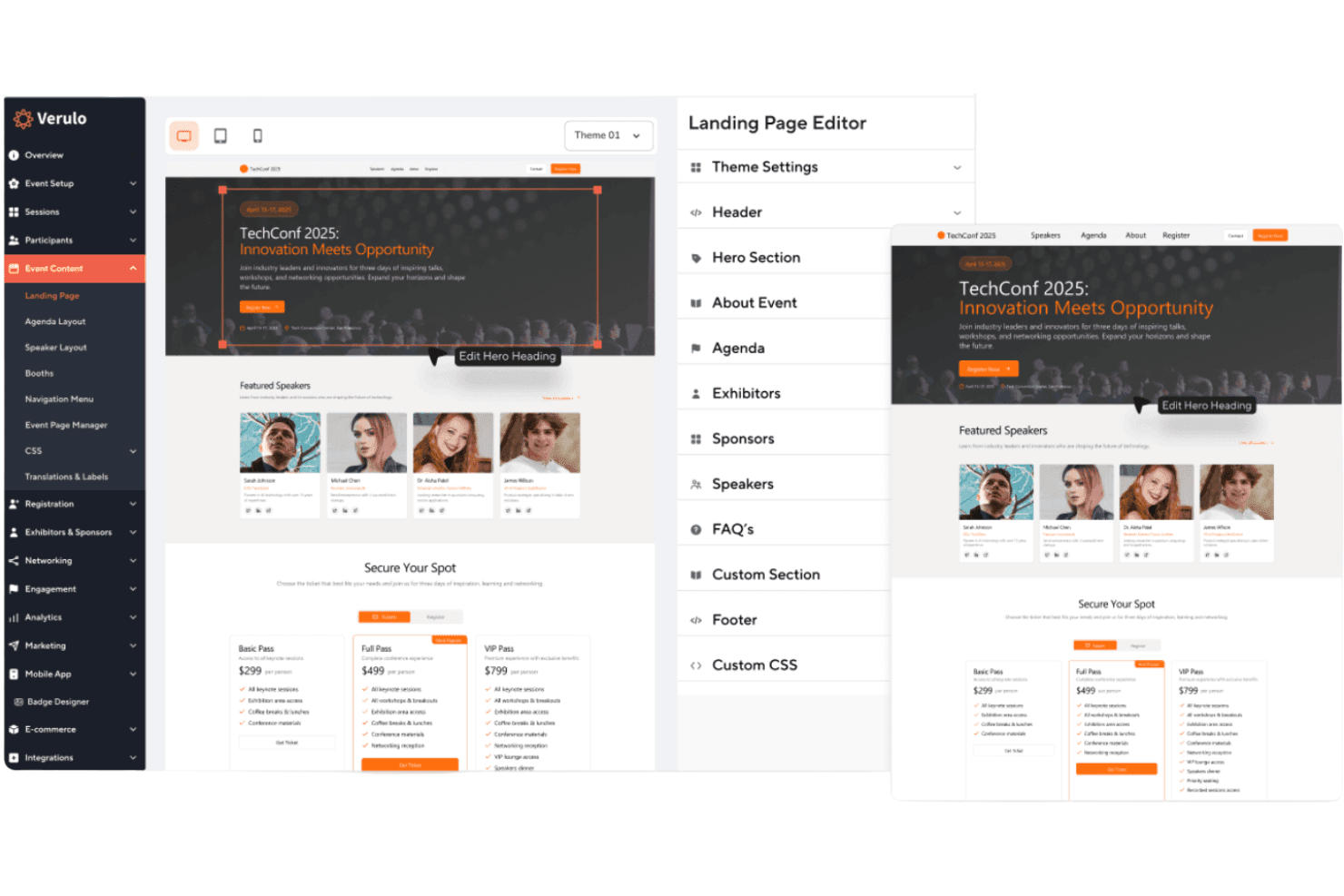
Custom-Branded Event Websites
Create fully branded event websites with custom registration forms and ticketing options.
3D Virtual Venues
Host immersive virtual events with customizable 3D environments and interactive exhibit halls.
Badge Printing and Check-In
Use instant badge printing and self-service kiosks for fast, secure onsite check-in.
Mobile Event App
Offer attendees a branded mobile app for agendas, networking, and lead capture.
Exhibitor and Sponsor Management
Give sponsors and exhibitors their own portals to manage content and track meetings.
Dedicated Project Manager
Work with a project manager for setup, configuration, and live event support.
Standout Features
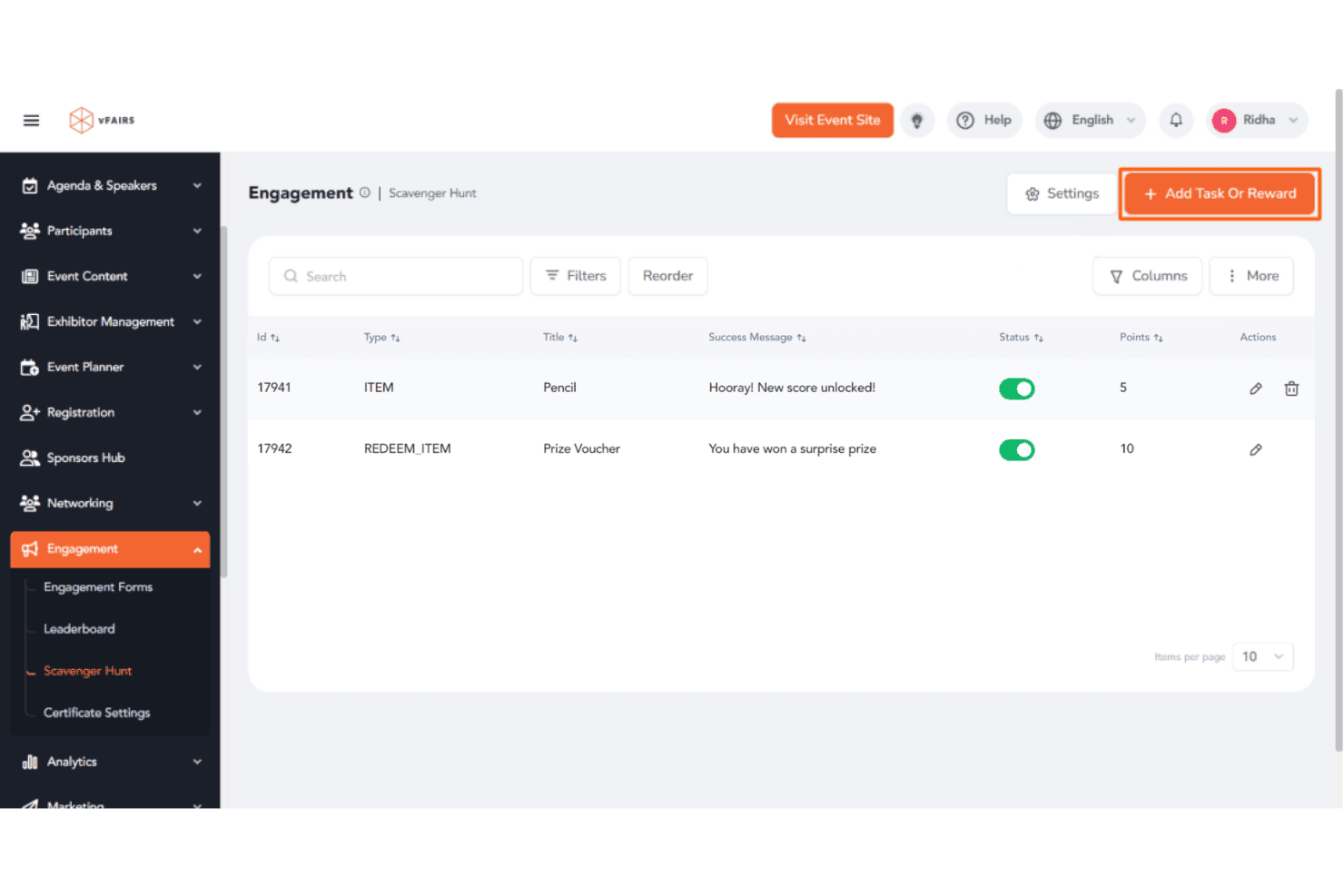
Gamification Tools
vFairs lets you add leaderboards, scavenger hunts, and quizzes to boost attendee engagement. These interactive elements drive participation and make events more memorable.
Multilingual Support
You can deliver events in multiple languages with real-time translation and localized content. This feature helps you reach global audiences without extra complexity.
Ease of Use
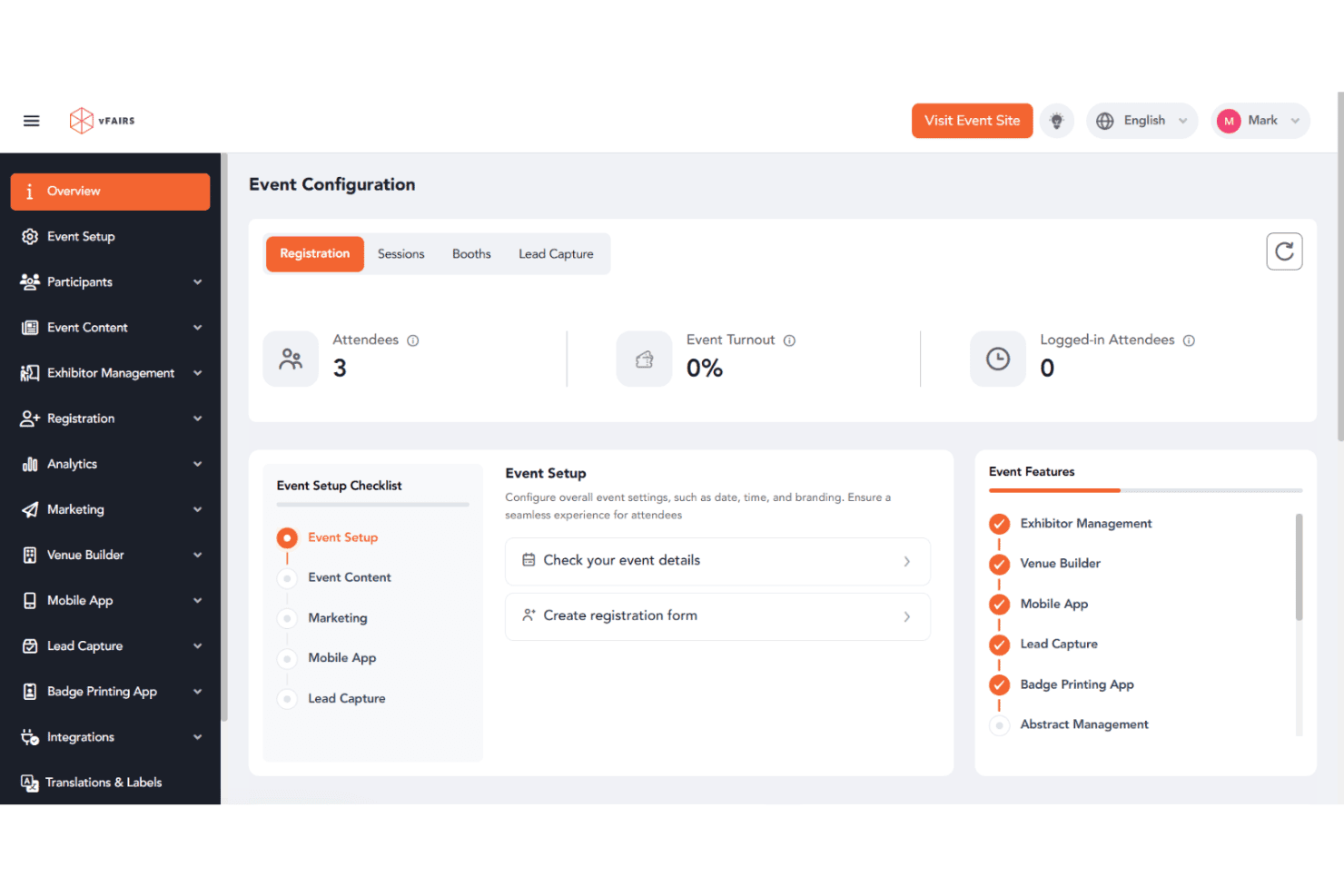
vFairs is user-friendly, especially for event organizers who want hands-on support and guided onboarding. The interface is clean, and most users say setup is straightforward thanks to dedicated project managers and detailed walkthroughs. Attendees find navigation intuitive, whether joining via desktop or mobile.
Some users mention minor challenges with the mobile app, but overall, vFairs makes it easy to manage complex events without needing deep technical skills.
Onboarding
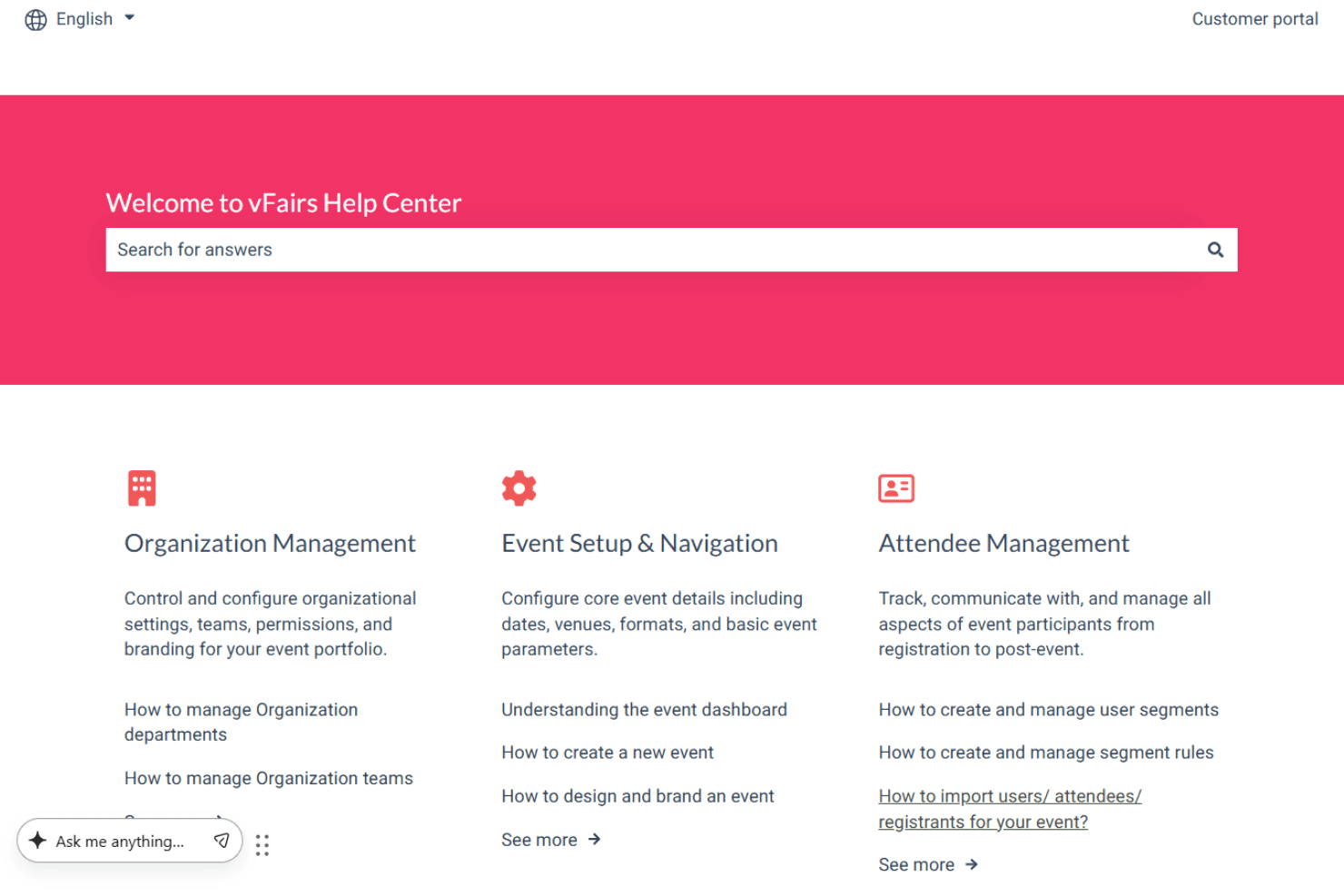
vFairs stands out for its personalized onboarding, assigning a dedicated project manager to guide you from setup through event day. Users consistently praise the responsive support team and detailed training resources, which help new users get up to speed quickly.
The platform offers live demos, help articles, and 24/7 assistance, so you’re never left guessing. This hands-on approach shortens the learning curve and builds confidence for first-time event organizers.
Customer Support
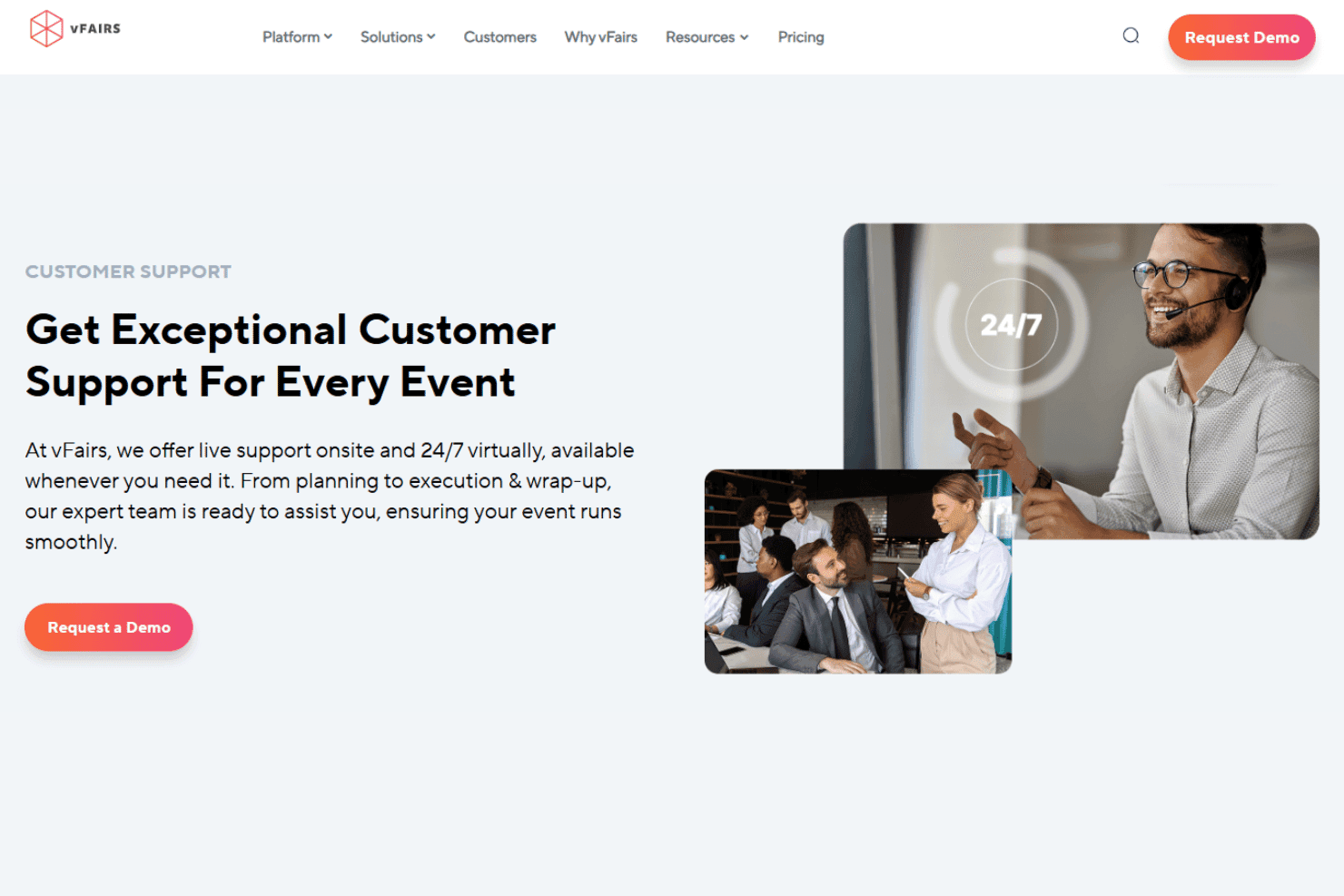
vFairs earns high marks for its responsive, knowledgeable customer support team. Users appreciate having a dedicated project manager and access to 24/7 live chat, email, and phone support. Many reviews highlight quick response times and proactive troubleshooting during live events.
The support team’s willingness to walk users through technical issues and provide real-time solutions makes a big difference, especially for high-stakes, large-scale events.
Integrations
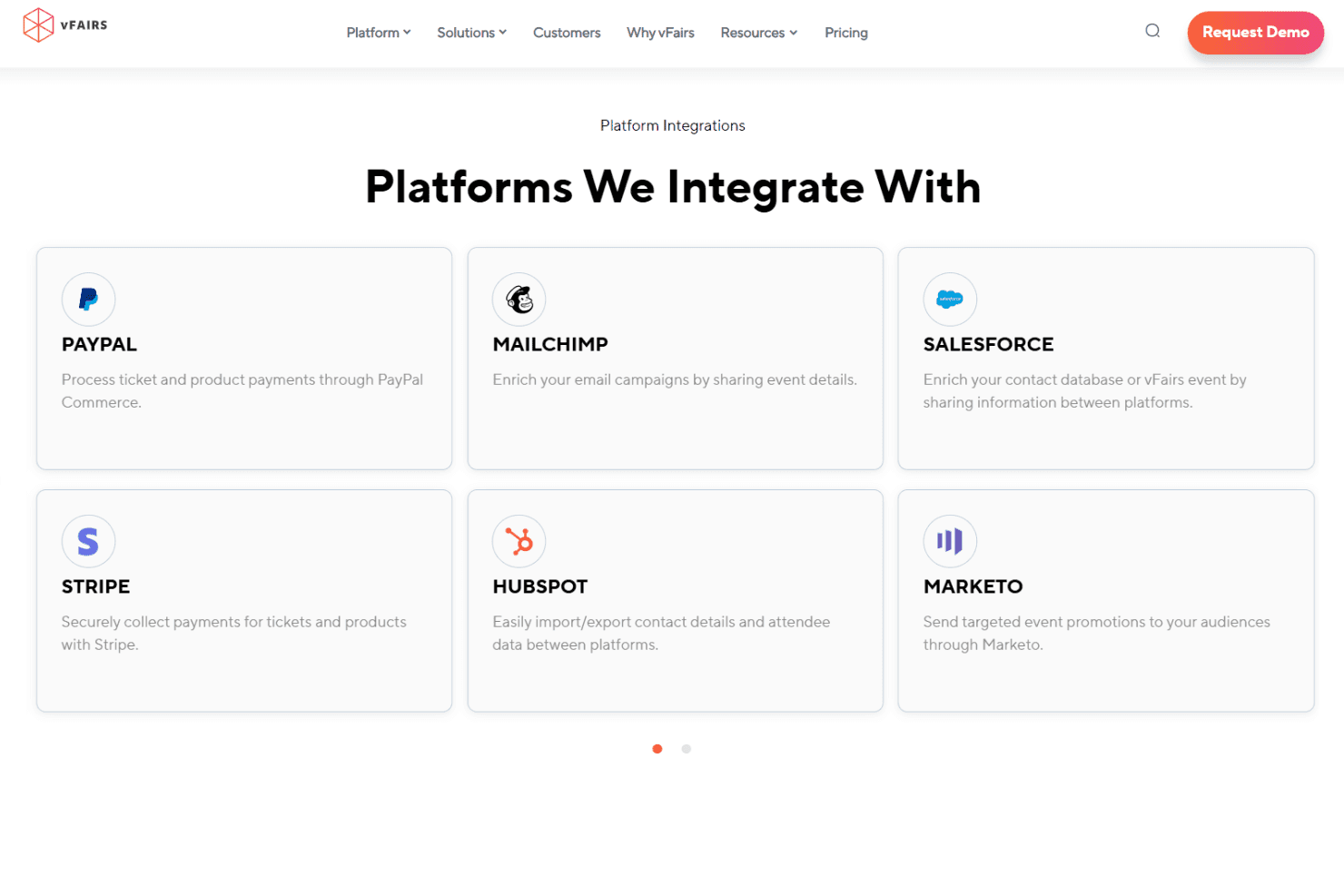
vFairs integrates with Zoom, Webex, Microsoft Teams, Salesforce, HubSpot, Mailchimp, Stripe, PayPal, Marketo, and Slido, among others.
vFairs also offers a RESTful API and connects with thousands of apps through Zapier and custom integrations.
Value for Money
vFairs uses a custom quote-based pricing model rather than fixed subscription tiers, so organizations need to contact the sales team for pricing details. The platform emphasizes flexible pricing based on event needs, along with dedicated support throughout planning, execution, and post-event reporting.
For businesses managing large-scale virtual, hybrid, or in-person events, the included support and customization may help justify the investment.
vFairs Specs
- 2-Factor Authentication: Yes
- 360 Degree Feedback: No
- API: Yes
- Application Tracking: Yes
- Attendance Tracking: Yes
- Batch Permissions & Access: No
- Compliance Tracking: No
- Dashboard: Yes
- Data Export: Yes
- Data Import: Yes
- Data Visualization: Yes
- Employee Database: No
- Employee Engagement: No
- Employee Incentive Management: No
- Employee Onboarding: Yes
- Employee Training: Yes
- Expense Tracking: No
- External Integrations: Yes
- Feedback Management: Yes
- Multi-User: Yes
- Notifications: Yes
- Payroll: No
- Performance Appraisal: No
- Scheduling: Yes
- Time Management: No
- Timesheets: No
- Travel Management: No
- Vacation & Absence Calendar: No
vFairs FAQs
vFairs Company Overview & History
vFairs is a global event management software company known for its virtual, hybrid, and in-person event solutions. The company is headquartered in Dallas, Texas, and has powered over 50,000 events for organizations worldwide. vFairs is recognized for its strong customer support, customizable platform, and enterprise-grade security, with compliance to GDPR, CCPA, ISO 27001, and SOC 2 standards. Notable clients include Cadence, TCOE, and the National Urban League, and the company has been recognized by Gartner and G2 as a leader in event technology.
vFairs Major Milestones
- 2016: vFairs founded and launches its first virtual event platform.
- 2019: Expands to support hybrid and in-person event solutions.
- 2023: Surpasses 50,000 events powered and 100 million attendees served.
- 2026: Named a Leader in the Gartner Magic Quadrant and a Customers’ Choice for Event Technology Platforms.