


Cloudbeds Hospitality Management Software Review for 2026



Cloudbeds is a hospitality management platform built for hotels, hostels, vacation rentals, and multi-property groups that want to manage operations, distribution, guest experience, and revenue tools in one system. When you’re dealing with front desk workflows, online distribution, payments, and guest communications across multiple tools, it’s easy for information to become fragmented. Cloudbeds aims to reduce that fragmentation by offering a core property management system with built-in payments, distribution options, and a large marketplace of integrations.
Rather than acting solely as a PMS, Cloudbeds provides a platform as a foundation that properties can expand with optional revenue, marketing, and guest experience products powered by its Signals AI model. In this review, I’ll walk through Cloudbeds’s features, pricing structure, strengths, limitations, and ideal use cases so you can decide whether it fits your property’s size, complexity, and growth plans.
Cloudbeds Evaluation Summary
- Pricing upon request
- Free demo available
Why Trust Our Software Reviews
We’ve been testing and reviewing hotel management software since 2023. As hotel managers ourselves, we know how critical and difficult it is to make the right decision when selecting software.
We invest in deep research to help our audience make better software purchasing decisions. We’ve tested more than 2,000 tools for different hotel management use cases and written over 1,000 comprehensive software reviews. Learn how we stay transparent & our software review methodology.
Cloudbeds Overview
Cloudbeds is designed as a unified, cloud-native platform rather than a collection of disconnected modules. At its core are the PMS, payments, and marketplace, with optional distribution tools like the channel manager and booking engine, as well as add-ons for revenue intelligence, marketing, websites, and reputation management.
Compared to legacy hospitality systems, Cloudbeds is generally easier to learn and deploy, with a modern interface and guided onboarding. It also supports a wide range of property types and integrates with hundreds of third-party tools through its marketplace and open API. That said, Cloudbeds does not try to replace every specialized system. Properties with highly complex financial reporting, large-scale event sales, or niche operational requirements may still rely on external tools connected through integrations.
pros
-
Responsive customer support with live chat and onboarding help.
-
Large integration marketplace and open API for extending functionality.
-
Unified platform that combines PMS, payments, and optional distribution in one system.
cons
-
Advanced analytics and financial reporting may require external tools.
-
Revenue marketing features must be purchased as add-ons.
-
Platform depth can feel overwhelming for very small teams that need basic reservation management.
-

roommaster
Visit WebsiteThis rating combines scores from multiple user review sites to reflect overall customer sentiment about the product.4.3 -
Little Hotelier
Visit WebsiteThis rating combines scores from multiple user review sites to reflect overall customer sentiment about the product.4 -
Roomstay Hotel Booking Engine
Visit Website




How We Test & Score Tools
We’ve spent years building, refining, and improving our software testing and scoring system. The rubric is designed to capture the nuances of software selection and what makes a tool effective, focusing on critical aspects of the decision-making process.
Below, you can see exactly how our testing and scoring works across seven criteria. It allows us to provide an unbiased evaluation of the software based on core functionality, standout features, ease of use, onboarding, customer support, integrations, customer reviews, and value for money.
Core Functionality (25% of final scoring)
The starting point of our evaluation is always the core functionality of the tool. Does it have the basic features and functions that a user would expect to see? Are any of those core features locked to higher-tiered pricing plans? At its core, we expect a tool to stand up against the baseline capabilities of its competitors.
Standout Features (25% of final scoring)
Next, we evaluate uncommon standout features that go above and beyond the core functionality typically found in tools of its kind. A high score reflects specialized or unique features that make the product faster, more efficient, or offer additional value to the user.
We also evaluate how easy it is to integrate with other tools typically found in the tech stack to expand the functionality and utility of the software. Tools offering plentiful native integrations, 3rd party connections, and API access to build custom integrations score best.
Ease of Use (10% of final scoring)
We consider how quick and easy it is to execute the tasks defined in the core functionality using the tool. High scoring software is well designed, intuitive to use, offers mobile apps, provides templates, and makes relatively complex tasks seem simple.
Onboarding (10% of final scoring)
We know how important rapid team adoption is for a new platform, so we evaluate how easy it is to learn and use a tool with minimal training. We evaluate how quickly a team member can get set up and start using the tool with no experience. High scoring solutions indicate little or no support is required.
Customer Support (10% of final scoring)
We review how quick and easy it is to get unstuck and find help by phone, live chat, or knowledge base. Tools and companies that provide real-time support score best, while chatbots score worst.
Customer Reviews (10% of final scoring)
Beyond our own testing and evaluation, we consider the net promoter score from current and past customers. We review their likelihood, given the option, to choose the tool again for the core functionality. A high scoring software reflects a high net promoter score from current or past customers.
Value for Money (10% of final scoring)
Lastly, in consideration of all the other criteria, we review the average price of entry level plans against the core features and consider the value of the other evaluation criteria. Software that delivers more, for less, will score higher.
Core Features
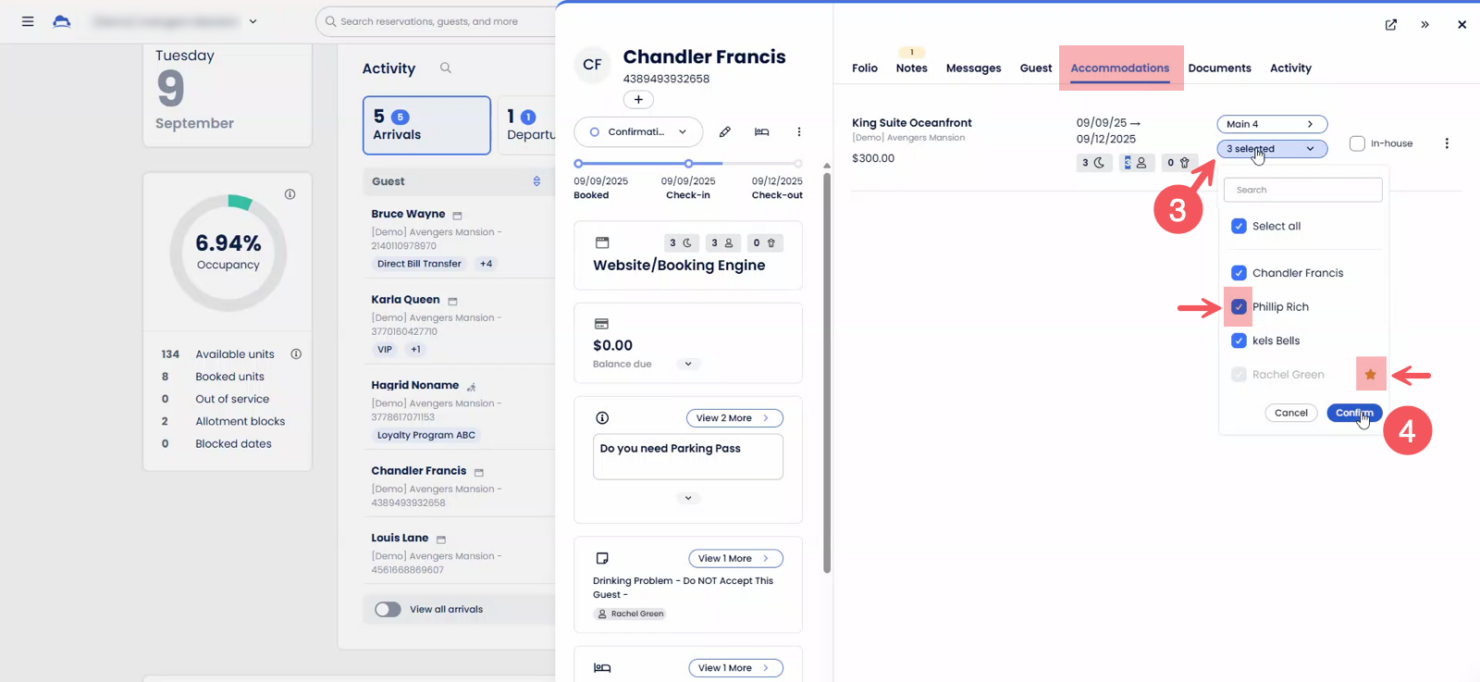
Centralized Reservation Calendar
Cloudbeds provides a centralized view of reservations, availability, and rates. This helps teams manage daily operations and reduces conflicts across booking channels.
Channel Manager
The channel manager allows properties to sync rates and availability across OTAs and other distribution partners in real time, reducing manual updates.
Booking Engine
Cloudbeds includes a direct booking engine that can be embedded into a property’s website, allowing guests to book directly with real-time availability.
Guest Communication Tools
Guest communication features support messaging across email, SMS, and messaging platforms, helping teams respond to guest inquiries from a single inbox.
Housekeeping Management
Housekeeping tools allow managers to assign tasks, track room status, and coordinate staff directly from the PMS.
Payment Processing
Cloudbeds Payments integrates payment processing into reservations and folios, supporting deposits, refunds, and secure handling of card data.
Ease of Use
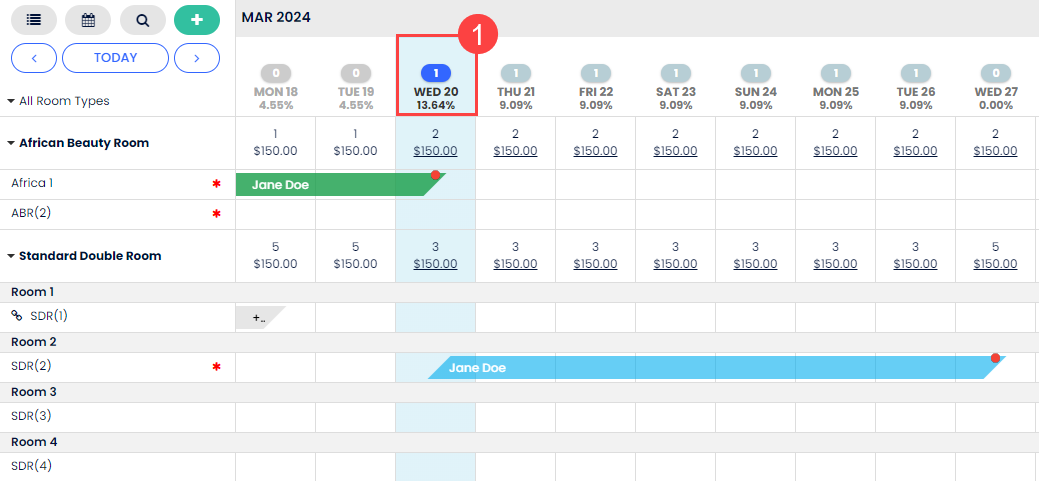
Cloudbeds is widely recognized for its clean interface and straightforward navigation, making it accessible for both new and experienced staff. Users often mention that onboarding is quick, with intuitive menus and clear workflows for reservations, housekeeping, and payments. The centralized dashboard reduces the need to switch between modules, and built-in help resources are easy to find. This focus on simplicity helps teams stay organized and reduces training time, especially in fast-paced hospitality environments.
Integrations
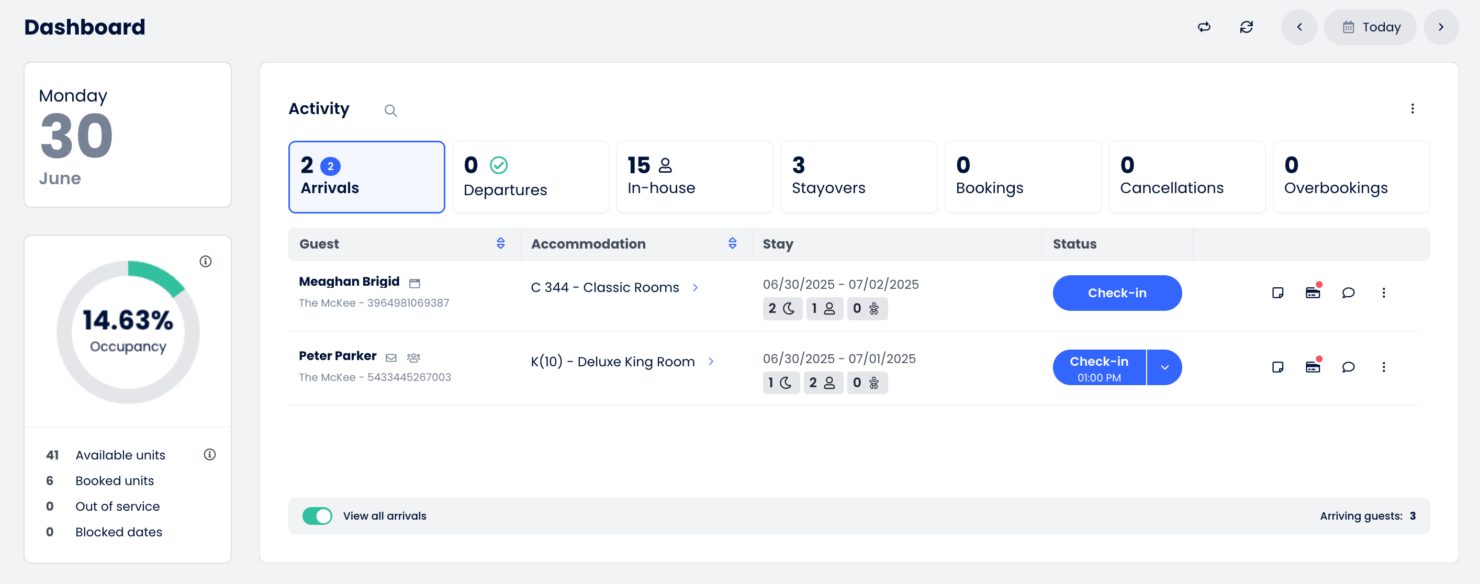
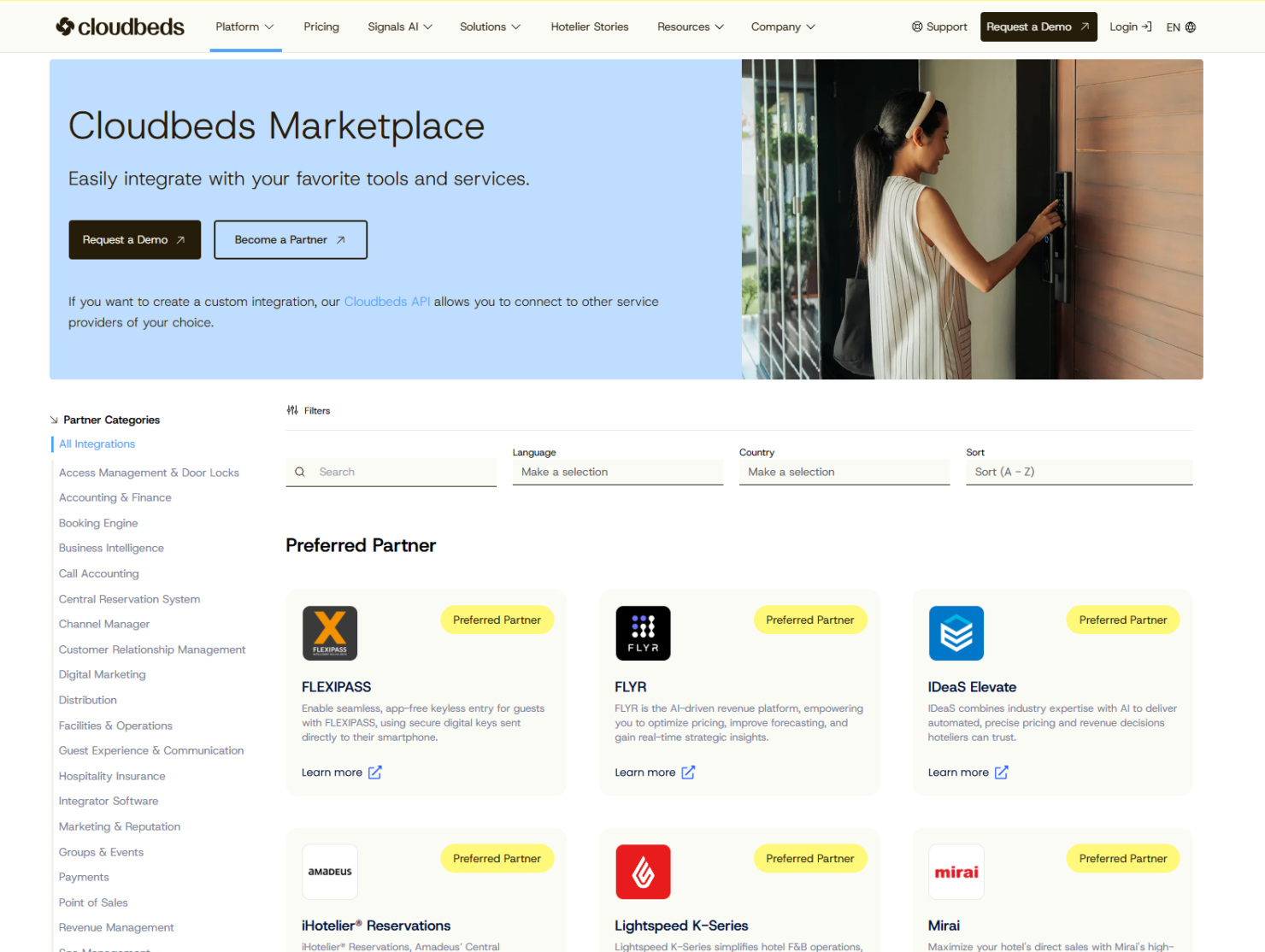
Cloudbeds integrates with Airbnb, Booking.com, Expedia, Google Hotel Search, TripAdvisor, Stripe, PayPal, Xero, QuickBooks, and Mailchimp, among others. They also offer an open API for expanded functionality.
Cloudbeds Specs
- API
- Budgeting
- Calendar Management
- Compliance Tracking
- Contact Management
- Customer Management
- Dashboard
- Data Export
- Data Import
- Data Visualization
- Document Management
- Expense Tracking
- External Integrations
- Forecasting
- Inventory Tracking
- Multi-Currency
- Multi-User
- Notifications
- Organization Management
- Payment Processor
- Payroll
- Scheduling
- Supplier Management
- Tax Management
- Workflow Management