

Hoteza Review: Pros, Cons, Features and Pricing
Hoteza brings hotel guest experience technology into one platform, from in-room entertainment and digital concierge tools to guest communication and smart hospitality integrations.

We review tools independently, and commissions help fund our testing. See our transparency policy, our methodology, or suggest a tool.
Hoteza is a hotel guest app that covers the digital guest journey from pre-arrival through checkout—combining mobile check-in, in-room entertainment, digital directories, and guest messaging in one platform. It's worth a close look if your property wants to move away from printed compendiums and phone-based service requests. I'd consider it over a tool like Intelity if you want comparable digital touchpoints without the complexity and pricing assumptions that come with a platform built primarily for large hotel groups.
Hoteza Evaluation Summary
4.8/5
- Pricing upon request
- Free demo available
Why Trust Our Software Recommendations
6,700+
Reviews
20
Industry experts
16+
Evaluation factors
14
Years
Our team has been testing and reviewing software since 2012. As hospitality leaders ourselves, we know how difficult—and important—it is to choose the right software.
For this guide, we evaluated tools using hands-on testing and independent research, scoring tools using our selection criteria.
Our reviews reflect our human editorial judgment, not a sales pitch.
Hoteza Overview
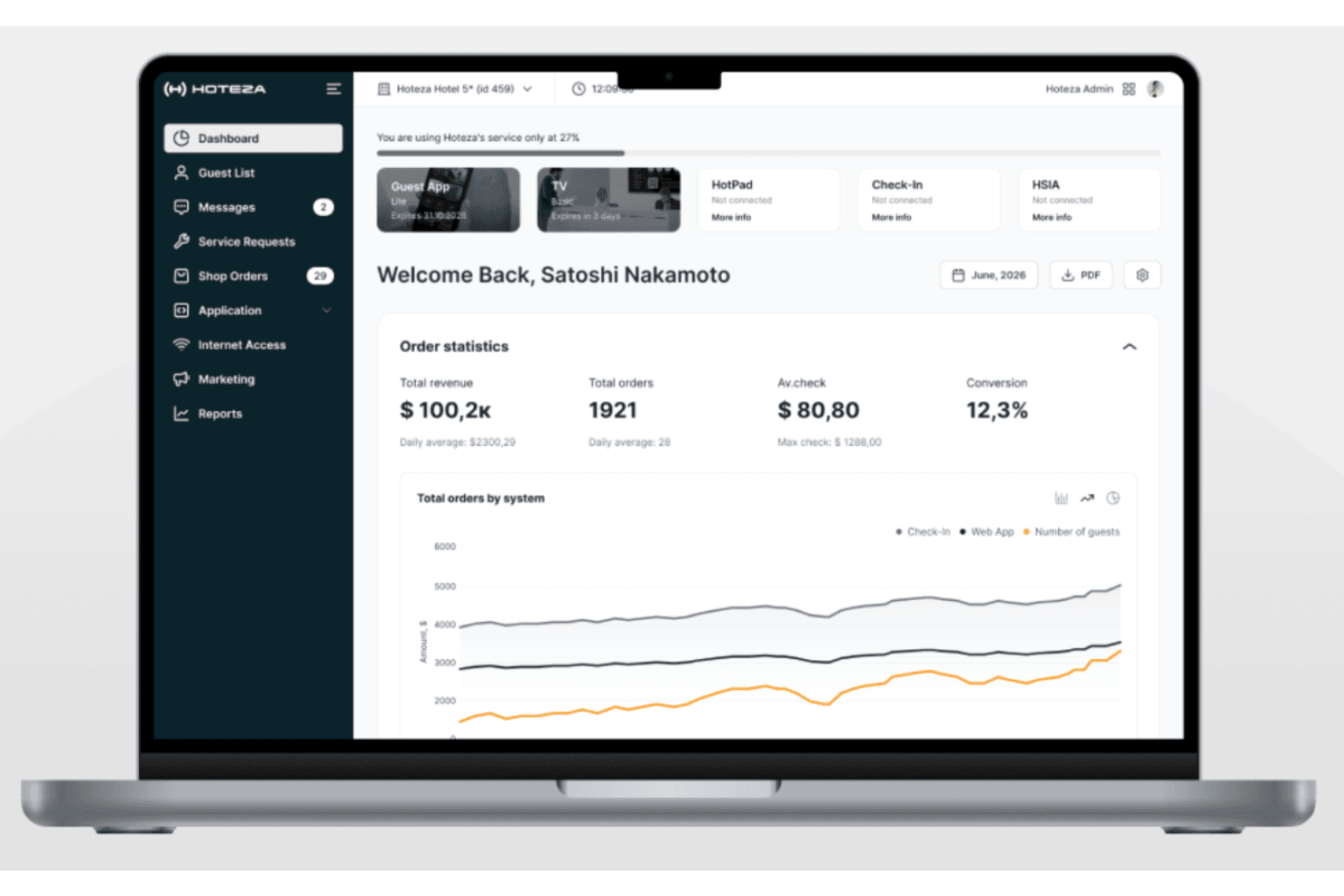
If you’re judging Hoteza against other hotel technology solutions, you’ll notice its intuitive interface and unified guest-facing features set it apart. The mobile app, IPTV, and digital check-in work together smoothly, and onboarding is straightforward for most teams. Pricing is competitive for mid-sized and upscale hotels, though smaller properties may find it less flexible. Integration options are solid, but some niche systems require extra setup.
I’d suggest Hoteza for hotels that want a polished, all-in-one guest experience and value responsive support over endless customization.
Pros
- Automation features reduce repetitive staff tasks.
- High reliability with minimal downtime or bugs reported.
- Unified platform covers check-in, TV, and guest app.
Cons
- Feature set can feel overwhelming for new users.
- Some niche integrations require extra setup effort.
- Smaller hotels may find pricing less flexible.
Is Hoteza Right For Your Needs?
Who Would be a Good Fit for Hoteza?
Hoteza is a strong choice for hotels and hospitality businesses that want to unify guest services, automate routine tasks, and deliver a modern, digital-first experience. Its platform is especially valuable for properties with high guest turnover, multiple service touchpoints, or a need for in-room entertainment and mobile engagement.
- Tech-Savvy PropertiesAPI access and digital integrations support advanced digital strategies.
- Guest Experience ManagersReal-time feedback and upsell features help personalize guest stays.
- Front Desk TeamsAutomated check-in and guest requests reduce manual workload.
- Multi-Property ChainsUnified management and branding tools support consistency across locations.
- ResortsCentralized guest messaging and activity booking tools fit resort operations.
- Upscale HotelsHoteza’s IPTV, mobile app, and digital compendium enhance premium guest experiences.
Who Would be a Bad Fit for Hoteza?
Hoteza may not be the best fit for smaller properties, budget-focused operations, or teams with highly specialized tech stacks. If your business relies on niche integrations, has limited IT resources, or only needs basic guest communication, you might find Hoteza’s feature set more than you need or want to manage.
- Teams With Legacy SystemsComplex integrations may be challenging for properties with outdated tech.
- Non-Hospitality BusinessesHoteza’s features are tailored for hotels, not other industries.
- Independent MotelsMinimal guest engagement tools needed for basic overnight stays.
- Budget HotelsCost structure and advanced features may not align with budget priorities.
- HostelsLimited need for in-room entertainment or advanced guest apps.
- Small InnsPricing and feature depth may exceed what small inns require.
How We Test & Score Tools
We’ve spent years building, refining, and improving our software testing and scoring system. The rubric is designed to capture the nuances of software selection and what makes a tool effective, focusing on critical aspects of the decision-making process.
Below, you can see exactly how our testing and scoring works across seven criteria. It allows us to provide an unbiased evaluation of the software based on core functionality, standout features, ease of use, onboarding, customer support, integrations, customer reviews, and value for money.
Core Functionality (25% of final scoring)
The starting point of our evaluation is always the core functionality of the tool. Does it have the basic features and functions that a user would expect to see? Are any of those core features locked to higher-tiered pricing plans? At its core, we expect a tool to stand up against the baseline capabilities of its competitors.
Standout Features (25% of final scoring)
Next, we evaluate uncommon standout features that go above and beyond the core functionality typically found in tools of its kind. A high score reflects specialized or unique features that make the product faster, more efficient, or offer additional value to the user.
We also evaluate how easy it is to integrate with other tools typically found in the tech stack to expand the functionality and utility of the software. Tools offering plentiful native integrations, 3rd party connections, and API access to build custom integrations score best.
Ease of Use (10% of final scoring)
We consider how quick and easy it is to execute the tasks defined in the core functionality using the tool. High scoring software is well designed, intuitive to use, offers mobile apps, provides templates, and makes relatively complex tasks seem simple.
Onboarding (10% of final scoring)
We know how important rapid team adoption is for a new platform, so we evaluate how easy it is to learn and use a tool with minimal training. We evaluate how quickly a team member can get set up and start using the tool with no experience. High scoring solutions indicate little or no support is required.
Customer Support (10% of final scoring)
We review how quick and easy it is to get unstuck and find help by phone, live chat, or knowledge base. Tools and companies that provide real-time support score best, while chatbots score worst.
Customer Reviews (10% of final scoring)
Beyond our own testing and evaluation, we consider the net promoter score from current and past customers. We review their likelihood, given the option, to choose the tool again for the core functionality. A high scoring software reflects a high net promoter score from current or past customers.
Value for Money (10% of final scoring)
Lastly, in consideration of all the other criteria, we review the average price of entry level plans against the core features and consider the value of the other evaluation criteria. Software that delivers more, for less, will score higher.
Core Features
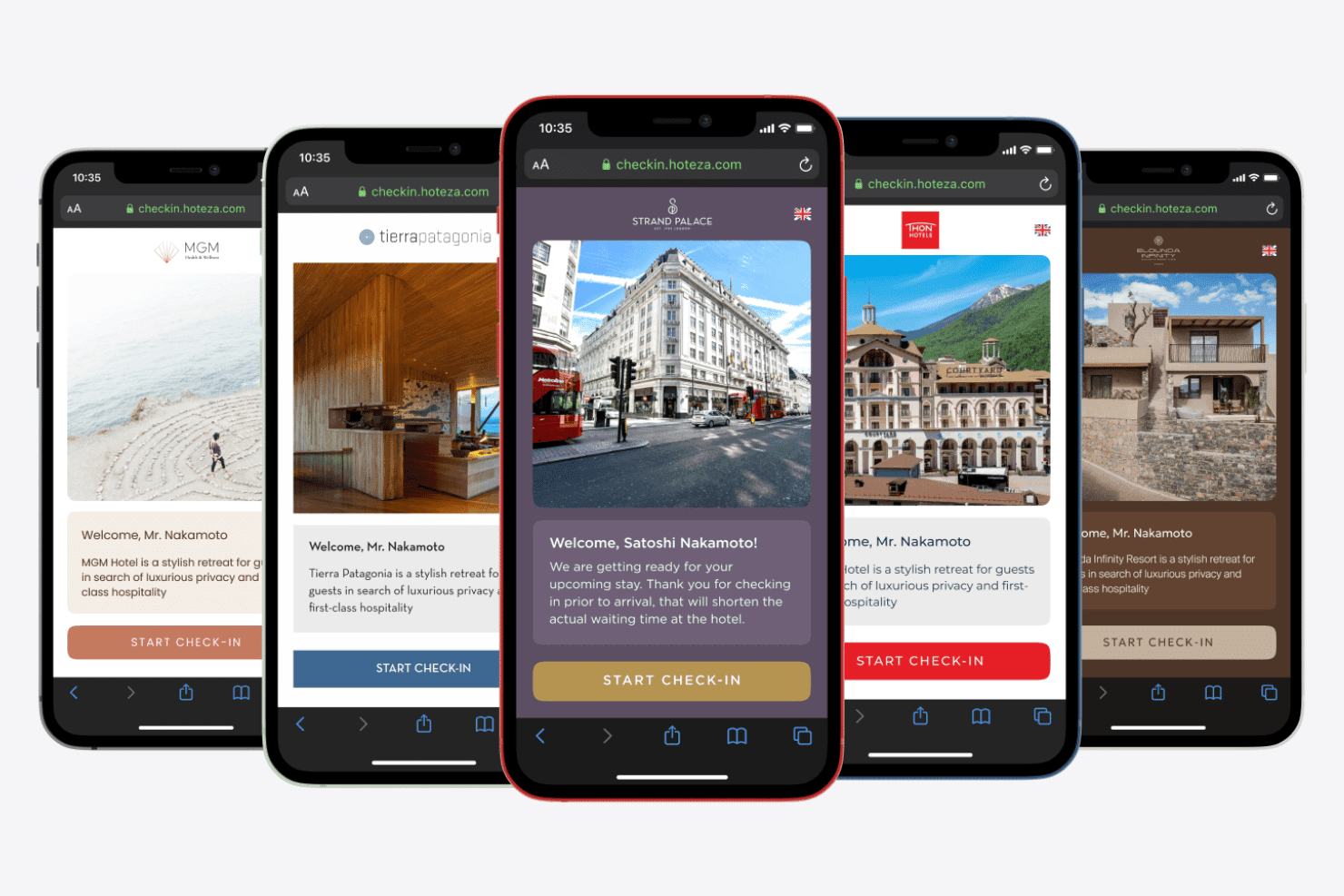
Mobile Check-in
Guests complete check-in on their phones, skipping the front desk. This speeds up arrivals and reduces lobby congestion.
Guest App
A branded mobile and web app lets guests order services, chat with staff, and access hotel info. It centralizes communication and upsell opportunities.
Interactive TV
In-room TVs offer personalized content, hotel services, and streaming options. Guests can view bills, order room service, or cast their own content.
AI Concierge Chatbot
An AI-powered chatbot answers guest questions instantly and automates common requests. This reduces staff workload and improves response times.
Communication Hub
Automated, personalized messaging keeps guests informed from booking to checkout. It supports upselling and service recovery with targeted communication.
HotPad In-Room Tablet
Tablets in rooms give guests easy access to hotel services, local info, and entertainment. This replaces printed directories and streamlines service requests.
Standout Features
Digital Compendium
Hoteza replaces traditional in-room directories with a digital compendium that updates in real time. Guests always have access to the latest hotel information, menus, and local recommendations on their devices.
Centralized Content Management
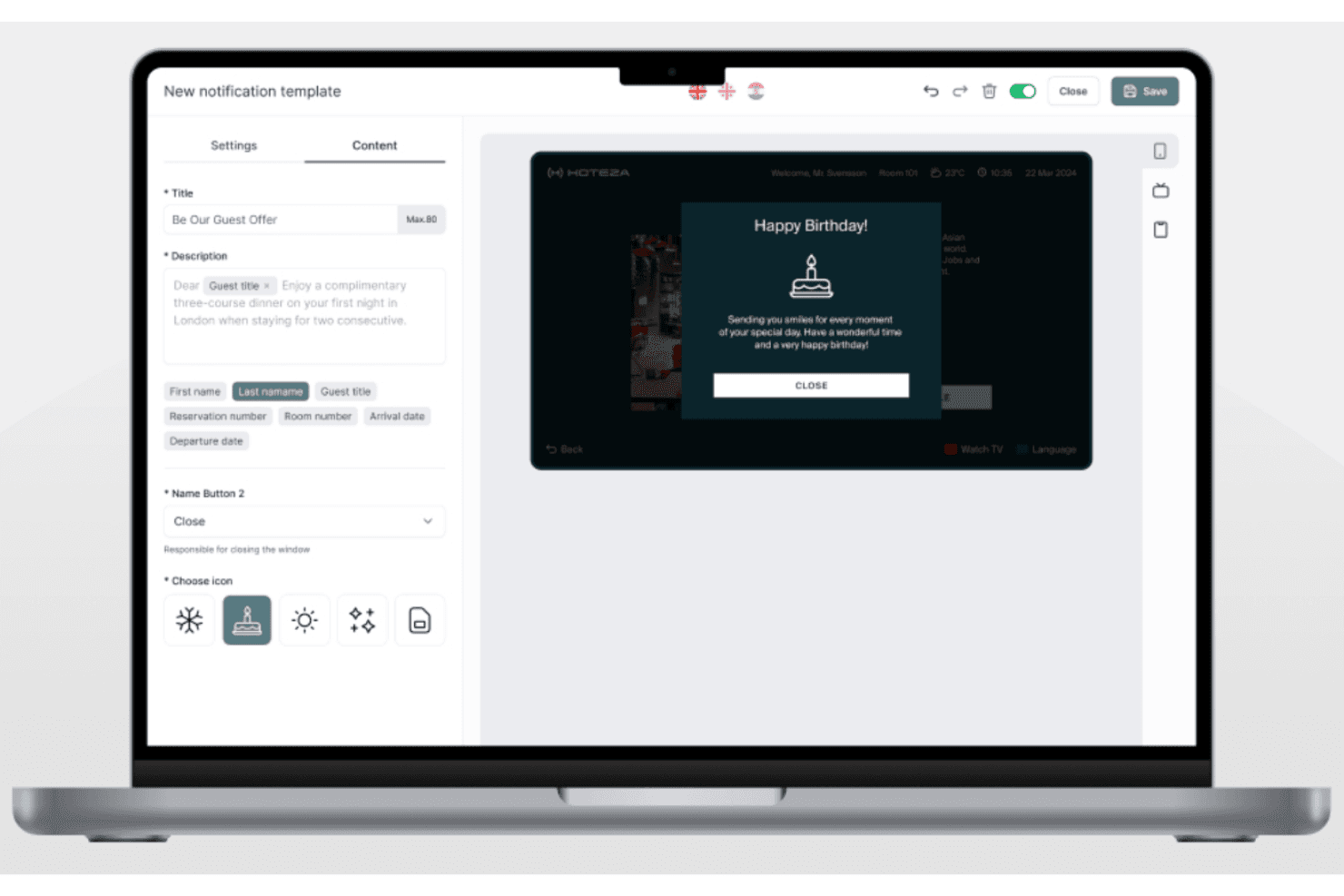
You can update content, promotions, and service details across all guest touchpoints from one dashboard. This ensures brand consistency and saves time for marketing and operations teams.
Ease of Use
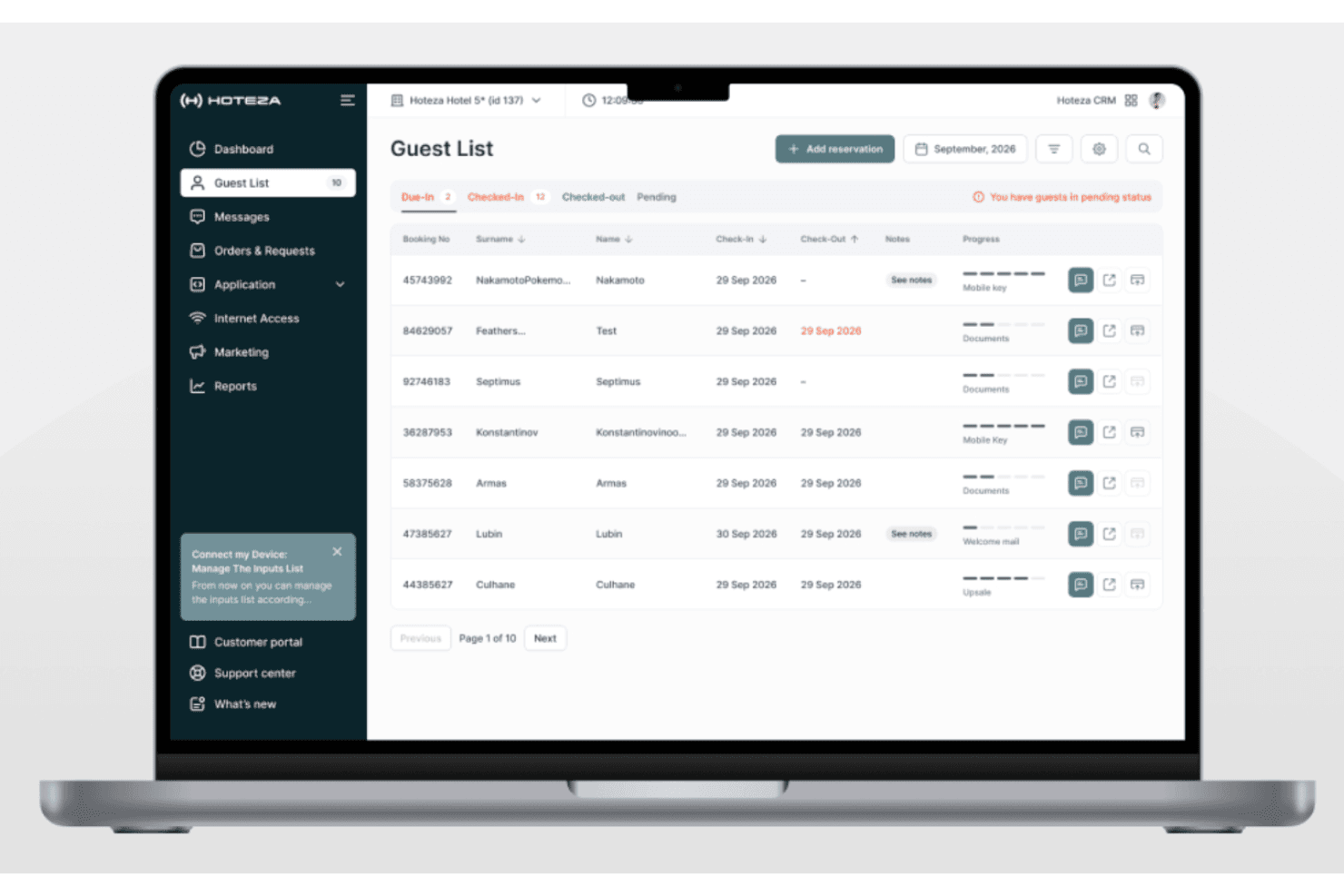
Hoteza’s interface is clean and intuitive, making it easy for staff and guests to navigate without extensive training. Most users mention that setup and daily management are straightforward, with clear dashboards and logical workflows. Features like mobile check-in and the guest app are accessible for all ages, and real-time updates reduce confusion.
Onboarding
Hoteza’s onboarding process is well-structured, with dedicated support teams guiding you from setup to launch. Users often highlight responsive customer service and clear training materials, which help teams get up to speed quickly. The platform offers step-by-step guides and live assistance, so even properties with limited IT resources can go live without major delays.
Customer Support
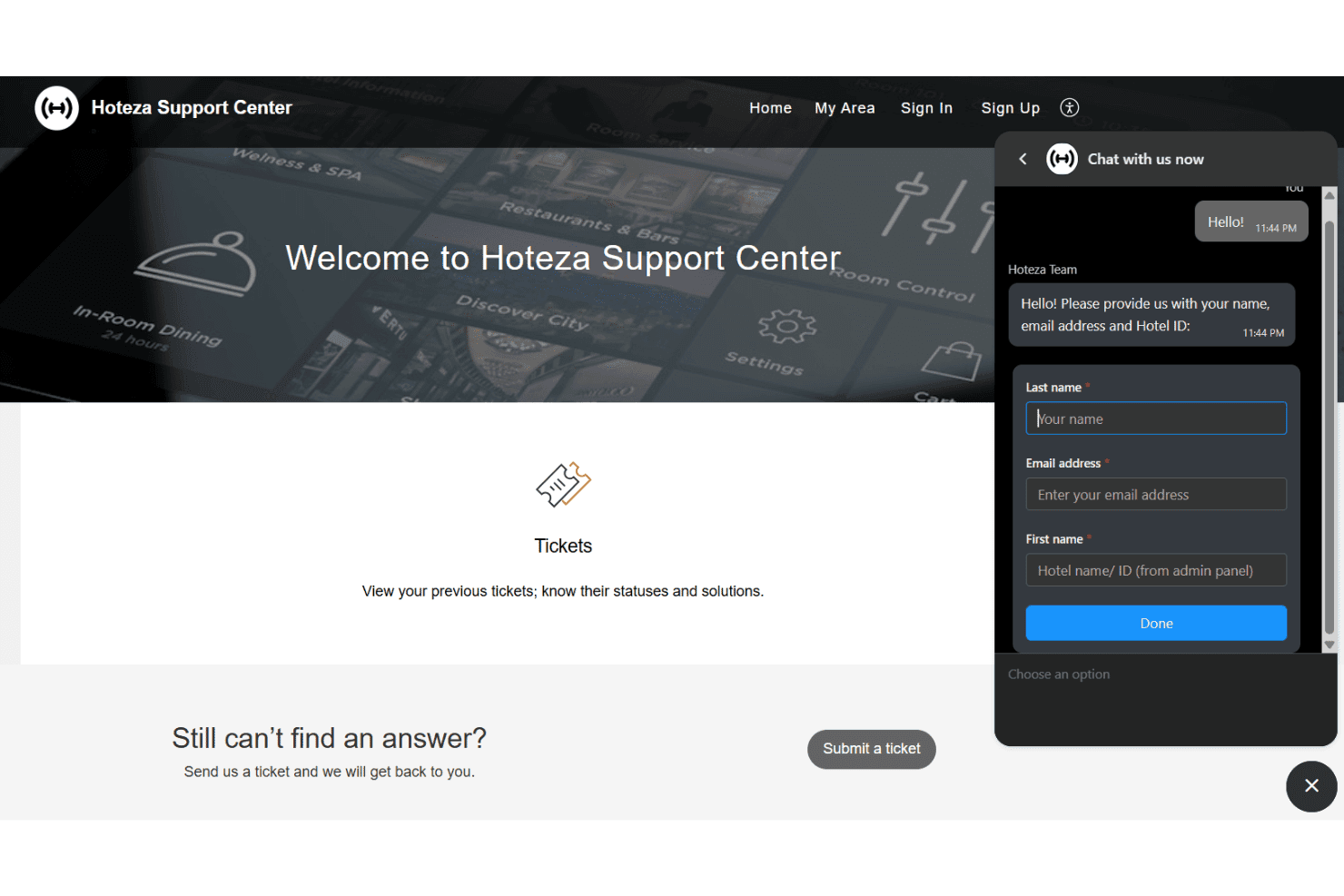
Hoteza offers reliable customer support, ensuring your team has access to help when needed. Users praise the responsive support channels, which include live chat and email assistance. The knowledgeable support staff quickly resolve issues, allowing your team to maintain focus on guest services. Compared to others, Hoteza’s dedication to user assistance and prompt responses enhances your team’s confidence in managing the software effectively.
Integrations
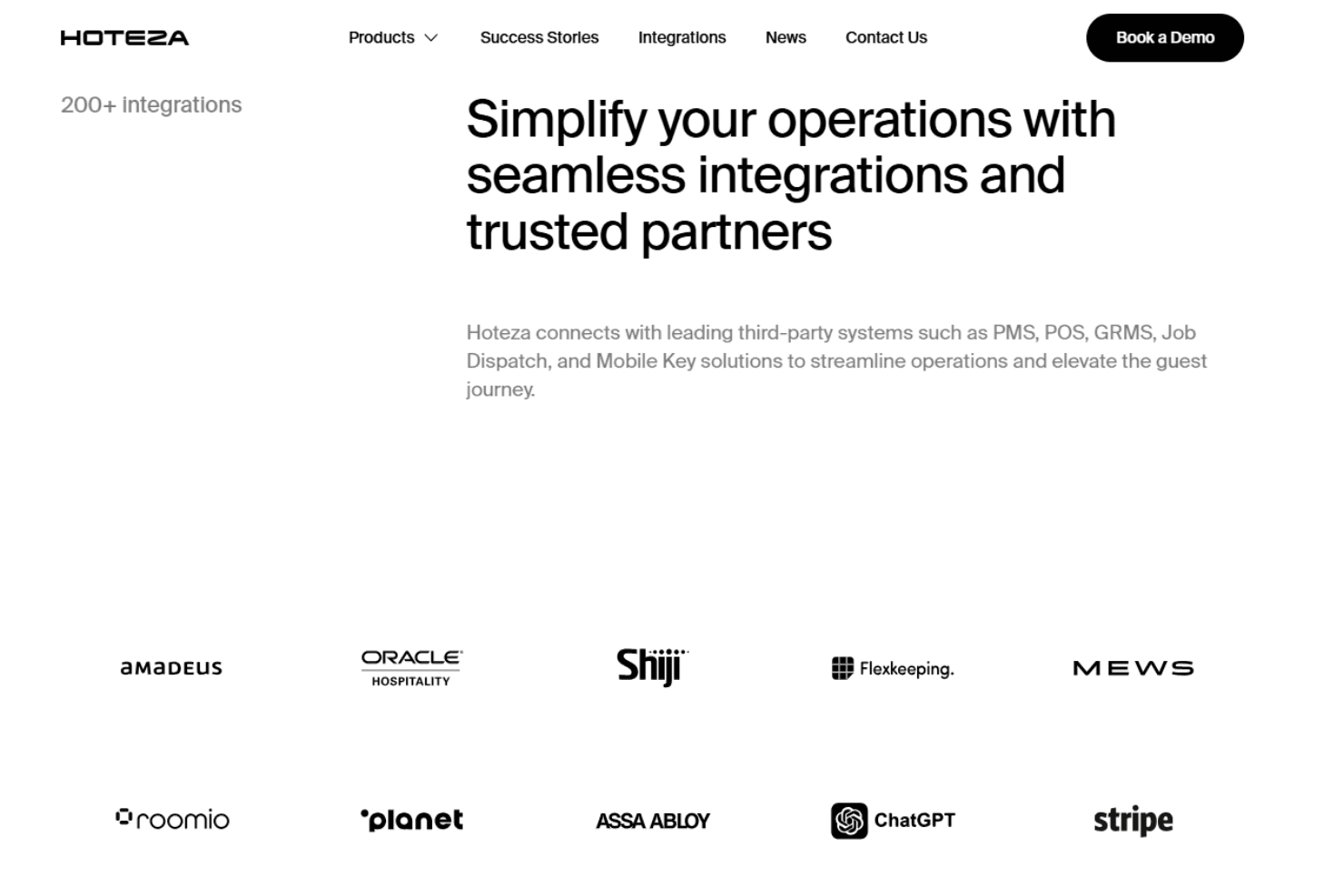
Hoteza integrates with Opera/Fidelio, Protel, Shiji PMS, Mews, Clock PMS+, StayNTouch, Micros Simphony, Aloha, Crestron, and Salto, among others.
Hoteza also offers API access and supports custom integrations for third-party systems.
Value for Money
Hoteza uses a custom, quote-based pricing model with costs typically structured as a monthly subscription that varies based on the number of rooms, selected modules (such as IPTV, mobile apps, self check-in, or in-room tablets), level of customization, integrations, and contract terms.
It is a premium price, but users say the unified platform and automation features justify the investment for mid-sized and larger hotels.
Hoteza Specs
- API: Yes
- Budgeting: No
- Calendar Management: Yes
- Compliance Tracking: Yes
- Contact Management: Yes
- Customer Management: Yes
- Dashboard: Yes
- Data Export: Yes
- Data Import: Yes
- Data Visualization: Yes
- Document Management: Yes
- Expense Tracking: No
- External Integrations: Yes
- Forecasting: Yes
- Inventory Tracking: No
- Multi-Currency: Yes
- Multi-User: Yes
- Notifications: Yes
- Organization Management: Yes
- Payment Processor: Yes
- Payroll: No
- Scheduling: No
- Supplier Management: No
- Tax Management: No
- Workflow Management: Yes
Hoteza FAQs
Hoteza Company Overview & History
Hoteza is a hospitality technology company serving over 1,000 hotels worldwide with its Guest Journey platform. The company is headquartered in Larnaca, Cyprus, and focuses exclusively on digital guest engagement and in-room solutions for hotels.
Hoteza is known for its innovative approach, offering a suite of products like mobile check-in, guest apps, IPTV, and in-room tablets. Notable clients include leading hotels and hotel groups across Europe, the Middle East, and Asia.
Hoteza Major Milestones
- 2013: Hoteza founded in Larnaca, Cyprus and launch of the first Hoteza TV solution for hotels.
- 2015: Expansion of product suite to include mobile and web guest apps.
- 2020: Surpassed 1,000 hotel clients globally.
- 2023: Introduced AI Concierge Chatbot and advanced communication hub.