
Recensione RMS: Pro, Contro, Caratteristiche e Panoramica dei Prezzi
RMS riunisce la gestione immobiliare in un'unica piattaforma: dalle prenotazioni e gestione degli ospiti fino a pulizie, reportistica, pagamenti e operazioni alberghiere.

Recensiamo gli strumenti in modo indipendente e le commissioni ci aiutano a finanziare i nostri test. Consulta la nostra politica sulla trasparenza, la nostra metodologia oppure suggerisci uno strumento.
RMS is a hotel property management software built for accommodation operators who need to manage reservations, rates, housekeeping, and guest communications from one platform. I'd consider it if you run a resort, holiday park, or multi-property portfolio. RMS handles complex accommodation types and multi-site operations better than something like Cloudbeds, which tends to be a stronger fit for traditional independent hotels with simpler operational structures.
RMS Evaluation Summary
4.4/5
- Pricing upon request
- Free demo available
Perché fidarsi dei nostri consigli sui software
6,700+
Reviews
20
Industry experts
16+
Evaluation factors
14
Years
Il nostro team testa e recensisce software dal 2012. In quanto leader del settore alberghiero noi stessi, sappiamo quanto sia difficile — e importante — scegliere il software giusto.
Per questa guida, abbiamo valutato gli strumenti attraverso test pratici e ricerche indipendenti, assegnando un punteggio agli strumenti in base ai nostri criteri di selezione.
Le nostre recensioni riflettono il nostro giudizio editoriale umano, non un discorso di vendita.
RMS Overview
In my opinion, RMS stands out for its powerful customization, automation, and flexible pricing compared to most options on the market. I think the interface feels modern and easy for new users, and you get extensive integrations—especially helpful if you want to connect channel managers or payment gateways. Onboarding takes effort but is well-supported. When I compare RMS to others, I notice its reporting is more advanced, though small boutiques may find the setup more than they need.
I’d suggest RMS is best for mid-sized or multi-property hotels wanting centralized control and scalable operations.
Pros
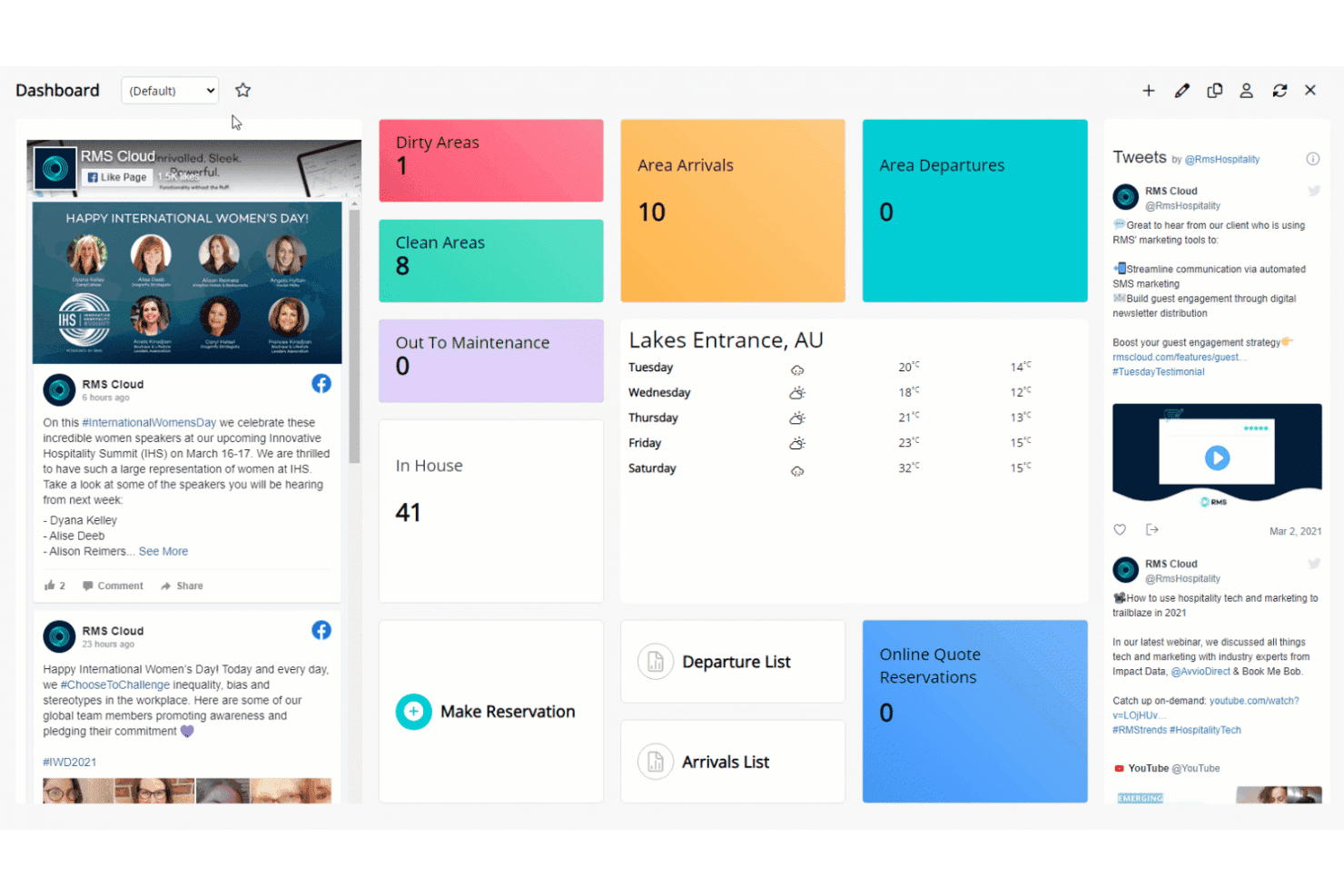
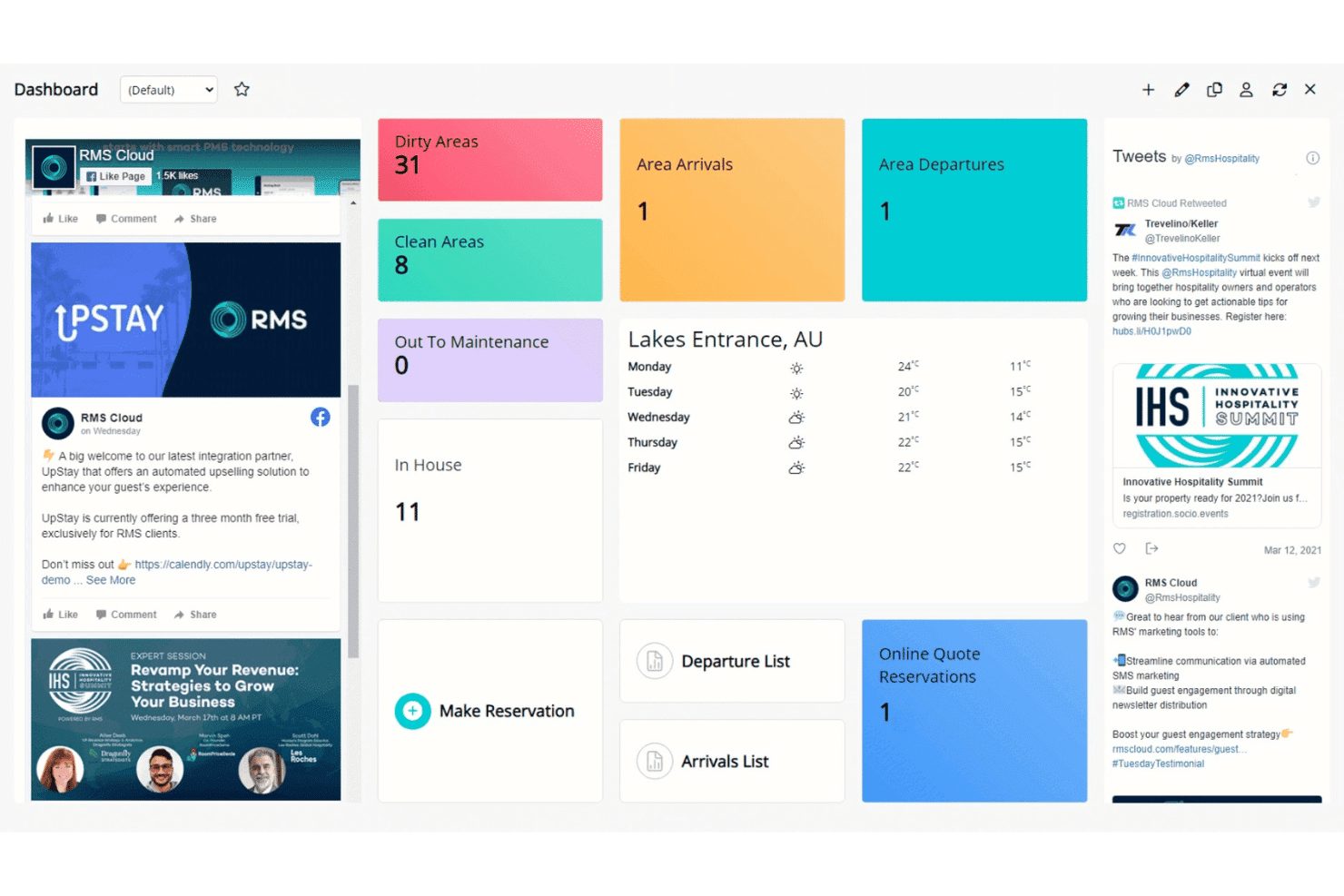
- Customizable dashboards to tailor workflows for different properties
- Advanced rate and revenue management tools included
- Automated guest messaging and communication features
Cons
- Initial system setup can be time-consuming for new users
- Some users report slow customer response times
- Reports interface can feel overwhelming for smaller teams
Is RMS Right For Your Needs?
Who Would be a Good Fit for RMS?
RMS is well-suited for operators who need automation, multi-property oversight, and advanced rate management. Large hotels, resorts, and portfolios benefit from its customizable workflows and robust reporting. Teams managing complex operations or high guest volumes will appreciate features like the interactive tape chart, guest portal, and deep analytics.
RMS also supports properties that want branded guest self-service and flexible booking rules.
- Large Hotel ChainsRMS supports centralized oversight, advanced analytics, and multi-property management with custom dashboards for regional and head office teams.
- Resorts and CampgroundsFeatures like dynamic pricing, diverse accommodation support, and guest portals help manage various inventory types and guest flows.
- Serviced ApartmentsAutomated invoicing, long-stay rate structures, and guest self-service tools are ideal for apartment-style operations with repeat and extended-stay clients.
- Multi-Location OperatorsRMS handles multiple properties, regions, or brands in one unified platform, allowing shared workflows and consolidated reporting.
- Revenue Management TeamsThe advanced pricing, rules engine, and real-time updates suit teams focused on maximizing profit and controlling rate strategy.
- IT/Admin DepartmentsCustom workflows, an API, and flexible configuration levels provide IT teams with tools to tailor RMS to unique property processes.
Who Would be a Bad Fit for RMS?
RMS is less suitable for small, single-property operators and businesses where simplicity or low cost is the main priority. Seasonal operators or teams with frequent staff turnover may find the robust feature set more than they need. Boutique inns and those with highly basic operational needs could find the onboarding and ongoing management cumbersome compared to leaner solutions.
- Small B&BsRMS’s feature set and cost usually outweigh the operational needs of small bed and breakfasts handling only a handful of rooms.
- Solo Property ManagersIts depth and training requirements add unnecessary complexity for a single-person operation.
- Vacation Rental OwnersSimple platforms tailored specifically to short-term rentals may provide a quicker setup and easier owner management than RMS.
- Event VenuesEvent-focused businesses may not require accommodation-centric features, making much of RMS’s functionality unnecessary.
- Seasonal LodgesShort operation periods often don’t justify the effort of learning, configuring, and maintaining an advanced platform like RMS.
- Non-technical TeamsDepartments lacking dedicated tech or admin resources may struggle with initial setup and ongoing customization due to RMS’s range of configuration options.
Come testiamo e valutiamo gli strumenti
Abbiamo trascorso anni a costruire, perfezionare e migliorare il nostro sistema di test e valutazione dei software. Il nostro metodo è progettato per cogliere le sfumature della scelta di un software e ciò che rende uno strumento efficace, concentrandosi sugli aspetti critici del processo decisionale. Qui sotto puoi vedere come funziona il nostro sistema di test e valutazione su sette criteri. Questo ci permette di offrire una valutazione imparziale dei software in base a funzionalità principali, funzioni distintive, facilità d’uso, onboarding, assistenza clienti, integrazioni, recensioni clienti e rapporto qualità-prezzo.
Funzionalità principali (25% del punteggio finale)
Il punto di partenza della nostra valutazione è sempre la funzionalità principale dello strumento. Ha le funzionalità di base che un utente si aspetta? Alcune di queste sono riservate solo a piani tariffari superiori? Ci aspettiamo che uno strumento regga il confronto con le capacità minime offerte dai concorrenti.
Funzioni distintive (25% del punteggio finale)
Successivamente, valutiamo le funzioni originali non comuni che vanno oltre le funzionalità di base normalmente presenti in strumenti simili. Un punteggio elevato riflette funzionalità particolari o uniche che rendono il prodotto più veloce, efficiente, o che offrono valore aggiunto all’utente. Valutiamo inoltre quanto sia facile integrare lo strumento con altri software tipici della struttura tecnologica per ampliare funzionalità e utilità. Gli strumenti che offrono numerose integrazioni native, connessioni di terze parti e accesso API per integrazioni personalizzate ottengono il punteggio migliore.
Facilità d’uso (10% del punteggio finale)
Consideriamo quanto sia rapido e semplice eseguire tramite lo strumento le attività descritte dalle funzionalità principali. Un software con punteggio alto è ben progettato, intuitivo, offre app mobile, fornisce modelli preimpostati e rende semplici anche operazioni complesse.
Onboarding (10% del punteggio finale)
Sappiamo quanto sia importante la rapida adozione di una nuova piattaforma da parte del team, quindi valutiamo quanto sia semplice imparare e utilizzare uno strumento con una formazione minima. Consideriamo quanto velocemente un membro del team possa iniziare a usare lo strumento senza esperienza precedente. Soluzioni con punteggio elevato richiedono poco o nessun supporto.
Assistenza clienti (10% del punteggio finale)
Verifichiamo quanto sia rapido e facile sbloccarsi e ricevere aiuto tramite telefono, chat dal vivo o knowledge base. Gli strumenti e le aziende che offrono assistenza in tempo reale ottengono il punteggio migliore, mentre i chatbot ottengono il punteggio più basso.
Recensioni clienti (10% del punteggio finale)
Oltre ai nostri test e valutazioni, consideriamo il punteggio net promoter dei clienti attuali o passati. Verifichiamo la probabilità che tornino a scegliere lo strumento per le sue funzionalità principali. Un software con punteggio alto rispecchia un elevato net promoter score tra clienti attuali e passati.
Rapporto qualità-prezzo (10% del punteggio finale)
Infine, in considerazione di tutti gli altri criteri, valutiamo il prezzo medio dei piani di ingresso rispetto alle funzionalità principali e teniamo conto del valore degli altri criteri di valutazione. Il software che offre di più spendendo meno otterrà un punteggio più alto.
Core Features
Reservation and Booking Management
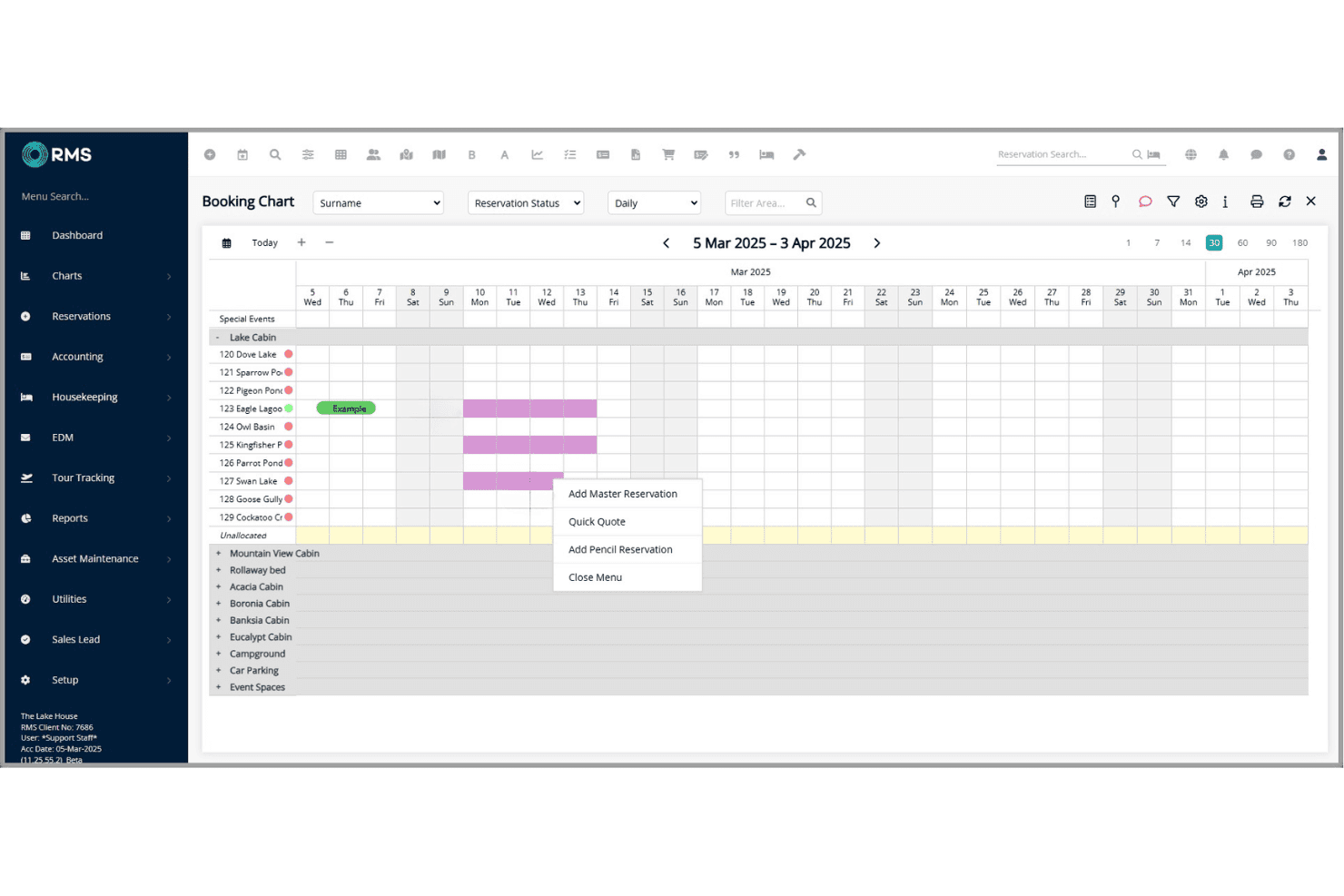
RMS lets you manage direct and OTA bookings in a unified calendar. You can quickly update availability, assign rooms, and handle group reservations with ease.
Rate and Revenue Management
Adjust rates, create dynamic pricing, and manage packages or discounts with RMS’s tools. Automated updates help maximize occupancy and revenue in real time.
Housekeeping Management
Track room status, assign cleaning tasks, and update maintenance issues from one dashboard. Staff can mark rooms clean or ready for inspection on any device.
Guest Messaging and Communication
Send automated emails or SMS for confirmations, pre-arrival, and upsells. This keeps guests informed and reduces repetitive front desk calls.
Reporting and Analytics
Access detailed operational and financial reports with customizable dashboards. Export data to monitor trends like occupancy, revenue, and guest profiles.
Online Guest Portal
Guests can check-in online, update details, and request services through a branded portal. This streamlines arrivals and enhances self-service for guests.
Ease of Use
In my experience, RMS is user-friendly for daily tasks like check-ins, but the depth of options can feel complex at first. Features like the drag-and-drop tape chart and guest messaging are intuitive, yet some users mention the setup and reporting tools take extra time to master.
Overall, I think staff will find routine functions quick, but power users benefit most from its advanced controls.
Integrations
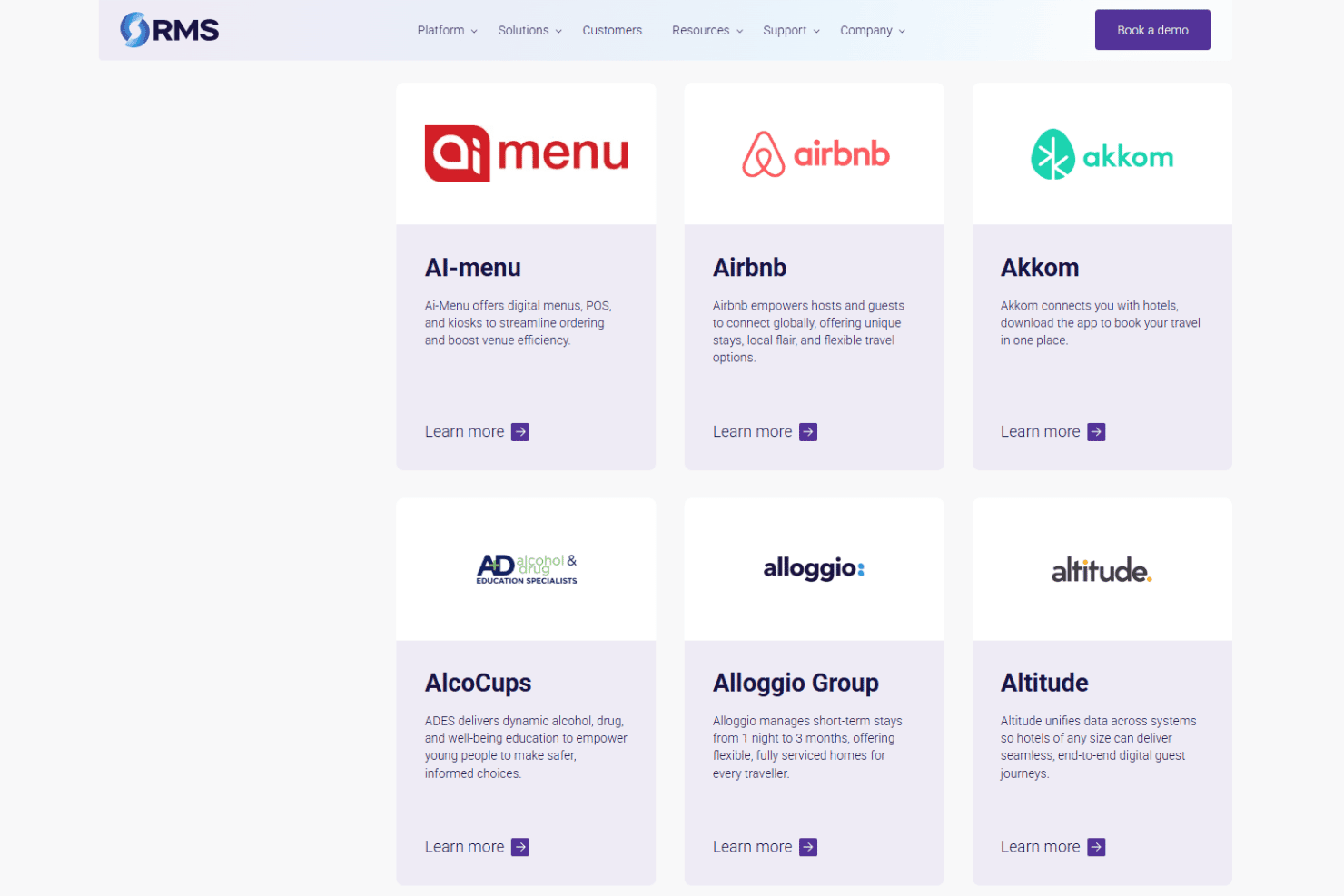
RMS integrates with RoomPriceGenie, 4WiFi, 934 Systems, AdriaScan, Agoda, Ai-Menu, Airbnb, Advance, Altitude, and Alloggio Group, among others.
RMS also offers a REST API so you can build custom connections to other products.
RMS Specs
- API: Yes
- Budgeting: Yes
- Calendar Management: Yes
- Compliance Tracking: Yes
- Contact Management: Yes
- Customer Management: Yes
- Dashboard: Yes
- Data Export: Yes
- Data Import: Yes
- Data Visualization: Yes
- Document Management: Yes
- Expense Tracking: Yes
- External Integrations: Yes
- Forecasting: Yes
- Inventory Tracking: Yes
- Multi-Currency: Yes
- Multi-User: Yes
- Notifications: Yes
- Organization Management: Yes
- Payment Processor: Yes
- Payroll: No
- Scheduling: Yes
- Supplier Management: Yes
- Tax Management: Yes
- Workflow Management: Yes


