
Avis sur vFairs : Avantages, Inconvénients, Fonctionnalités et Tarification
vFairs réunit la gestion des événements virtuels, hybrides et en présentiel sur une seule plateforme, combinant des espaces événementiels personnalisables, des outils d’engagement pour les participants et des fonctionnalités de réseautage afin d’offrir des expériences événementielles fluides.

Nous évaluons les outils de façon indépendante, et les commissions aident à financer nos tests. Consultez notre politique de transparence, notre méthodologie ou suggérez un outil.
vFairs is an event management software built for teams that need to host virtual, hybrid, and in-person events with registration, ticketing, networking, and analytics in one place. I'd consider it if your property runs conferences, trade shows, or corporate events and you want more customization and flexibility than Cvent offers—without the enterprise price tag and implementation complexity that comes with it.
vFairs Evaluation Summary
4.7/5
- Pricing upon request
- Free demo available
Pourquoi faire confiance à nos recommandations de logiciels
6,700+
Reviews
20
Industry experts
16+
Evaluation factors
14
Years
Notre équipe teste et évalue des logiciels depuis 2012. En tant que leaders de l’hôtellerie nous-mêmes, nous savons à quel point il est difficile — et important — de choisir le bon logiciel.
Pour ce guide, nous avons évalué les outils grâce à des tests pratiques et une recherche indépendante, en notant les outils selon nos critères de sélection.
Nos avis reflètent notre jugement éditorial humain, et non un argumentaire de vente.
vFairs Overview
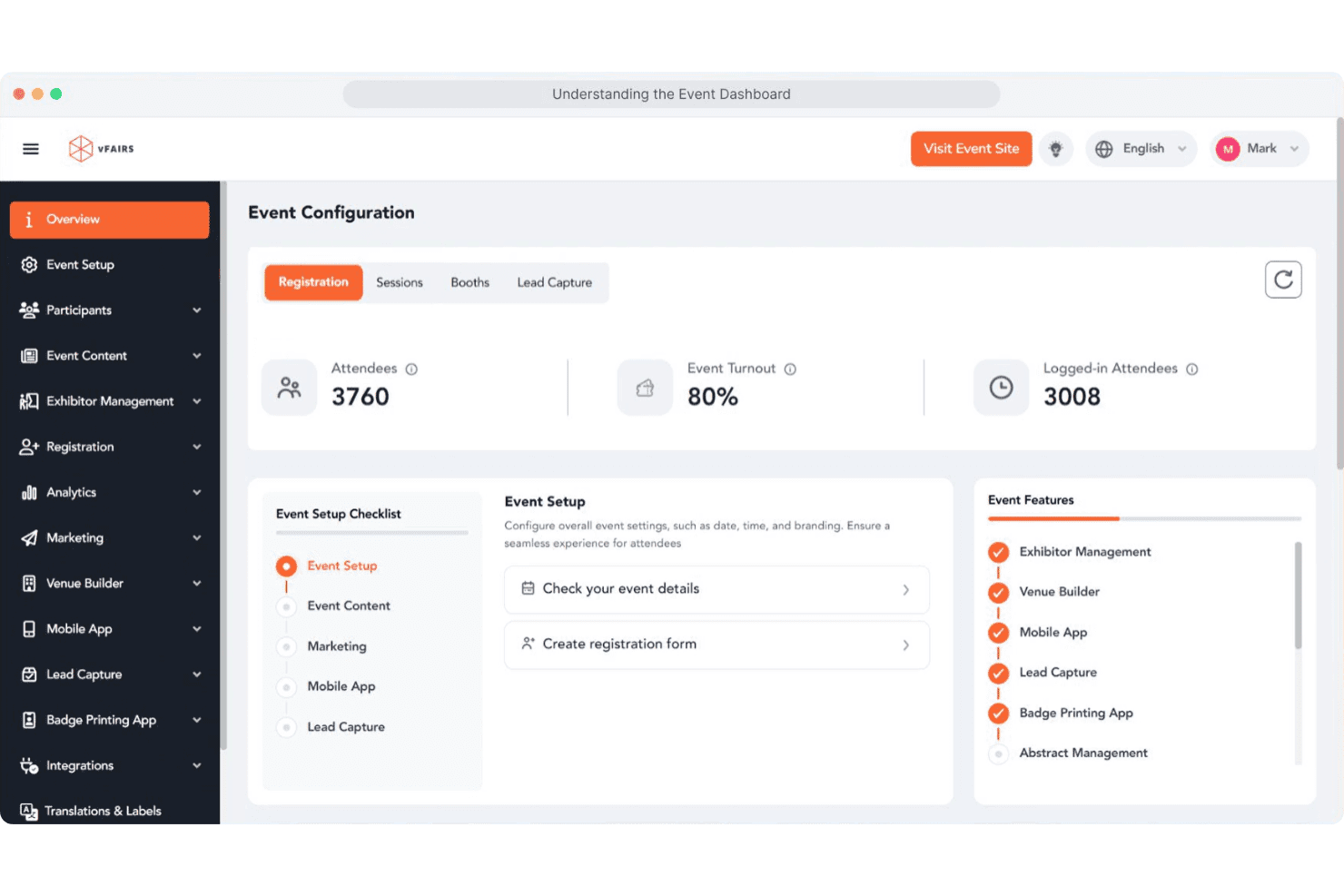
I think vFairs is a top pick if you want a visually engaging, all-in-one event management platform with strong support and easy onboarding. Its 3D virtual venues, interactive booths, and networking tools set it apart, especially for large-scale or hybrid events. Pricing is higher than some, but you get hands-on help and customization.
I’d suggest vFairs for hotels hosting conferences, expos, or multi-session events where attendee engagement and branded experiences matter most. If you need deep integrations or advanced analytics, you might find some limits compared to other options.
Pros
- You can create highly customizable virtual event environments that engage attendees.
- Your team will appreciate the intuitive interface that makes managing events straightforward.
- You get access to robust analytics tools that help track and improve event performance.
Cons
- Users often find the initial setup process time-consuming.
- Some report that the platform can be overwhelming due to its extensive features.
- You might experience occasional technical glitches during live events.
Is vFairs Right For Your Needs?
Who Would be a Good Fit for vFairs?
Vfairs is perfect for large enterprises, educational institutions, and tech companies looking to host dynamic virtual and hybrid events. Your marketing teams and HR departments will benefit from its customizable environments and robust analytics.
If your work involves engaging large audiences or providing complex event experiences, Vfairs’s comprehensive features make it a top choice. Its ability to handle extensive attendee lists and provide interactive elements helps your team deliver memorable events.
- Large EnterprisesYour enterprise can manage complex events with Vfairs’s scalable and customizable solutions.
- Educational InstitutionsYou can host virtual fairs and conferences that engage students and staff with interactive tools.
- Tech CompaniesYour tech firm can showcase products and build networks using Vfairs’s detailed analytics and custom branding.
- Marketing TeamsYou can create engaging virtual experiences that captivate audiences and collect valuable insights.
- Human Resources DepartmentsYou can organize virtual job fairs and training sessions that enhance employee engagement and recruitment.
- Nonprofit OrganizationsYour nonprofit can reach broader audiences with cost-effective virtual fundraising and awareness events.
Who Would be a Bad Fit for vFairs?
Small businesses or teams with limited resources might find Vfairs overwhelming due to its extensive feature set and initial setup demands. If your events are small-scale or simple, you might not need the advanced capabilities Vfairs offers. Additionally, organizations that require quick, straightforward virtual meetings without the need for customization or analytics might find Vfairs’s comprehensive tools unnecessary.
- Small BusinessesYour small team might not need the full range of features or find Vfairs cost-effective for simple events.
- FreelancersAs an individual, you might find the platform’s complexity excessive for basic event needs.
- Local MeetupsFor local gatherings, the extensive customization and analytics might be more than you require.
- Short-term ProjectsIf your project demands quick execution, Vfairs’s setup time might not be suitable.
- Ad-hoc MeetingsFor spontaneous meetings, Vfairs’s detailed features might slow down the process.
- Basic WebinarsIf your webinars are straightforward, Vfairs’s advanced tools might be unnecessary.
Comment nous testons et évaluons les outils
Nous avons passé des années à développer, affiner et améliorer notre système d’évaluation et de notation des logiciels. Notre grille d’analyse est conçue pour prendre en compte les nuances du choix d’un logiciel et déterminer ce qui rend un outil efficace, en se concentrant sur les aspects essentiels du processus décisionnel. Vous trouverez ci-dessous le détail de notre méthode d’évaluation et de notation selon sept critères. Cette approche nous permet de fournir un avis impartial sur le logiciel, en se basant sur les fonctionnalités principales, les caractéristiques différenciantes, la facilité d’utilisation, l’intégration, l’accompagnement client, l’intégration avec d’autres outils, les avis clients et le rapport qualité/prix.
Fonctionnalités de base (25% de la note finale)
Le point de départ de notre évaluation est toujours la fonctionnalité de base de l’outil. Possède-t-il les fonctions minimales attendues par un utilisateur ? Certaines fonctionnalités essentielles sont-elles réservées à des plans plus onéreux ? Nous attendons d’un bon outil qu’il soit au moins équivalent à la concurrence sur les fondamentaux.
Caractéristiques différenciantes (25% de la note finale)
Ensuite, nous évaluons les fonctionnalités originales qui vont au-delà de la base généralement présente dans cette catégorie de produits. Une bonne note reflète des options spécialisées ou uniques rendant le produit plus rapide, plus efficace, ou offrant une valeur ajoutée à l’utilisateur. Nous évaluons également la facilité d’intégration avec d’autres outils souvent utilisés dans la pile technologique pour étendre les fonctionnalités et l’utilité du logiciel. Les outils proposant de nombreuses intégrations natives, connexions tierces et accès API pour personnaliser les intégrations sont privilégiés.
Facilité d’utilisation (10% de la note finale)
Nous évaluons la rapidité et la simplicité d’exécution des tâches principales au sein de l’outil. Un logiciel bien noté est bien conçu, intuitif, propose des applications mobiles, fournit des modèles et simplifie les tâches relativement complexes.
Mise en route (10% de la note finale)
Sachant combien il est important qu’une équipe adopte rapidement une nouvelle plateforme, nous évaluons la facilité d’apprentissage et d’utilisation de l’outil avec un minimum de formation. Nous examinons aussi la rapidité d’installation et la mise en route pour un nouvel utilisateur sans expérience. Une note élevée indique qu’un accompagnement minimal, voire nul, est nécessaire.
Support client (10% de la note finale)
Nous examinons la facilité et la rapidité d’obtention d’une aide par téléphone, chat en direct ou base de connaissances. Les outils et entreprises proposant un soutien en temps réel obtiennent la meilleure note, tandis que les chatbots sont moins bien notés.
Avis clients (10% de la note finale)
Au-delà de nos propres tests et évaluations, nous prenons en compte le net promoter score des clients actuels et passés. Nous mesurons leur tendance à vouloir choisir à nouveau cet outil pour les fonctionnalités principales. Un logiciel bien noté reflète un net promoter score élevé des utilisateurs actuels ou passés.
Rapport qualité/prix (10% de la note finale)
Enfin, nous comparons le prix moyen des abonnements d’entrée de gamme aux fonctionnalités principales et à l’ensemble des critères évalués. Les logiciels offrant plus, pour moins, obtiennent la meilleure note.
Core Features
Custom-Branded Event Websites
Create fully branded event websites with custom registration forms and ticketing options.
3D Virtual Venues
Host immersive virtual events with customizable 3D environments and interactive exhibit halls.
Badge Printing and Check-In
Use instant badge printing and self-service kiosks for fast, secure onsite check-in.
Mobile Event App
Offer attendees a branded mobile app for agendas, networking, and lead capture.
Exhibitor and Sponsor Management
Give sponsors and exhibitors their own portals to manage content and track meetings.
Dedicated Project Manager
Work with a project manager for setup, configuration, and live event support.
Ease of Use
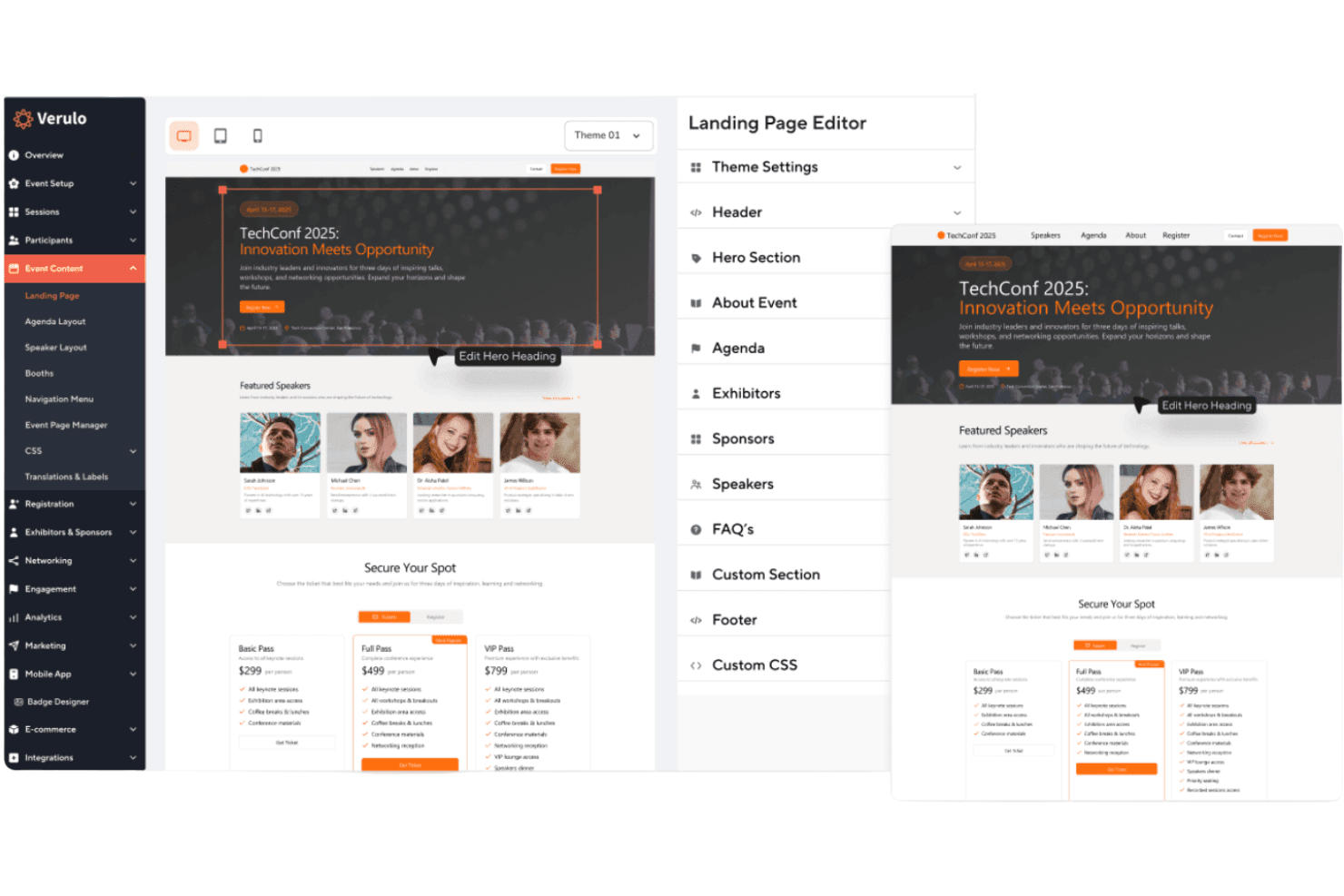
vFairs is user-friendly, especially for event organizers who want hands-on support and guided onboarding. The interface is clean, and most users say setup is straightforward thanks to dedicated project managers and detailed walkthroughs. Attendees find navigation intuitive, whether joining via desktop or mobile.
Some users mention minor challenges with the mobile app, but overall, vFairs makes it easy to manage complex events without needing deep technical skills.
Integrations
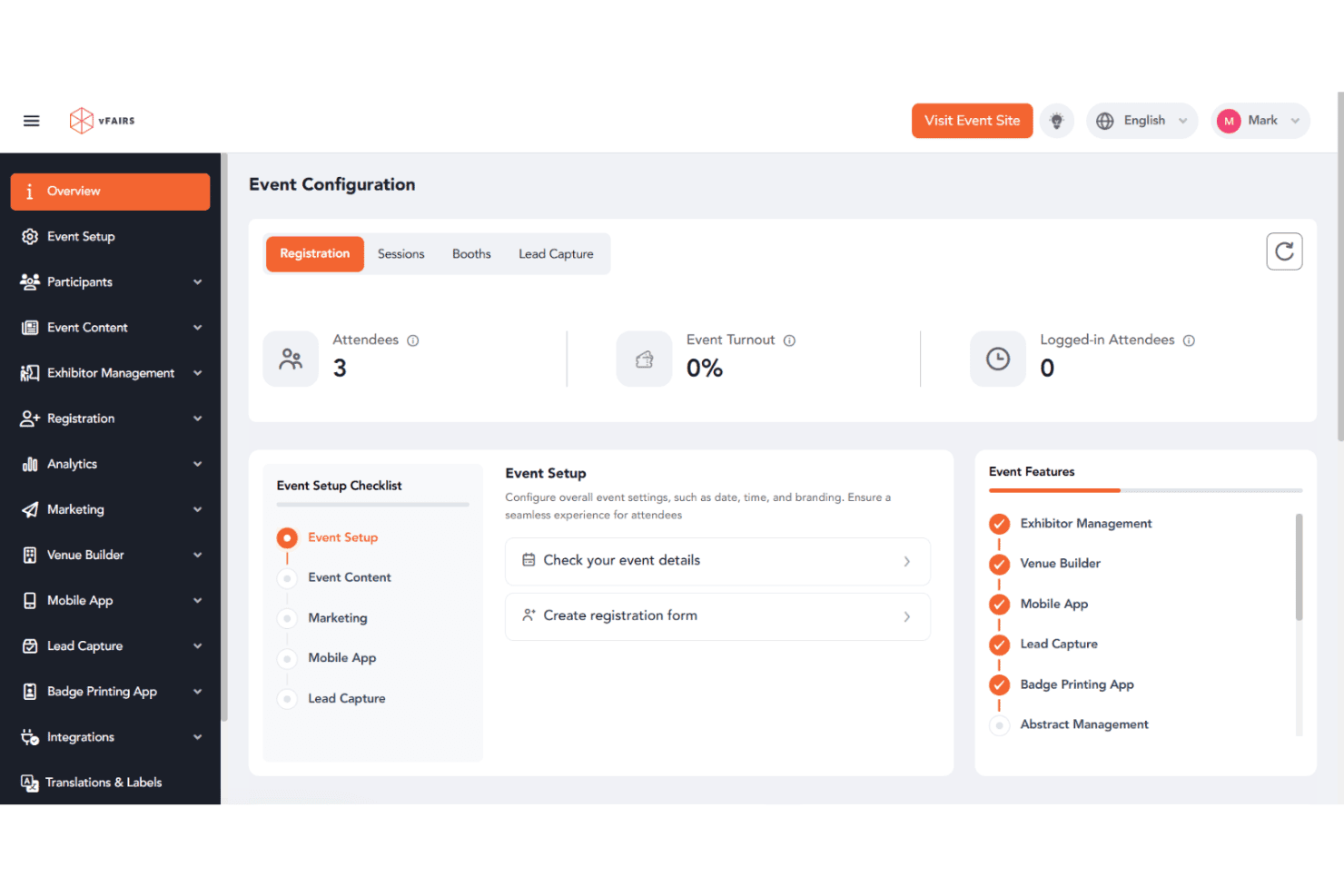
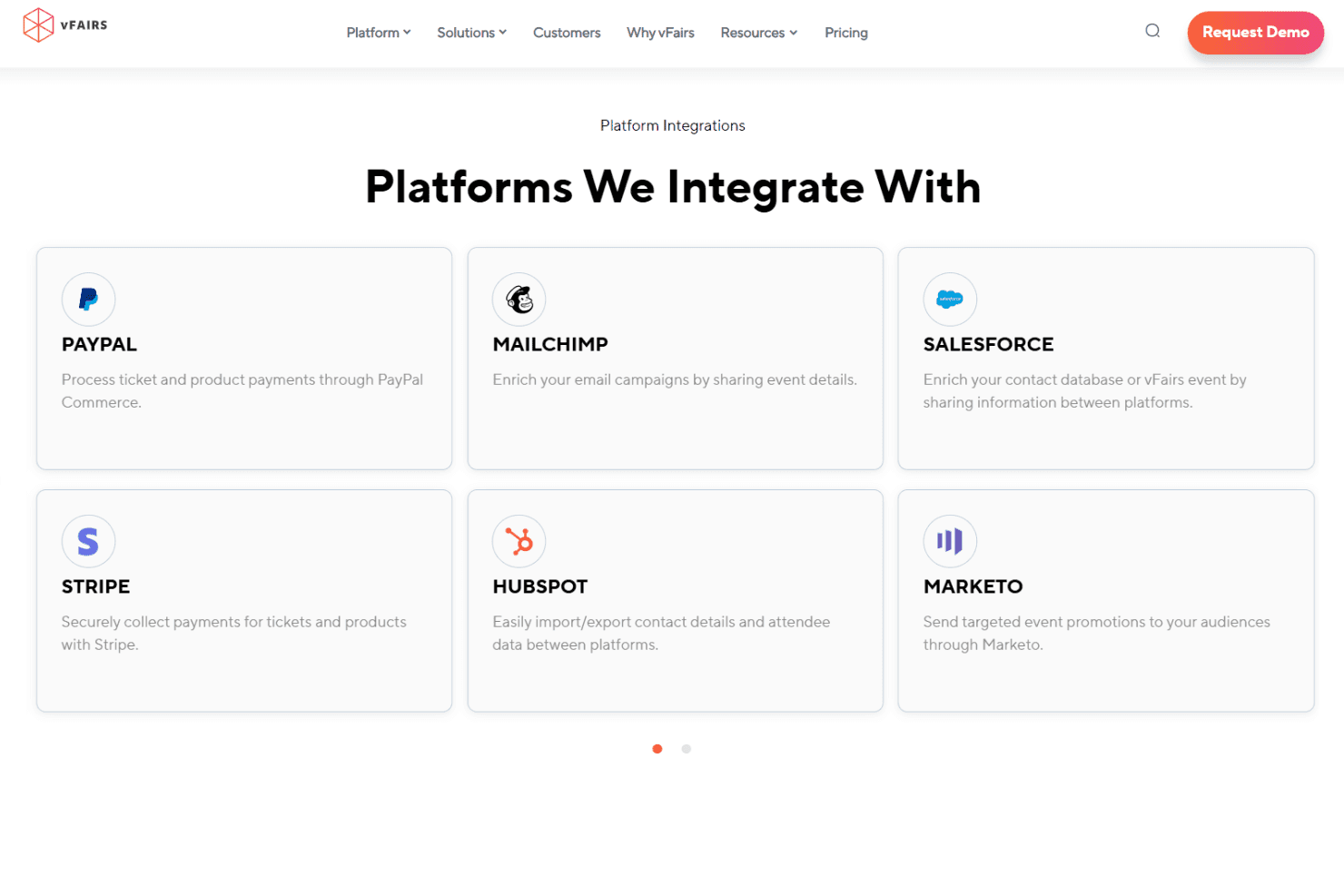
vFairs integrates with Zoom, Webex, Microsoft Teams, Salesforce, HubSpot, Mailchimp, Stripe, PayPal, Marketo, and Slido, among others.
vFairs also offers a RESTful API and connects with thousands of apps through Zapier and custom integrations.
vFairs Specs
- 2-Factor Authentication: Yes
- 360 Degree Feedback: No
- API: Yes
- Application Tracking: Yes
- Attendance Tracking: Yes
- Batch Permissions & Access: No
- Compliance Tracking: No
- Dashboard: Yes
- Data Export: Yes
- Data Import: Yes
- Data Visualization: Yes
- Employee Database: No
- Employee Engagement: No
- Employee Incentive Management: No
- Employee Onboarding: Yes
- Employee Training: Yes
- Expense Tracking: No
- External Integrations: Yes
- Feedback Management: Yes
- Multi-User: Yes
- Notifications: Yes
- Payroll: No
- Performance Appraisal: No
- Scheduling: Yes
- Time Management: No
- Timesheets: No
- Travel Management: No
- Vacation & Absence Calendar: No


