
Thynk Review: Pros, Cons, Features, and Pricing
Thynk is a hotel CRM software that helps manage guest relationships, sales, and marketing, supporting personalized guest experiences.

We review tools independently, and commissions help fund our testing. See our transparency policy, our methodology, or suggest a tool.
Thynk is a hotel CRM software built on Salesforce, designed for hotel sales teams managing group business, corporate accounts, and event pipelines. I'd consider it if you need purpose-built hospitality tools with a modern interface. Compared to legacy platforms like Amadeus Sales & Catering, Thynk gives you the same enterprise-grade pipeline depth with a more intuitive experience and tighter Salesforce ecosystem integration—without having to retrofit a generic CRM to fit hospitality workflows.
Thynk Evaluation Summary
4.8/5
- Pricing upon request
- Not available
Why Trust Our Software Recommendations
6,700+
Reviews
20
Industry experts
16+
Evaluation factors
14
Years
Our team has been testing and reviewing software since 2012. As hospitality leaders ourselves, we know how difficult—and important—it is to choose the right software.
For this guide, we evaluated tools using hands-on testing and independent research, scoring tools using our selection criteria.
Our reviews reflect our human editorial judgment, not a sales pitch.
Thynk Overview
I think Thynk is a strong choice if you want a hotel CRM that combines intuitive automation, customizable workflows, and solid integration options. Its interface is modern and easy to navigate, and onboarding is straightforward for most teams. Pricing is on the higher side, but you get responsive support and deep hospitality-specific features.
The tool outperforms others with its flexible group sales tools and reporting, though it may underperform if you need highly advanced marketing automation. I’d suggest Thynk for multi-property operators or independent hotels ready to invest in a unified guest engagement platform.
Pros
- Thynk offers strong guest personalization features, boosting your guest satisfaction.
- Its analytics provide actionable insights that enhance your decision-making.
- You'll find its data-driven approach improves guest loyalty and retention.
Cons
- Thynk requires a tech-savvy team for full utilization.
- The learning curve can be steep for new users.
- Some users find the interface less intuitive compared to competitors.
Is Thynk Right For Your Needs?
Who Would be a Good Fit for Thynk?
Thynk is ideal for boutique hotels and independent hotel chains focused on personalized guest experiences. If your team values data-driven insights to improve guest satisfaction and loyalty, Thynk’s advanced analytics will serve you well. Marketing departments and front desk teams can leverage its robust guest personalization features to enhance engagement and retention.
With a tech-savvy approach, your team can fully utilize Thynk’s capabilities to stand out in the competitive hospitality industry.
- Boutique HotelsThynk’s personalization features help you offer unique guest experiences.
- Independent ChainsYour chain benefits from Thynk’s data insights for consistent guest satisfaction.
- Marketing DepartmentsYou’ll enjoy using Thynk’s analytics to tailor your marketing campaigns.
- Front Desk TeamsThynk’s guest data improves your interaction and service quality.
- Guest RelationsYour team uses Thynk to build strong, lasting relationships with guests.
- Revenue ManagersThynk’s insights help you optimize pricing strategies based on guest data.
Who Would be a Bad Fit for Thynk?
Thynk isn’t suited for budget hotels or small inns that don’t have the resources to manage its advanced features. If your team lacks tech-savvy members, you’ll find the learning curve challenging. Large hotel chains with complex integration needs might find Thynk’s capabilities lacking since it focuses more on personalization and analytics rather than extensive integrations.
- Budget HotelsThynk’s advanced features can be overwhelming and unnecessary for your needs.
- Small InnsYou’ll struggle with Thynk if your team isn’t tech-savvy enough for its features.
- Large ChainsYour need for complex integrations may not be fully met by Thynk.
- Non-Tech TeamsThynk’s steep learning curve can be a barrier for your team.
- Simple OperationsIf your operations are basic, Thynk’s advanced analytics might be overkill.
- Short-Term RentalsThynk’s focus on long-term guest relationships doesn’t align with your needs.
How We Test & Score Tools
We’ve spent years building, refining, and improving our software testing and scoring system. The rubric is designed to capture the nuances of software selection and what makes a tool effective, focusing on critical aspects of the decision-making process.
Below, you can see exactly how our testing and scoring works across seven criteria. It allows us to provide an unbiased evaluation of the software based on core functionality, standout features, ease of use, onboarding, customer support, integrations, customer reviews, and value for money.
Core Functionality (25% of final scoring)
The starting point of our evaluation is always the core functionality of the tool. Does it have the basic features and functions that a user would expect to see? Are any of those core features locked to higher-tiered pricing plans? At its core, we expect a tool to stand up against the baseline capabilities of its competitors.
Standout Features (25% of final scoring)
Next, we evaluate uncommon standout features that go above and beyond the core functionality typically found in tools of its kind. A high score reflects specialized or unique features that make the product faster, more efficient, or offer additional value to the user.
We also evaluate how easy it is to integrate with other tools typically found in the tech stack to expand the functionality and utility of the software. Tools offering plentiful native integrations, 3rd party connections, and API access to build custom integrations score best.
Ease of Use (10% of final scoring)
We consider how quick and easy it is to execute the tasks defined in the core functionality using the tool. High scoring software is well designed, intuitive to use, offers mobile apps, provides templates, and makes relatively complex tasks seem simple.
Onboarding (10% of final scoring)
We know how important rapid team adoption is for a new platform, so we evaluate how easy it is to learn and use a tool with minimal training. We evaluate how quickly a team member can get set up and start using the tool with no experience. High scoring solutions indicate little or no support is required.
Customer Support (10% of final scoring)
We review how quick and easy it is to get unstuck and find help by phone, live chat, or knowledge base. Tools and companies that provide real-time support score best, while chatbots score worst.
Customer Reviews (10% of final scoring)
Beyond our own testing and evaluation, we consider the net promoter score from current and past customers. We review their likelihood, given the option, to choose the tool again for the core functionality. A high scoring software reflects a high net promoter score from current or past customers.
Value for Money (10% of final scoring)
Lastly, in consideration of all the other criteria, we review the average price of entry level plans against the core features and consider the value of the other evaluation criteria. Software that delivers more, for less, will score higher.
Core Features
Centralized Guest Profiles
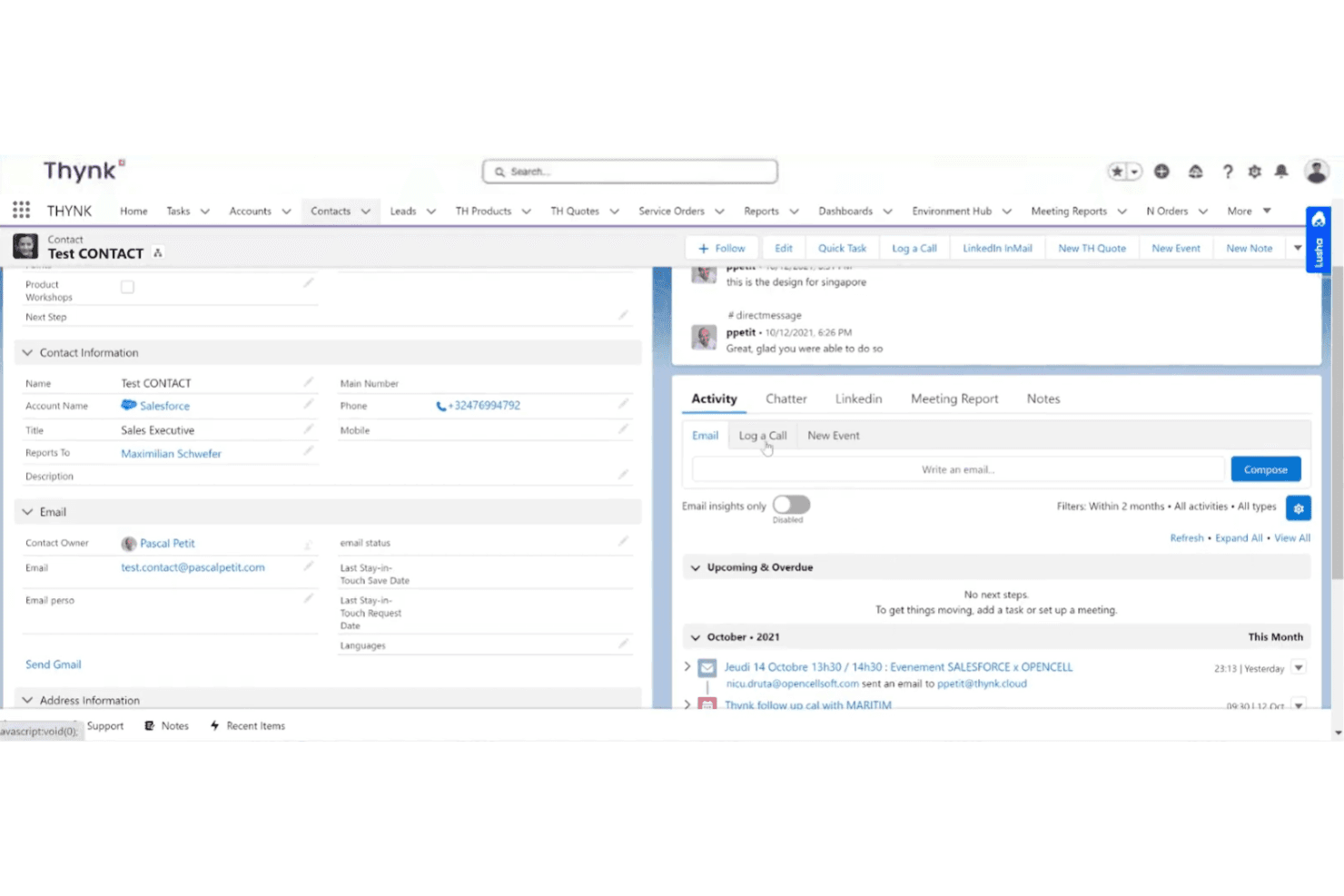
Store all guest and account data in one place for easy access. This helps teams personalize service and track guest history across properties.
Group Bookings Management
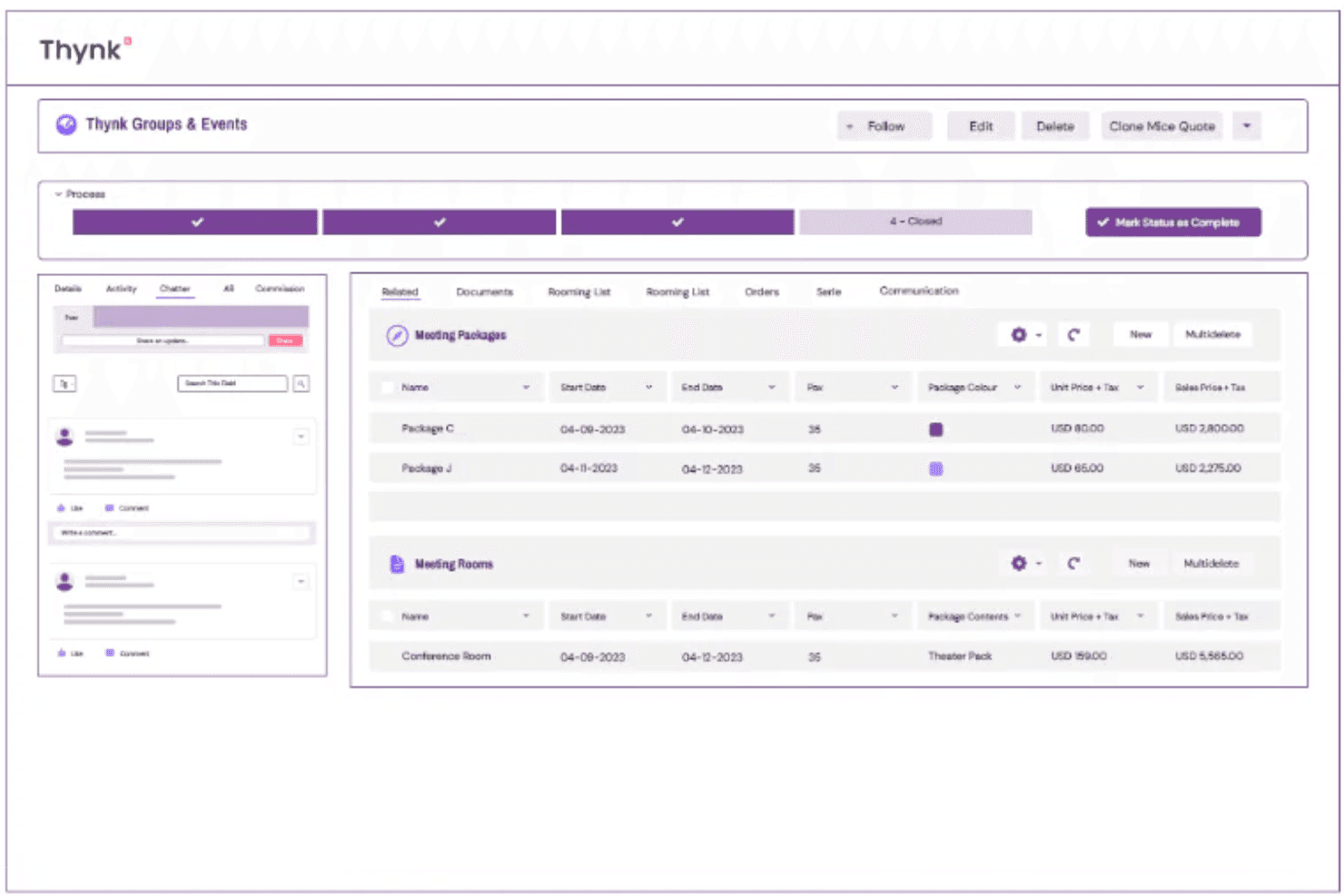
Manage group room blocks, track inventory, and automate group booking workflows. This feature streamlines complex group sales and event coordination.
B2B Sales Tools
Monitor sales pipelines, manage corporate accounts, and track performance. Sales teams can nurture leads and close deals with built-in hospitality sales features.
Direct Booking Engine
Enable real-time room and space availability on your website. Guests can book directly, increasing conversion and reducing reliance on OTAs.
Sales & Catering Operations
Quote, sell, and manage meetings and events from one platform. Automate document creation and centralize all event communications.
Advanced Reporting & Analytics
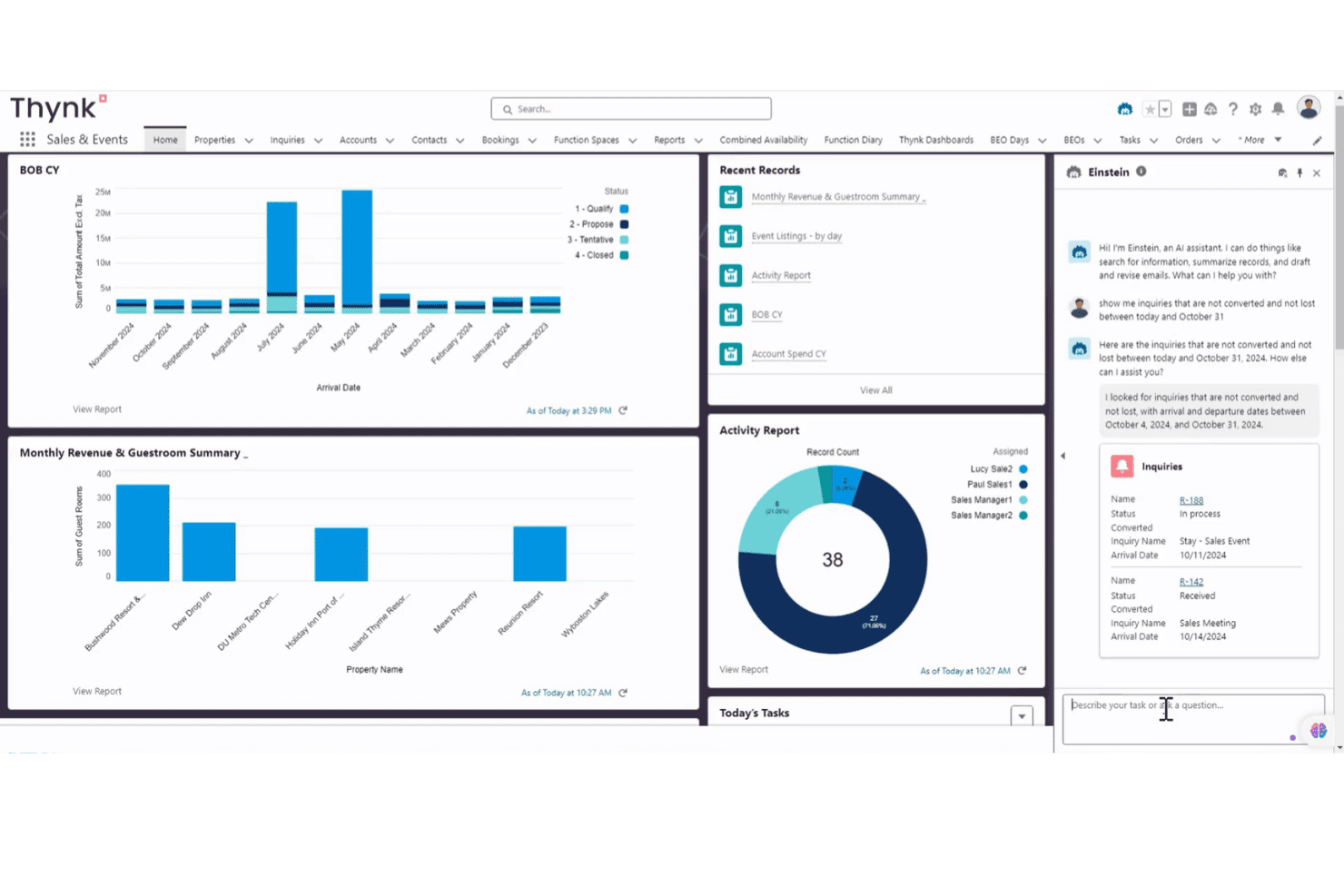
Access real-time dashboards and custom reports tailored for hospitality. Make data-driven decisions on sales, occupancy, and guest engagement.
Standout Features
Customizable Workflow Automation
Automate complex sales, operations, and guest communication processes with drag-and-drop workflow tools. This lets you tailor automation to your property’s unique needs without heavy IT involvement.
Multi-Property Data Consolidation
Aggregate data from multiple hotels or brands into a single dashboard for unified oversight. This feature gives management teams a holistic view of performance and guest trends across their entire portfolio.
Ease of Use
Thynk’s interface is modern and intuitive, making it easy for hotel teams to navigate daily tasks without extensive training. Users often mention that onboarding is straightforward, with clear workflows and logical menu layouts. The drag-and-drop automation tools and centralized dashboards help reduce manual work and confusion.
While some advanced features may require initial setup support, most teams can quickly adapt and start seeing value from the platform.
Onboarding
Thynk offers a guided onboarding process with dedicated support, which helps new users get up to speed quickly. Many users highlight the responsive customer service and access to training resources, including documentation and webinars.
The setup process is structured but may require some technical input for advanced customization. Overall, most teams report a smooth transition and appreciate the hands-on assistance during the initial rollout.
Customer Support
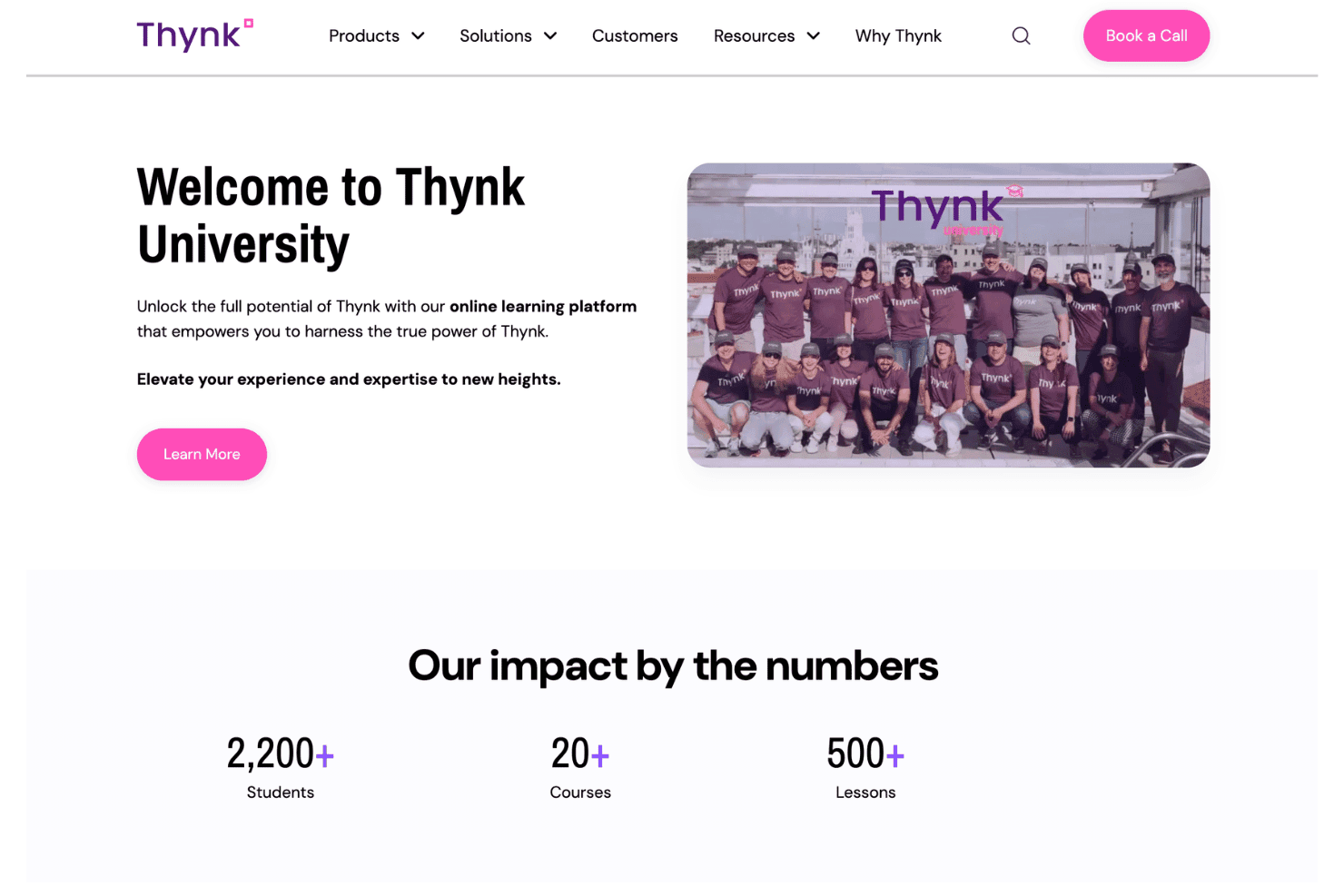
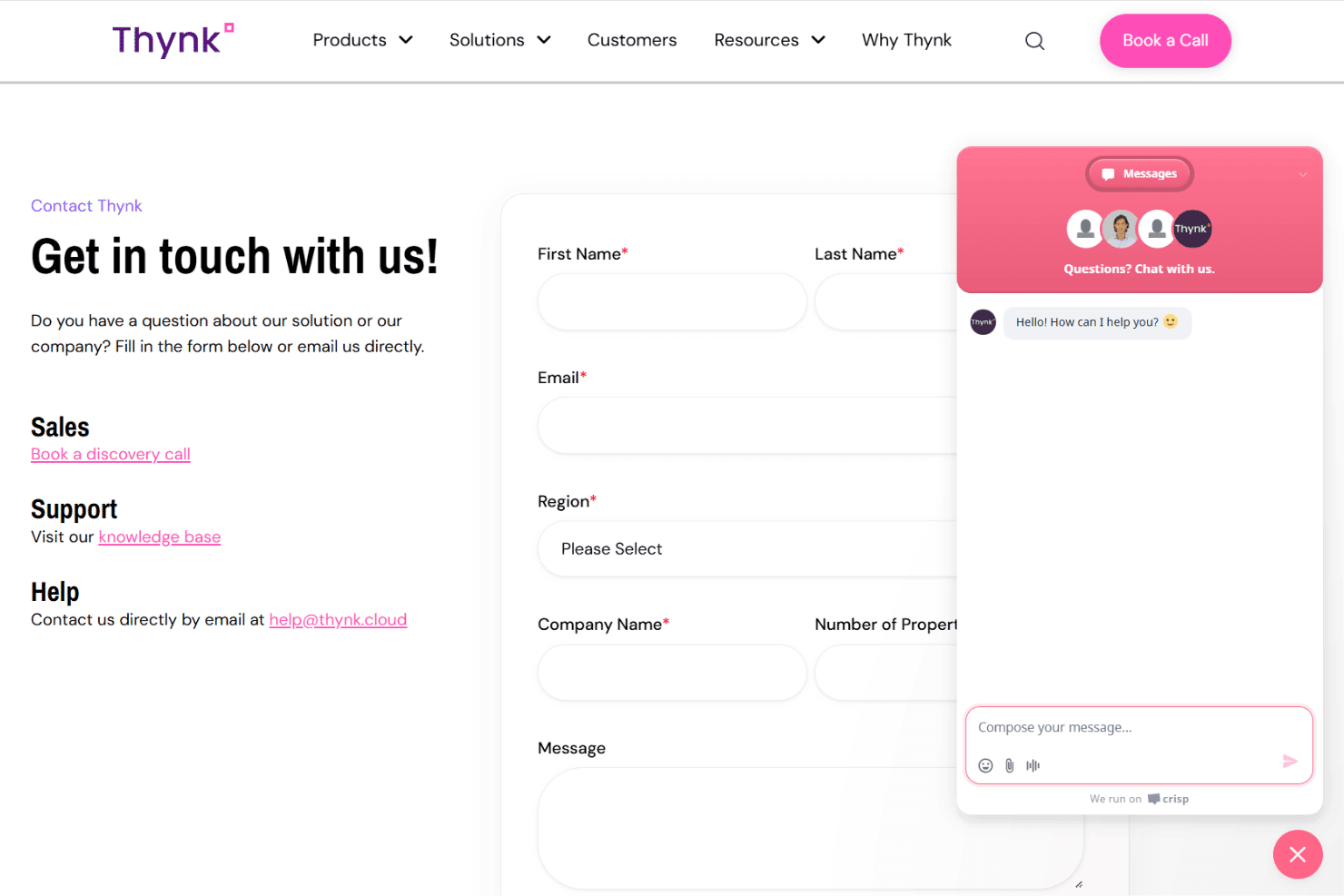
Thynk is known for its responsive and knowledgeable customer support team, with users frequently praising quick turnaround times and helpful guidance. Support is available through multiple channels, including live chat, email, and scheduled calls.
Many users mention that issues are resolved efficiently and that the team is proactive in offering solutions. The availability of detailed documentation and training resources further enhances the overall support experience.
Integrations
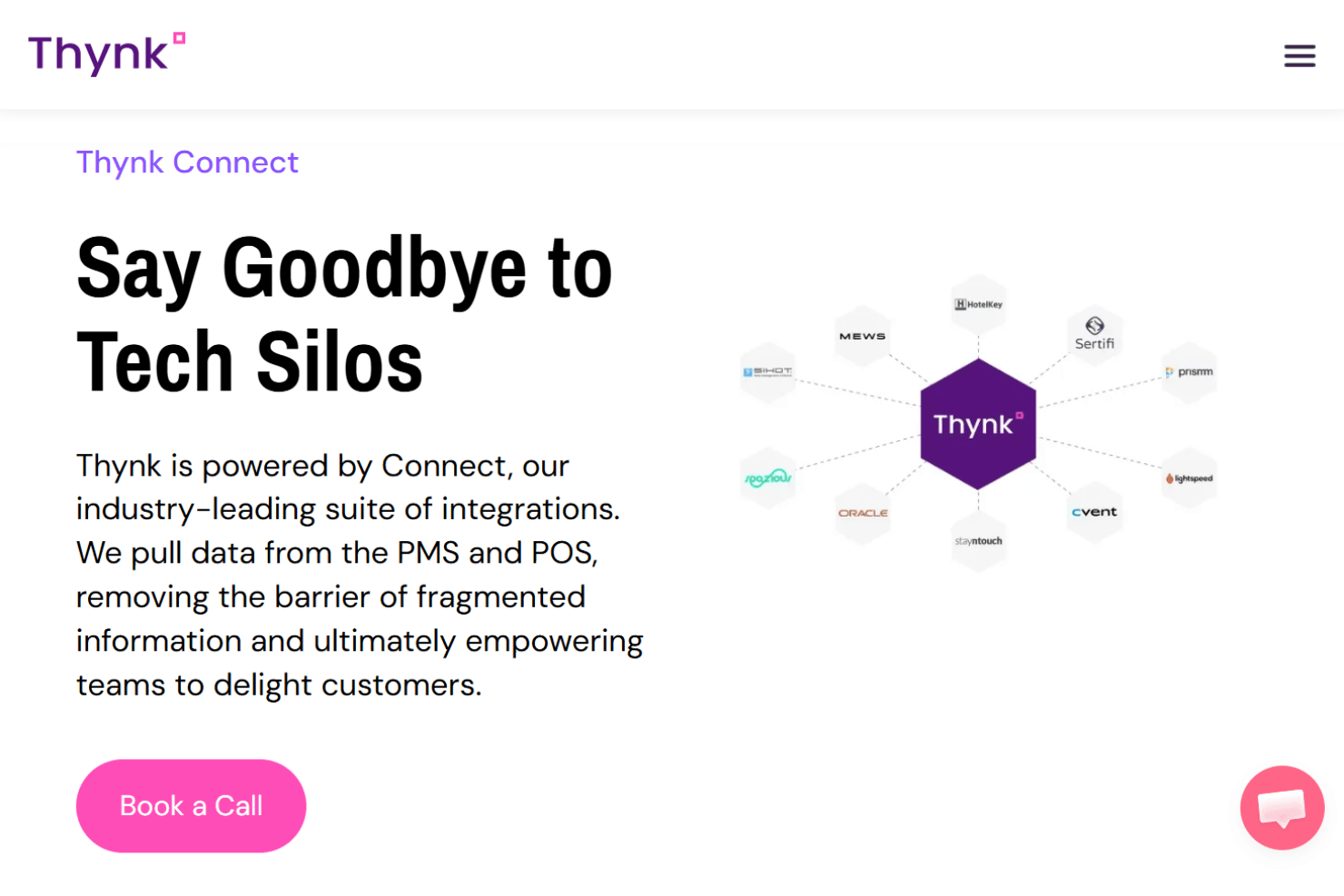
Thynk integrates with HotelKey, Sihot, Cvent, Prismm, and Salesforce, as well as a range of property management systems, point-of-sale systems, digital signage solutions, payment platforms, and event management tools, among others.
Thynk also offers an API and supports connections with third-party integration tools for custom workflows and data sync.
Value for Money
Thynk positions itself as a premium platform with pricing tied to property size and usage, not fixed tiers, which raises costs but aligns with complex hospitality needs. Users note strong ROI from automation and centralized sales workflows, though smaller teams may find it expensive. Its value comes from replacing multiple systems in one platform.
- Default Plan: Pricing scales based on the number of properties, rooms, and operational scope, with tailored configuration for enterprise needs.
Thynk Specs
- API: Yes
- Budgeting: No
- Calendar Management: Yes
- Compliance Tracking: Yes
- Contact Management: Yes
- Customer Management: Yes
- Dashboard: Yes
- Data Export: Yes
- Data Import: Yes
- Data Visualization: Yes
- Document Management: Yes
- Expense Tracking: No
- External Integrations: Yes
- Forecasting: Yes
- Inventory Tracking: No
- Multi-Currency: Yes
- Multi-User: Yes
- Notifications: Yes
- Organization Management: Yes
- Payment Processor: No
- Payroll: No
- Scheduling: Yes
- Supplier Management: No
- Tax Management: No
- Workflow Management: Yes
Thynk FAQs
Thynk Company Overview & History
Thynk is a hospitality commercial platform headquartered in Paris, France, serving over 2,500 hoteliers worldwide. The company is powered by Salesforce® CRM and focuses exclusively on the hospitality sector, offering solutions for hotel groups, resorts, management companies, and venues.
The platform is trusted by notable clients, including Rotana Hotels & Resorts, Lamington Group, Staypineapple Hotels, Harry’s Home Hotels, Design Hotels, Postillion Hotels, Barrière, Generator, and Maritim Hotels. It is known for its data-driven approach and strong partnerships with leading hotel brands.
Thynk Major Milestones
- 2021: Thynk was founded and launched its hospitality commercial platform.
- 2024: Taiba Investments leverages Thynk for significant revenue growth.
- 2025: Sonesta International Hotels Corporation partners with Thynk to support its global sales organization.
- 2025: Bilderberg Hotels unifies sales and MICE teams across 11 properties using Thynk.