Getting hotel management software implementation right is the difference between a system that transforms your operations and one that derails them. A rushed or disorganized rollout leads to staff resistance, data loss, and guest-facing disruptions that are hard to walk back.
The 10-phase approach I outline here breaks the process into clear, manageable steps—so your team knows what's coming, when, and why. It addresses the most common hurdles head-on, from stakeholder alignment and data migration to staff training and go-live support.
How I Guide Hotel Management Software Implementations Step by Step
Here’s how I break down every hotel management software project into 10 clear, must-follow phases:
1. Project Planning and Team Assembly
Start by naming a project owner—someone with the authority to make decisions and hold departments accountable. This is usually your general manager or director of operations, not your IT lead alone.
From there, build a cross-functional team that includes your front office manager, revenue manager, head of housekeeping, and a finance representative. Each brings a perspective that shapes how the software needs to be configured. Without their input early, you'll spend weeks correcting assumptions later.
Define your go-live date, milestones, and department responsibilities in a shared project plan before anything else moves forward. I'd also recommend documenting your current workflows at this stage—not to preserve them, but so you know exactly what the new system needs to replace or improve.
Use this list to make sure your hotel management software project team covers all the right bases from day one:
- Select a project owner: Choose someone with direct authority over operations—not just IT or an external consultant.
- Include department leads: Bring in front office, revenue, housekeeping, and finance for balanced input.
- Define clear responsibilities: Spell out who oversees major decisions, technical setup, training, and vendor coordination.
- Map current workflows: Document how tasks move between departments to help the team spot gaps and improvement areas.
- Set and share a timeline: Establish main milestones so everyone knows what’s happening and when.
2. Current Operations and Systems Assessment
Before any vendor demos or configuration decisions, map out exactly how your property operates today. Walk through a full guest journey—from booking to checkout—and document every system, manual process, and handoff point involved. That includes your current property management system (PMS), channel manager, point-of-sale tools, and any spreadsheets your team relies on.
Involve your department heads here, not just IT. Front desk staff know where the front office workflow breaks down. Housekeeping supervisors know which room status updates get missed. Their input surfaces the gaps your new system actually needs to solve. Pay close attention to integrations your current setup depends on—payment processors, online travel agencies, loyalty platforms—because these will shape your vendor shortlist more than almost anything else.
Keep these tips in mind as you assess your current operations and technology landscape to avoid missing key details that impact your project down the line:
- Ask front-line staff: Their real-world perspective surfaces pain points that executive team members may not see.
- Map integrations: Document every connection—payment gateways, channel managers, POS systems—that keeps your day-to-day running.
- Capture manual workarounds: List every spreadsheet, notepad, or task that’s “outside the system” so nothing falls through the cracks.
- Trace the guest journey: Follow a full booking to checkout scenario to expose gaps and dependencies in your existing setup.
- Document exceptions: Highlight where standard procedures break or where teams rely on memory, as these are often why changes fail.

Have an account? Log In
3. Infrastructure and Technical Readiness Review
Before your vendor begins configuration, have your IT team audit your network capacity, hardware, and internet reliability across every department. A slow connection at the front desk or housekeeping tablets that can't handle the new software will quietly sabotage your go-live.
Work directly with your vendor to confirm minimum system requirements, then compare those against what you actually have. Don't assume your current setup is sufficient. I've seen properties run into problems with outdated routers in back-of-house areas that never mattered until staff needed real-time room status updates. Address infrastructure gaps now, not after training begins. If upgrades are needed, factor that timeline into your project plan so it doesn't push your go-live date.
Pay attention to these infrastructure and readiness tips to avoid IT surprises at go-live:
- Test Wi-Fi Coverage: Confirm strong, stable Wi-Fi in every operational area, not just guest zones.
- Check Device Compatibility: Make sure every computer, printer, and tablet matches your vendor’s software requirements.
- Backup Power Plans: Have surge protectors and battery backups in place for key devices.
- Verify Internet Reliability: Schedule maintenance or ISP upgrades now if you spot speed or downtime issues.
- Update Security Settings: Work with IT to set strong passwords, firewall rules, and user permissions before configuration begins.
4. Data Auditing and Pre-Migration Cleanup
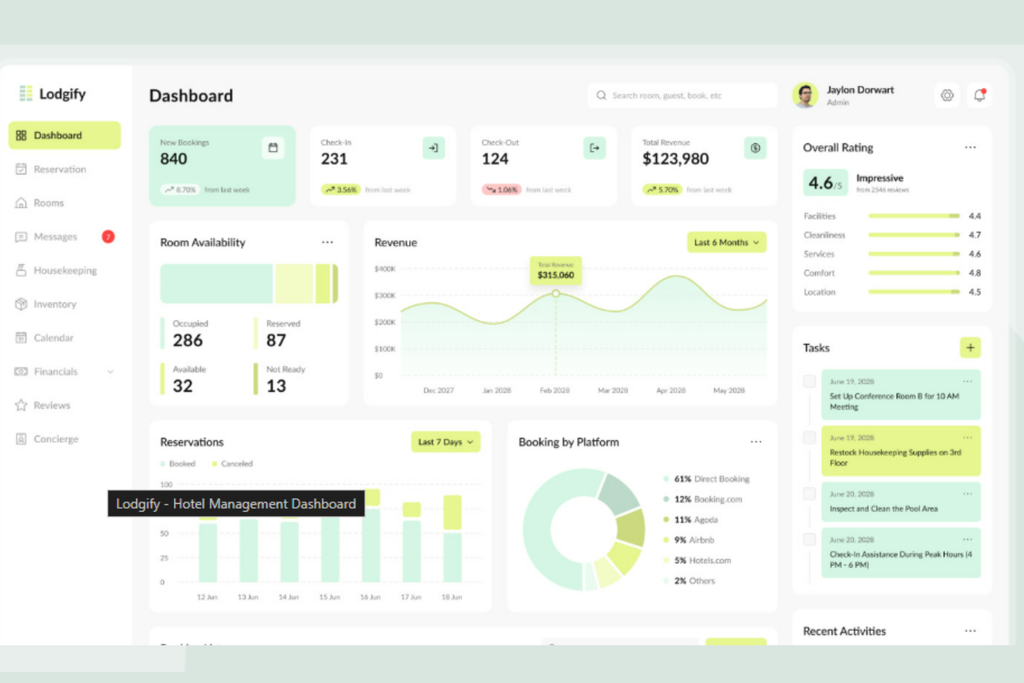
Your data is only worth migrating if it's accurate. Before transferring anything to the new system, pull your guest profiles, reservation history, and rate plans and review them for duplicates, outdated records, and formatting inconsistencies. A guest who's stayed 20 times shouldn't appear as five separate profiles—that kind of clutter degrades your reporting and loyalty tracking from day one.
Your revenue manager and front office manager should lead this work, not IT alone. They know which rate codes are still active and which were retired two years ago. Agree with your vendor on exactly what data formats they require, then clean and structure your exports accordingly. Don't migrate everything by default—be selective. Bringing across years of junk data slows your system and creates confusion your team will have to untangle post-go-live.
Watch for these common mistakes as you review and clean your data before migration:
- Duplicated Profiles: Merge or remove multiple records for the same guest to prevent confusion.
- Outdated Rate Codes: Only migrate active and relevant rate plans your team uses today.
- Incomplete Contact Information: Fill in missing email addresses and phone numbers for better communication.
- Inconsistent Formatting: Standardize date formats, capitalization, and fields so data imports cleanly.
- Unnecessary Historical Data: Exclude records that aren't needed for future reporting or guest recognition.
5. System Configuration and Customization
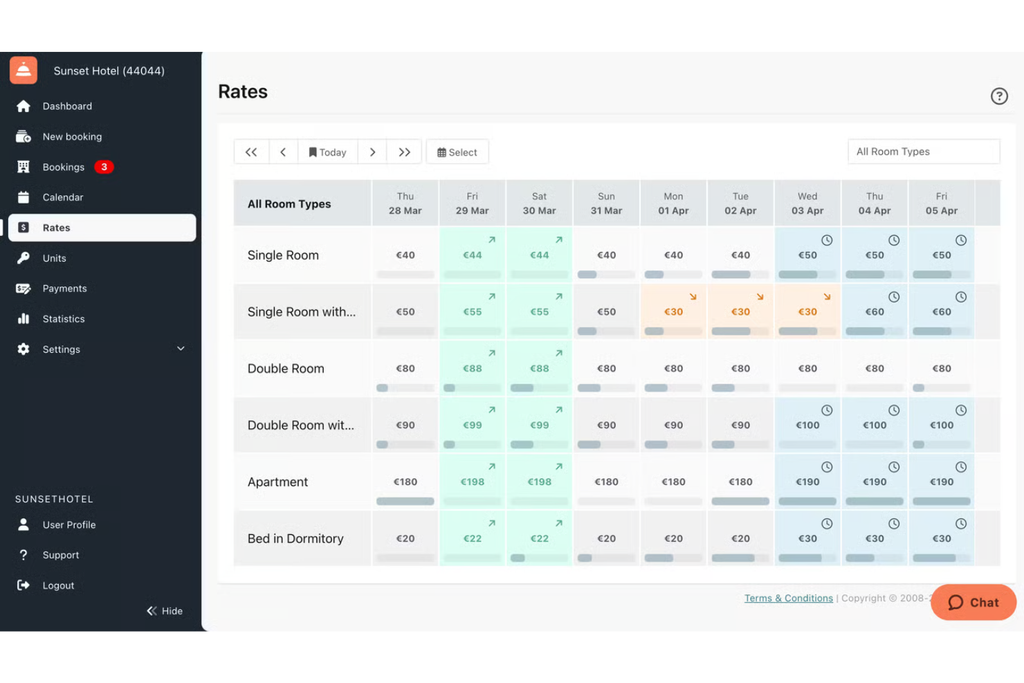
Configuration is where your pre-work pays off. Share your documented workflows, rate structures, and room type hierarchy with your vendor contact so they're building around your actual operation—not a generic hotel template.
Your revenue manager should sign off on rate plans and restrictions. Your front office manager should validate check-in flows, folio settings, and room categories. Don't let your vendor configure in a vacuum. Every setting that ships wrong will cost you time in retraining and corrections after go-live.
Resist the urge to replicate your old system exactly. If a workflow was broken before, this is your chance to fix it. Push back on defaults that don't match how your team actually works. A well-configured system on day one is far easier to maintain than one patched together through post-launch workarounds.
Keep these best practices in mind when configuring and customizing your hotel management software to fit your operation—not just the vendor’s template:
- Involve Every Department: Make sure each department lead reviews their specific workflows for accuracy before finalizing settings.
- Push for True Improvements: Avoid copying old, broken processes—address workflow gaps during configuration.
- Validate Rate Structures: Double-check rate plans, restrictions, and room categories reflect your revenue strategy, not just default options.
- Test User Permissions: Set up access levels now to prevent post-launch errors or confusion.
- Document Decisions: Record configuration changes and why you made them to make future audits and training easier.
6. Third-Party Integration Setup and Validation
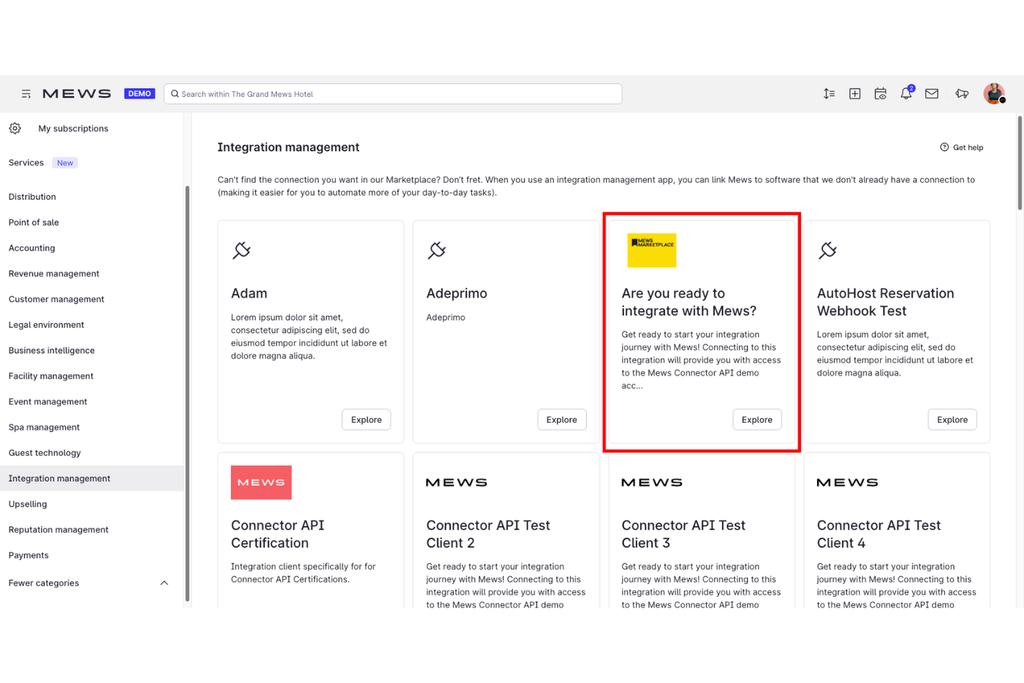
Connect your channel manager, payment gateway, and OTA feeds before anything goes live. Your revenue manager and IT lead should work through each integration together—one understands the commercial logic, the other handles the technical setup.
Don't assume a connection is working just because it's configured. Run live tests: push a rate update through your channel manager and confirm it reflects in the PMS. Process a test payment and trace it end to end. A silent failure here means real reservations or charges can fall through post-launch without anyone noticing. Build validation checkpoints into your project timeline so each integration is confirmed—not just connected—before your go-live date.
Watch for these issues as you connect and validate third-party integrations before go-live:
- Skipped Live Testing: Always run a real transaction—just connecting isn’t enough to be sure data flows properly.
- Missing Stakeholder Checks: Involve both commercial and IT leads so you catch logic errors and not just technical ones.
- Outdated API Credentials: Confirm every integration uses current, secure credentials to prevent silent failures.
- Untracked Validation: Document test results and sign-offs for every integration before moving to the next project stage.
- Assuming Default Settings Are Correct: Double-check mapping of room types, payment methods, and tax codes to avoid mismatches.
7. Staff Training and Change Management
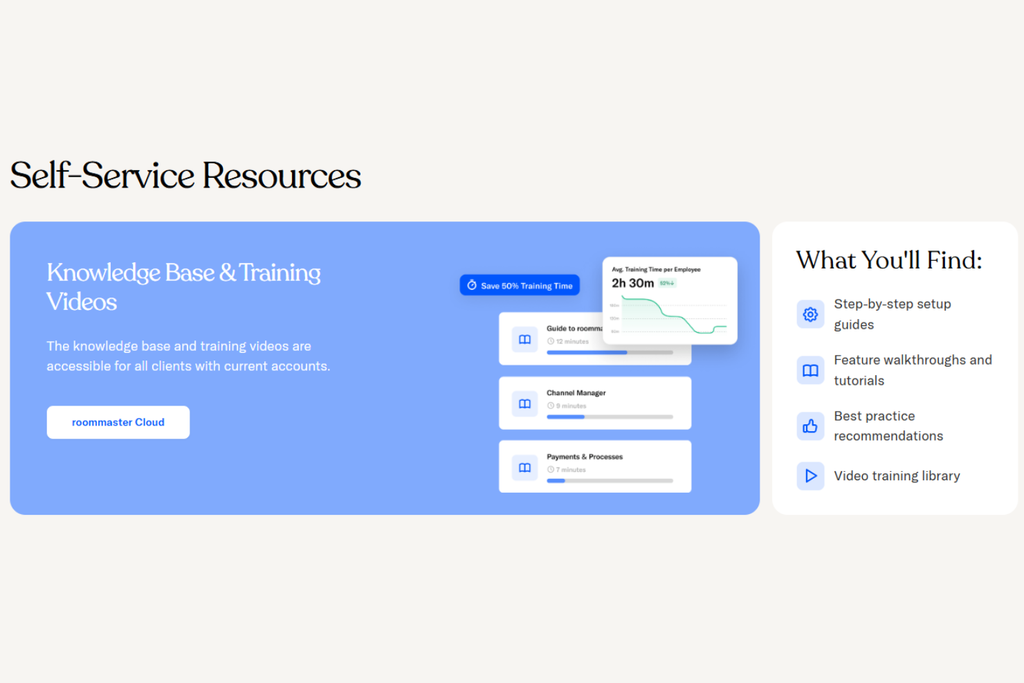
Start training by role, not by department. Your front desk team needs to master check-in flows and folio management. Housekeeping supervisors need room status updates. Give each group focused, hands-on sessions in a sandbox environment before go-live—not a general overview that covers everything for everyone.
Resistance is normal, especially from staff who've used your old system for years. The best way to manage it is to identify informal team leaders early and get them comfortable first. When peers see a trusted colleague navigate the new system confidently, adoption follows faster than any top-down mandate will produce.
Don't assume one round of training is enough. Schedule refresher sessions in the first two weeks after go-live, when real questions surface. Keep a simple reference guide at each workstation so staff aren't dependent on memory when something unfamiliar comes up mid-shift.
Use these best practices to help your team navigate training and adopt the new hotel management software with confidence:
- Role-Specific Guidance: Tailor training topics to what each group actually does, like check-ins for front desk or status updates for housekeeping.
- Early Leader Buy-In: Identify influential staff, train them first, and let them champion the transition for peers.
- Hands-On Learning: Offer practice in a test environment so staff can make mistakes and ask questions before go-live.
- Keep Reference Materials Handy: Place simple guides at key workstations for quick answers during busy shifts.
- Ongoing Support: Schedule follow-up sessions after go-live to address real-life questions and reinforce learning.
8. System Testing and Quality Assurance
Run end-to-end tests before anyone calls this system ready. Walk through a full guest journey: create a reservation, check in, post charges, generate a folio, and check out. Do this across room types, rate plans, and payment methods. If something breaks in testing, it's far better to find it now than mid-shift on a busy Friday night.
Your front office manager, revenue manager, and housekeeping supervisor should each sign off on the workflows that belong to them. Don't rely on your vendor to catch operational gaps—they don't know your property like your team does. Document every issue you find, track how it's resolved, and retest after fixes are applied. A quick patch that solves one problem can introduce another, so don't skip the retest step.
Keep these practical tips in mind as you run system tests and sign off on your hotel management software before go-live:
- Full Guest Journeys: Test every step—from reservation to check-out—using all combinations of rate plans and payment methods.
- Detailed Issue Tracking: Record bugs or mismatches as you spot them and follow up after each fix.
- Departmental Sign-Offs: Get written sign-off from each department lead after confirming their workflows work as expected.
- Retesting After Fixes: Always go back and retest systems after resolving an issue to catch unexpected side effects.
- Vendor Collaboration: Share detailed feedback with your vendor so they can resolve gaps the system team alone might miss.
9. Go-Live and Cutover Execution
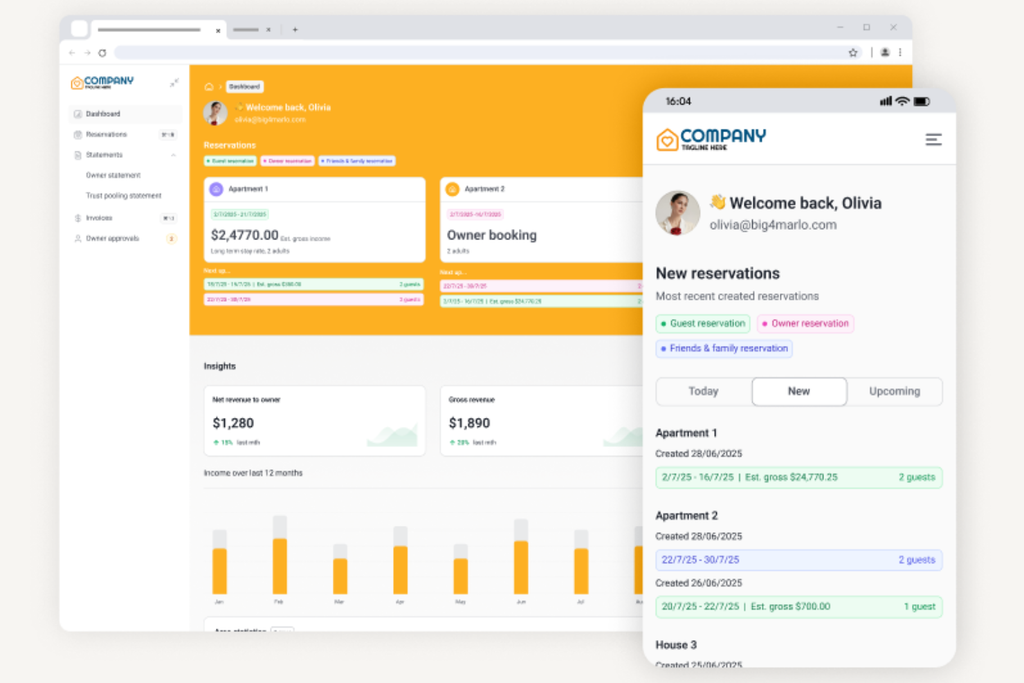
Go-live day isn't the finish line—it's the moment your preparation gets tested in real time. Lock your old system the night before, complete your final data export, and confirm your new system is loaded and accessible before the first shift starts. Your front office manager should be on the floor, not in a back office, during peak check-in hours.
Assign a point person from your vendor to be available throughout the first 24 to 48 hours. Issues will surface—what matters is how fast you resolve them. Keep a live log of problems as they come up so nothing gets forgotten in the rush.
Don't run both systems in parallel longer than necessary. It creates confusion and splits your team's attention. Commit to the new system fully, and trust the testing work you've already done.
To make sure your hotel’s launch day runs smoothly, keep these do’s and don’ts in mind as you handle the final cutover to your new system:
| Do | Don’t |
|---|---|
| DoFinalize Data Migration: Finish all exports and imports the night before go-live. | Don’tDelay Final Checks: Don’t wait until morning to verify system access and data. |
| DoAssign Onsite Leads: Keep a manager on the floor to support teams and handle questions. | Don’tDisappear During Peak: Don’t leave the front line unsupported during busy check-in periods. |
| DoLog Every Issue: Track problems in real time and follow up post-launch. | Don’tRely on Memory: Don’t assume you’ll remember every issue once the shift ends. |
| DoLean on Your Vendor: Make sure your vendor contact is immediately available on go-live day. | Don’tRun Dual Systems: Don’t keep both systems running unless absolutely necessary. Commit to the switch. |
More Articles
10. Post-Launch Performance Monitoring and Optimization
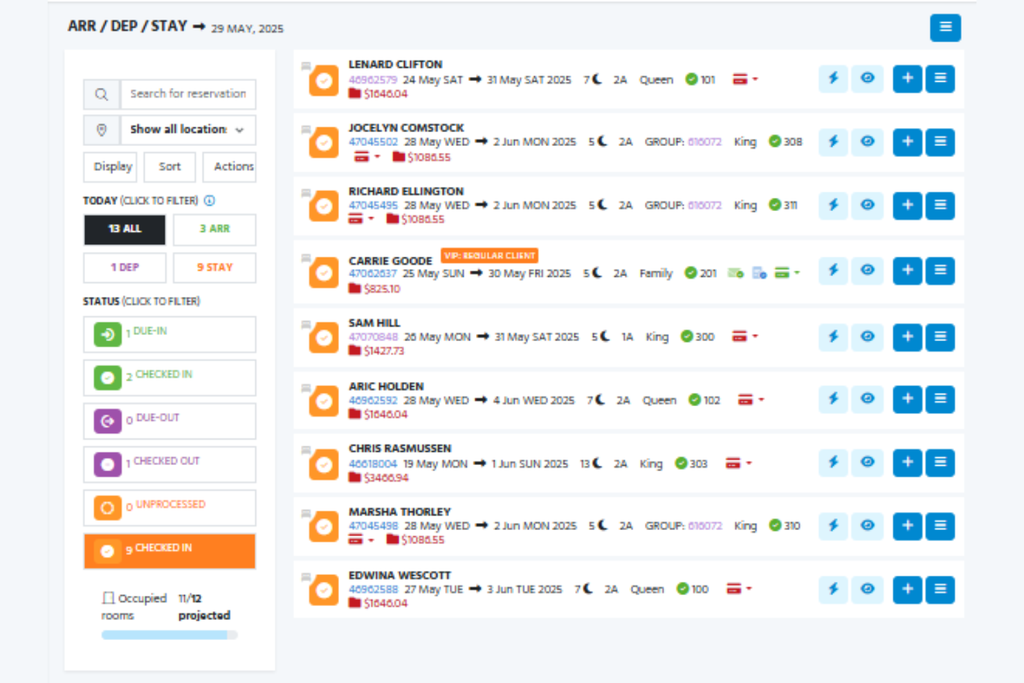
The real work starts after go-live. Pull your key metrics weekly for the first 30 days: reservation pick-up rates, check-in processing times, folio error rates, and any recurring guest complaints tied to the new system. If something looks off, investigate it before it becomes a pattern.
Your revenue manager should be reviewing rate performance and channel parity regularly. Your front office manager should be collecting feedback from the floor. Real issues rarely surface in reports first—they come from the staff handling check-ins and guest requests daily. Schedule a structured debrief at the 30- and 60-day marks with your department leads to surface what's working and what needs adjusting. Don't wait for problems to escalate before you act on them.
Use these prompts to guide your post-launch monitoring and help your team catch and act on real issues quickly:
- Weekly Metric Reviews: Pull reports on reservation pick-up, check-in times, folio errors, and guest complaints tied to the system.
- Channel and Rate Audits: Have your revenue manager confirm channel parity and rate accuracy every week.
- Floor Feedback Loops: Encourage front office leads to gather daily feedback—don’t wait for formal surveys.
- Structured Debriefs: Hold scheduled check-ins at 30 and 60 days to discuss what’s working and what’s not.
- Act Fast on Patterns: Investigate anything unusual right away rather than letting it linger or become a bigger problem.
Top Hotel Management Software to Consider
Here’s my shortlist of the best hotel management software solutions:
Best Practices for a Successful Hotel Management Software Implementation
Adopting new hotel management software can disrupt operations if common mistakes aren’t avoided. Review this comparison to identify what not to do—and what to do instead—to keep your implementation on track:
| Don’ts | Instead, Do: |
|---|---|
| Don’tsSkip end-to-end testing before go-live | Instead, Do:Run a full test of core guest journeys with all rate and payment options |
| Don’tsInvolve only IT in integration checks | Instead, Do:Include commercial, front desk, and IT leads in validation steps |
| Don’tsUse outdated or generic API credentials | Instead, Do:Confirm all integrations use currently valid, secure credentials |
| Don’tsAssume system defaults match your setup | Instead, Do:Double-check mapping for room types, payment methods, and tax codes |
| Don’tsRely on one-time training sessions | Instead, Do:Schedule hands-on and refresher training by role, before and after go-live |
| Don’tsDelay documenting testing and sign-offs | Instead, Do:Record all test results and get department lead confirmation at every stage |
| Don’tsWait for formal surveys to collect feedback | Instead, Do:Encourage daily check-ins and feedback from floor teams |
| Don’tsRun both old and new systems in parallel for too long | Instead, Do:Complete the switch as soon as data and validation checks are finished |
| Don’tsTrust memory to track post-launch issues | Instead, Do:Keep a live log of every problem encountered and follow up after launch |
Keep Your Implementation Knowledge Current
A hotel management software implementation is one of the highest-stakes projects your property will take on—and the best GMs treat it as an ongoing discipline, not a one-time event. If you want to stay sharp on hotel technology, tools, and operational best practices, subscribe to The Hotel GM newsletter for fresh guides, tool reviews, and industry updates delivered straight to your inbox.