

Reseña de RateGain: Ventajas, Desventajas, Características y Precios



RateGain is a hotel revenue management software built around competitive rate intelligence, rate parity monitoring, and channel distribution management. It's a good option for properties that need real-time visibility into competitor pricing across channels—and want to act on that data without juggling separate tools. I'd consider it over a platform like IDeaS if automated, algorithm-driven demand forecasting isn't your priority and you want more hands-on control over rate strategy and distribution performance in a single place.
RateGain Evaluation Summary
- Pricing upon request
- Free demo available
Por qué confiar en nuestras recomendaciones de software
Nuestro equipo lleva probando y evaluando software desde 2012. Como líderes del sector hotelero, sabemos lo difícil —y lo importante— que es elegir el software adecuado.
Para esta guía, evaluamos las herramientas mediante pruebas prácticas e investigación independiente, puntuando las herramientas según nuestros criterios de selección.
Nuestras reseñas reflejan nuestro criterio editorial humano, no un discurso de ventas.
RateGain Overview
When judging RateGain, its real strength is in its global data coverage and dynamic pricing tools, which help hotels react quickly to market shifts. The interface is modern and, onboarding is straightforward, but some users may find advanced analytics less customizable than others. Pricing is competitive for the feature set, and support is responsive.
I’d suggest RateGain is best for hotels or groups that want actionable insights and easy integration with existing systems, especially if you value fast implementation and broad channel connectivity. For smaller properties, the depth of features might feel like more than you need.
pros
-
Real-time rate intelligence across global markets.
-
Automated dynamic pricing recommendations for hotels.
-
Strong channel management and OTA connectivity.
cons
-
Occasional delays in customer support response.
-
Reporting dashboards can feel limited for advanced users.
-
Some features require separate modules or add-ons.
-

roommaster
Visit WebsiteThis rating combines scores from multiple user review sites to reflect overall customer sentiment about the product.4.3 -
Little Hotelier
Visit WebsiteThis rating combines scores from multiple user review sites to reflect overall customer sentiment about the product.4 -
Roomstay Hotel Booking Engine
Visit Website




Cómo Probamos y Puntamos Herramientas
Hemos pasado años construyendo, refinando y mejorando nuestro sistema de pruebas y puntuación de software. La rúbrica está diseñada para capturar las particularidades de la selección de software y lo que hace que una herramienta sea efectiva, enfocándose en aspectos críticos del proceso de toma de decisiones. A continuación, puedes ver exactamente cómo funcionan nuestras pruebas y puntuaciones en siete criterios. Nos permite proporcionar una evaluación imparcial del software basada en funcionalidad principal, características destacadas, facilidad de uso, incorporación, soporte al cliente, integraciones, opiniones de clientes y relación calidad-precio.
Funcionalidad Principal (25% de la puntuación final)
El punto de partida de nuestra evaluación es siempre la funcionalidad principal de la herramienta. ¿Tiene las características y funciones básicas que un usuario esperaría ver? ¿Alguna de esas funciones básicas está limitada a planes de precios superiores? En esencia, esperamos que una herramienta esté a la altura de las capacidades mínimas de sus competidores.
Características Destacadas (25% de la puntuación final)
Luego, evaluamos las características destacadas poco comunes que van más allá de la funcionalidad principal, típicamente encontrada en herramientas de su tipo. Una puntuación alta refleja funciones especializadas o únicas que hacen que el producto sea más rápido, eficiente u ofrezca valor adicional al usuario. También evaluamos lo fácil que resulta integrar con otras herramientas normalmente presentes en el paquete tecnológico para ampliar la funcionalidad y utilidad del software. Las herramientas con abundantes integraciones nativas, conexiones de terceros y acceso a API para crear integraciones personalizadas obtienen la mejor puntuación.
Facilidad de Uso (10% de la puntuación final)
Consideramos qué tan rápido y fácil es ejecutar las tareas definidas en la funcionalidad principal usando la herramienta. El software que obtiene una puntuación alta está bien diseñado, es intuitivo de usar, ofrece aplicaciones móviles, proporciona plantillas y hace que tareas relativamente complejas parezcan sencillas.
Incorporación (10% de la puntuación final)
Sabemos lo importante que es la adopción rápida del equipo para una nueva plataforma, por eso evaluamos la facilidad para aprender y usar una herramienta con mínima capacitación. Analizamos qué tan rápido un miembro del equipo puede configurarse y comenzar a usar la herramienta sin experiencia. Las soluciones que obtienen una puntuación alta requieren poco o ningún soporte.
Soporte al Cliente (10% de la puntuación final)
Revisamos qué tan rápido y fácil es obtener ayuda por teléfono, chat en vivo o base de conocimientos. Las herramientas y empresas que ofrecen soporte en tiempo real obtienen la mejor puntuación, mientras que los chatbots obtienen la peor.
Opiniones de Clientes (10% de la puntuación final)
Más allá de nuestras propias pruebas y evaluaciones, consideramos el índice neto de promotores de clientes actuales y anteriores. Analizamos la probabilidad de que elijan la herramienta de nuevo para la función principal. Un software con alta puntuación refleja un alto índice neto de promotores de clientes actuales o anteriores.
Relación Calidad-Precio (10% de la puntuación final)
Por último, considerando todos los demás criterios, revisamos el precio promedio de los planes iniciales frente a las características principales y valoramos los otros criterios de evaluación. El software que ofrece más por menos obtiene una mejor puntuación.
Core Features
Rate Intelligence
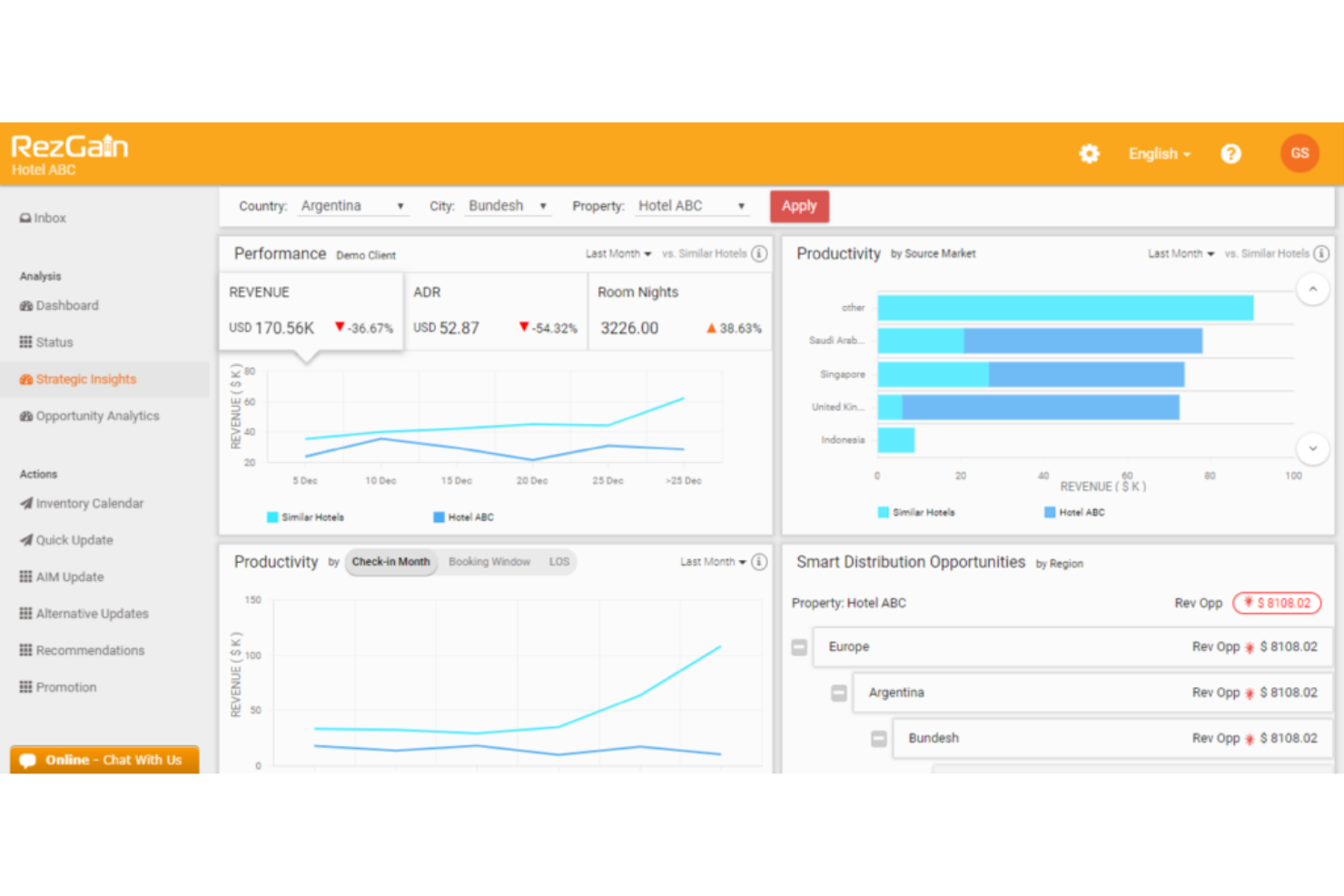
Get real-time competitor pricing and market demand data to inform your rate decisions. This helps you adjust prices quickly to stay competitive.
Dynamic Pricing Automation
Automatically update room rates based on market trends and demand signals. This feature ensures your pricing always reflects current market conditions.
Channel Management
Distribute inventory and rates across multiple OTAs and booking channels from one dashboard. This reduces manual updates and helps prevent overbookings.
Parity Management
Monitor and enforce rate parity across all channels to avoid undercutting. This protects your brand and maximizes revenue from every channel.
Demand Forecasting
Leverage predictive analytics to forecast occupancy and revenue trends. This helps you plan promotions and staffing with greater accuracy.
Centralized Reporting
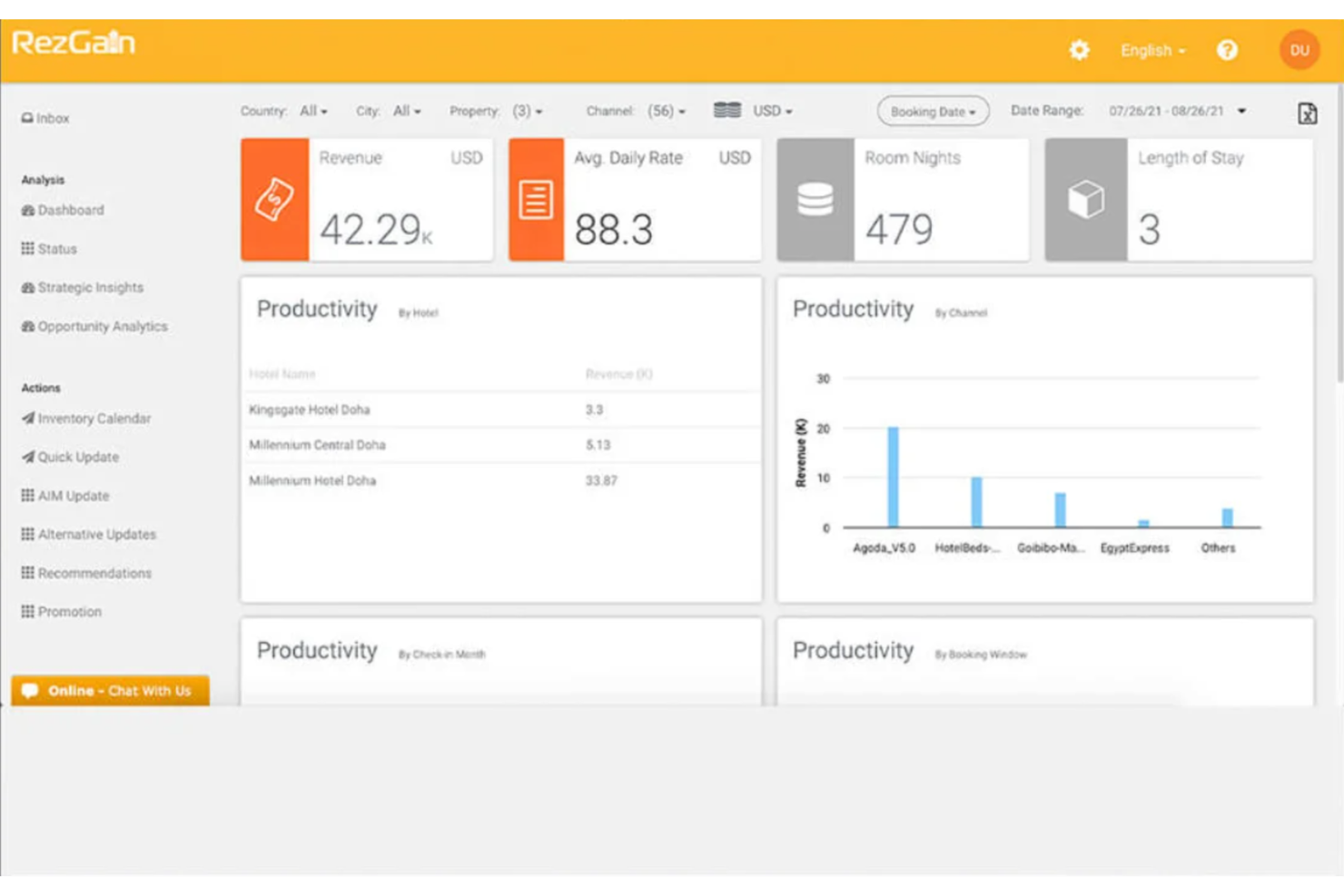
Access consolidated performance reports and analytics for all properties in one place. This makes it easy to track KPIs and share insights with your team.
Ease of Use
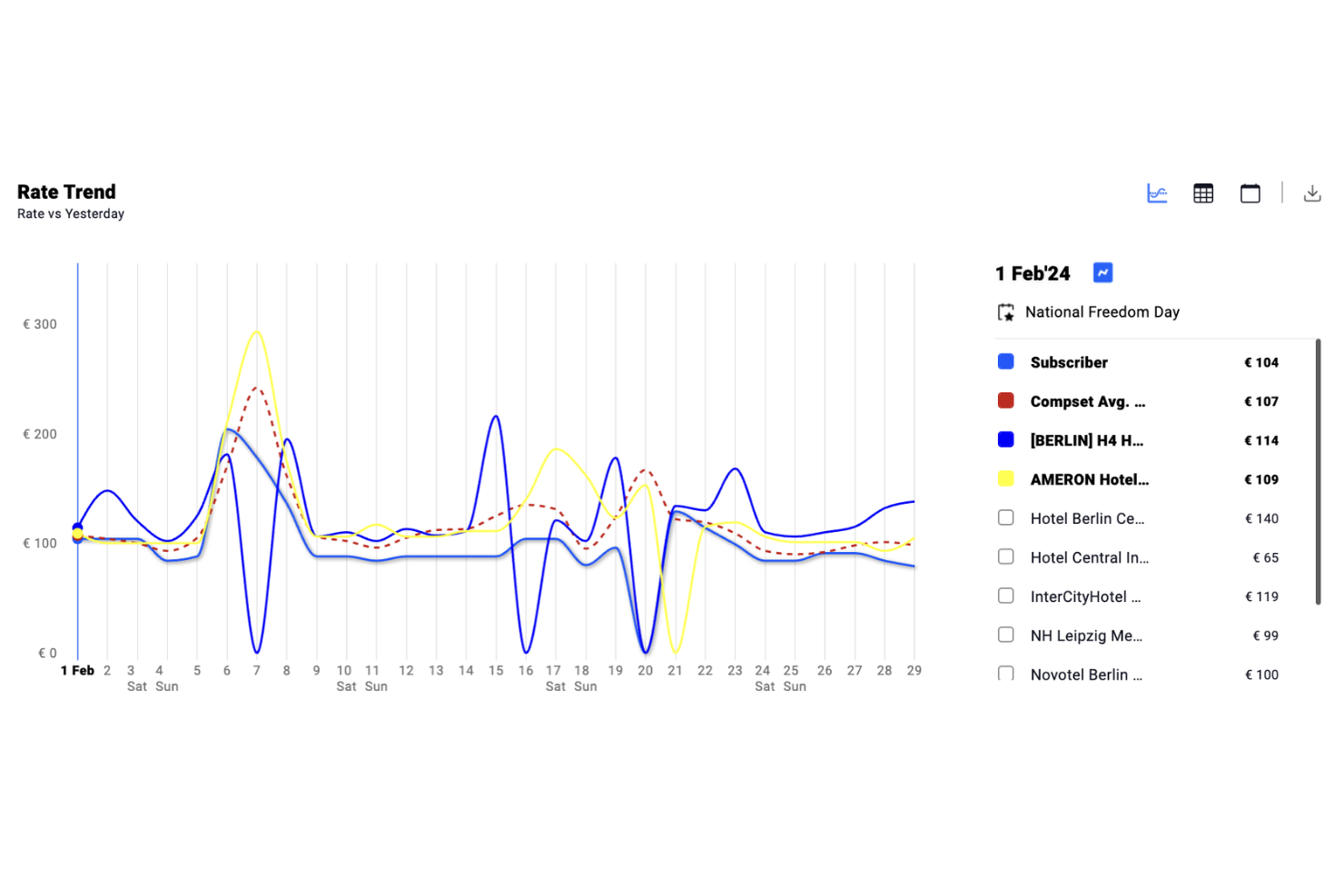
RateGain offers a clean, modern interface that most users find intuitive, especially when navigating rate intelligence and channel management tools. Onboarding is straightforward, with guided setup and helpful tutorials.
Some users mention that advanced reporting can take extra time to master, but day-to-day tasks like updating rates or monitoring parity are quick to access. The platform strikes a good balance between depth and usability for busy hotel teams.
Integrations
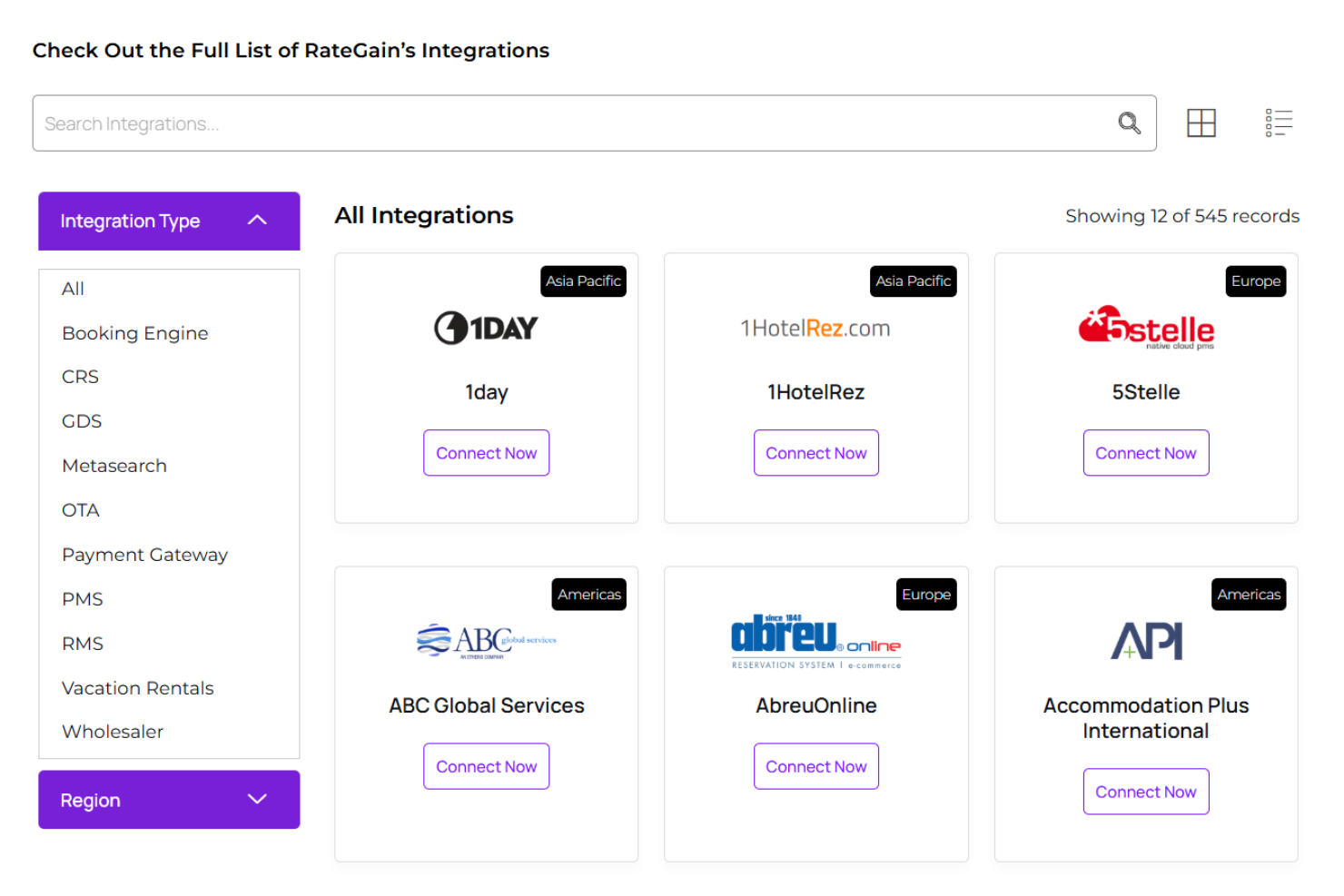
RateGain integrates with Oracle Hospitality OPERA, Amadeus, Sabre, SiteMinder, TravelClick, Hotelogix, Protel, eZee Absolute, Booking.com, and Expedia, among others.
RateGain also offers an API and supports connections with third-party integration tools.
RateGain Specs
- API
- Budgeting
- Calendar Management
- Compliance Tracking
- Contact Management
- Customer Management
- Dashboard
- Data Export
- Data Import
- Data Visualization
- Document Management
- Expense Tracking
- External Integrations
- Forecasting
- Inventory Tracking
- Multi-Currency
- Multi-User
- Notifications
- Organization Management
- Payment Processor
- Payroll
- Scheduling
- Supplier Management
- Tax Management
- Workflow Management