

HotelRunner-anmeldelse: Fordele, ulemper, funktioner og priser
HotelRunner samler hoteldrift og distribution på én platform – fra kanalstyring og direkte bookinger til gæstekommunikation og reservationsstyring.

We review tools independently, and commissions help fund our testing. See our transparency policy, our methodology, or suggest a tool.
HotelRunner is a hotel management software for independent hotels and small chains that need to manage reservations, channel distribution, and guest data without juggling disconnected tools. I'd consider it over Cloudbeds if your priority is OTA connectivity and a broader partner distribution network rather than deep front-desk and housekeeping workflows. It's worth a close look if your property is focused on growing online bookings and wants one platform to handle both the operational and distribution sides of that goal.
HotelRunner Evaluation Summary
4.6/5
- From $19.95/month
- Free demo available
Why Trust Our Software Recommendations
6,700+
Reviews
20
Industry experts
16+
Evaluation factors
14
Years
Our team has been testing and reviewing software since 2012. As hospitality leaders ourselves, we know how difficult—and important—it is to choose the right software.
For this guide, we evaluated tools using hands-on testing and independent research, scoring tools using our selection criteria.
Our reviews reflect our human editorial judgment, not a sales pitch.
HotelRunner Overview
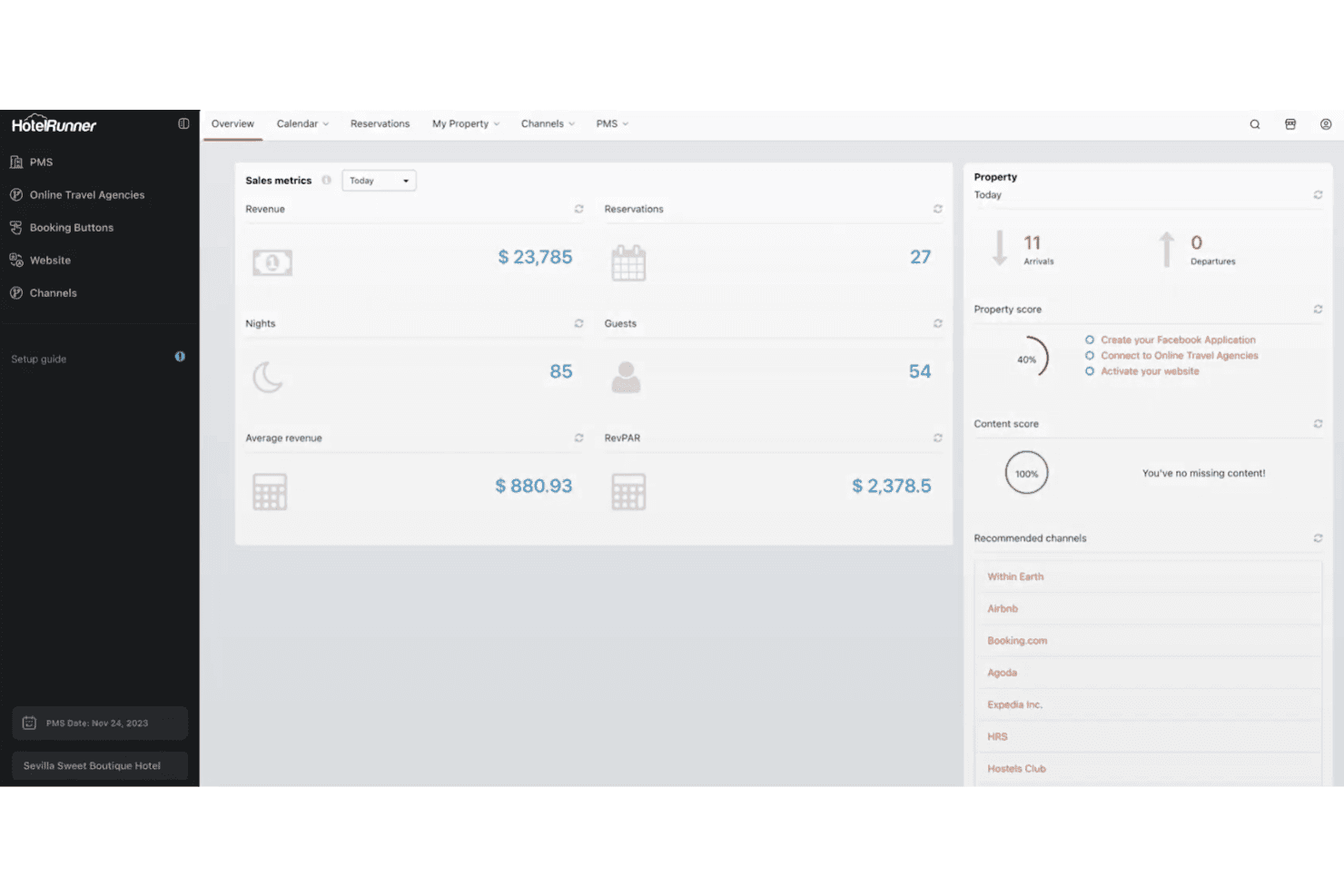
When I compare HotelRunner to other hotel management software, I think its channel management and automated rate updates are top-tier, especially for properties juggling multiple OTAs. The interface is clean, and onboarding is quick, so new staff can get up to speed fast. Pricing is transparent, and support is responsive, but I find customization options a bit limited for complex operations.
If you’re selecting a solution for a small to mid-sized hotel or guesthouse focused on online sales, HotelRunner is a strong pick. For example, its instant inventory sync helps avoid double bookings and manual errors.
Pros
- You can easily manage online sales channels and bookings in one place.
- It simplifies the process of enhancing your hotel's digital visibility.
- The user-friendly interface makes it easy for your team to adopt quickly.
Cons
- It lacks advanced reporting capabilities that some users might need.
- You might find the customer support hours limiting if you're in a different timezone.
- There are limited customization options for specific operational needs.
Is HotelRunner Right For Your Needs?
Who Would be a Good Fit for HotelRunner?
Boutique hotels and independent properties will find HotelRunner ideal for managing their online presence and bookings. If you’re looking to expand your reach without the complexity of larger systems, HotelRunner’s centralized online sales management helps you streamline tasks.
The intuitive interface ensures your team can hit the ground running without extensive training. This makes it a solid choice for small to mid-sized operations aiming to enhance their digital visibility and booking efficiency.
- Boutique HotelsHotelRunner helps you manage bookings and online channels effectively, boosting your visibility.
- Independent PropertiesYou can streamline operations and increase your digital reach with HotelRunner’s easy-to-use tools.
- Small Hotel ChainsHotelRunner allows your team to efficiently handle multiple locations with consistent online management.
- Property ManagersYou can centralize your booking and sales processes without the need for complex integrations.
- Sales TeamsHotelRunner’s channel management features help your team maximize online exposure and conversions.
- Marketing DepartmentsYour team can leverage HotelRunner to enhance brand visibility and track online performance efficiently.
Who Would be a Bad Fit for HotelRunner?
Large hotel chains and enterprises with complex operational needs might find HotelRunner lacking. If your team requires advanced reporting or customization, HotelRunner’s straightforward features could feel limiting. High-demand environments where extensive customer support is crucial may struggle due to support hour limitations. Consider alternatives if your operations need intricate integrations or specific customizations not supported by HotelRunner.
- Large Hotel ChainsComplex operations in big chains might need more advanced features than HotelRunner offers.
- Luxury ResortsHigh-end resorts needing tailored experiences may find HotelRunner’s customization options limited.
- Corporate HospitalityExtensive reporting and analytics needs in corporate settings may not align with HotelRunner’s capabilities.
- Event VenuesIf you’re managing large events, HotelRunner’s basic features might not cover your intricate requirements.
- Technology-Heavy OperationsTech-driven hotels needing deep integrations could find HotelRunner’s offerings insufficient.
- International Chains24/7 customer support needs in global operations may not be met by HotelRunner’s support structure.
How We Test & Score Tools
We’ve spent years building, refining, and improving our software testing and scoring system. The rubric is designed to capture the nuances of software selection and what makes a tool effective, focusing on critical aspects of the decision-making process.
Below, you can see exactly how our testing and scoring works across seven criteria. It allows us to provide an unbiased evaluation of the software based on core functionality, standout features, ease of use, onboarding, customer support, integrations, customer reviews, and value for money.
Core Functionality (25% of final scoring)
The starting point of our evaluation is always the core functionality of the tool. Does it have the basic features and functions that a user would expect to see? Are any of those core features locked to higher-tiered pricing plans? At its core, we expect a tool to stand up against the baseline capabilities of its competitors.
Standout Features (25% of final scoring)
Next, we evaluate uncommon standout features that go above and beyond the core functionality typically found in tools of its kind. A high score reflects specialized or unique features that make the product faster, more efficient, or offer additional value to the user.
We also evaluate how easy it is to integrate with other tools typically found in the tech stack to expand the functionality and utility of the software. Tools offering plentiful native integrations, 3rd party connections, and API access to build custom integrations score best.
Ease of Use (10% of final scoring)
We consider how quick and easy it is to execute the tasks defined in the core functionality using the tool. High scoring software is well designed, intuitive to use, offers mobile apps, provides templates, and makes relatively complex tasks seem simple.
Onboarding (10% of final scoring)
We know how important rapid team adoption is for a new platform, so we evaluate how easy it is to learn and use a tool with minimal training. We evaluate how quickly a team member can get set up and start using the tool with no experience. High scoring solutions indicate little or no support is required.
Customer Support (10% of final scoring)
We review how quick and easy it is to get unstuck and find help by phone, live chat, or knowledge base. Tools and companies that provide real-time support score best, while chatbots score worst.
Customer Reviews (10% of final scoring)
Beyond our own testing and evaluation, we consider the net promoter score from current and past customers. We review their likelihood, given the option, to choose the tool again for the core functionality. A high scoring software reflects a high net promoter score from current or past customers.
Value for Money (10% of final scoring)
Lastly, in consideration of all the other criteria, we review the average price of entry level plans against the core features and consider the value of the other evaluation criteria. Software that delivers more, for less, will score higher.
Core Features
Channel Management
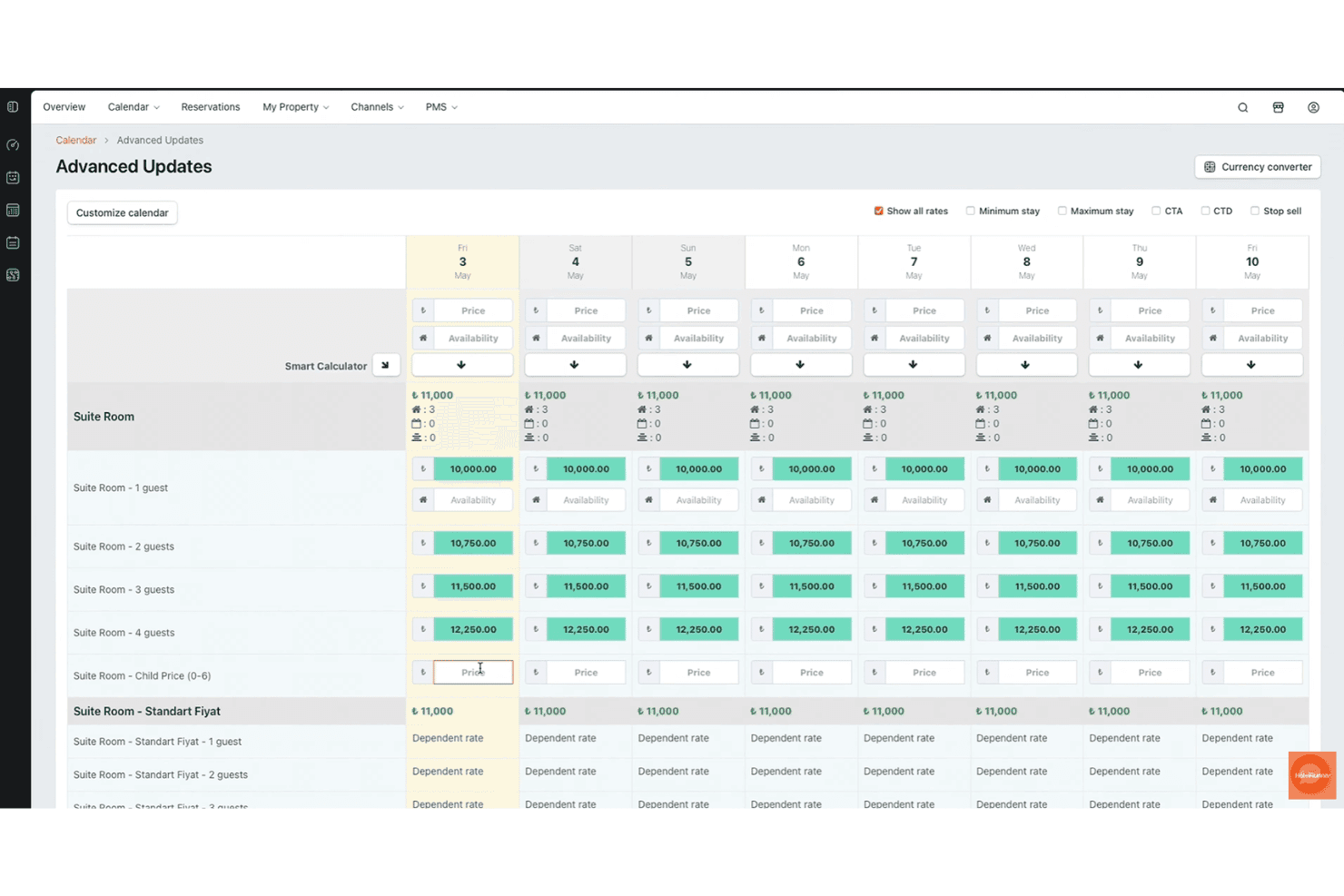
Connects your property to hundreds of OTAs and metasearch platforms. Real-time inventory and rate updates help prevent overbookings.
Automated Pricing
Uses AI-driven tools to adjust rates based on demand and competitor pricing. This helps maximize occupancy and revenue without manual intervention.
Mobile App
Lets you manage reservations, rates, and availability from any device. Staff can update bookings and check-ins on the go.
Direct Booking Engine
Offers a customizable booking widget for your website. Enables commission-free reservations and supports promotions or special offers.
Property Management
Centralizes room assignments, housekeeping, and guest profiles in one dashboard. Simplifies daily operations for front desk and management teams.
Analytics & Reporting
Provides dashboards for revenue, occupancy, and channel performance. Users can track trends and make data-driven decisions quickly.
Ease of Use
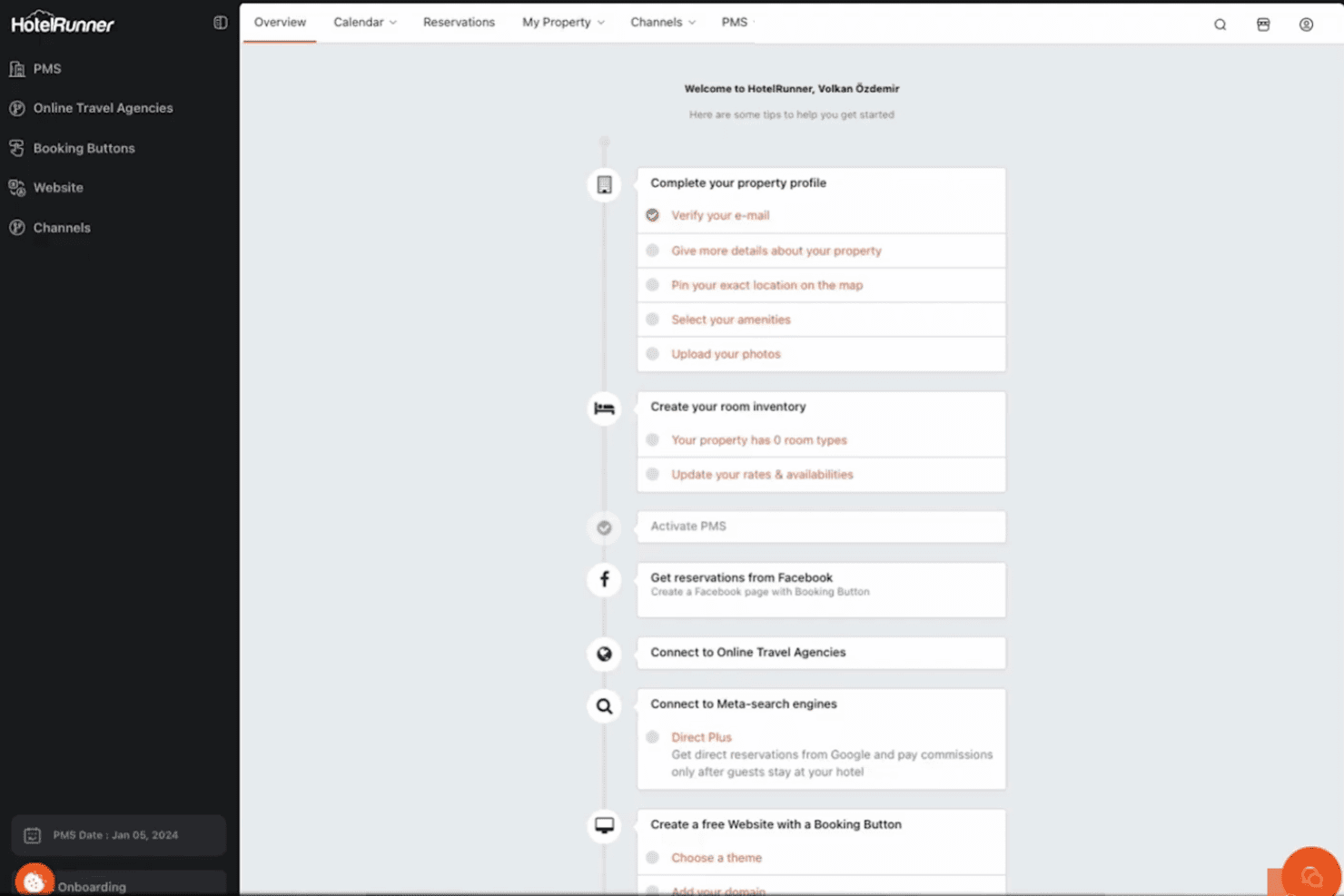
HotelRunner is straightforward to set up and navigate, with a clean dashboard that makes daily tasks easy for both new and experienced staff. Users often mention the intuitive layout and quick onboarding process, which helps teams get started without lengthy training. The mobile app adds flexibility for on-the-go management, and most features are accessible with just a few clicks. However, some users note occasional slowdowns during peak times.
Integrations
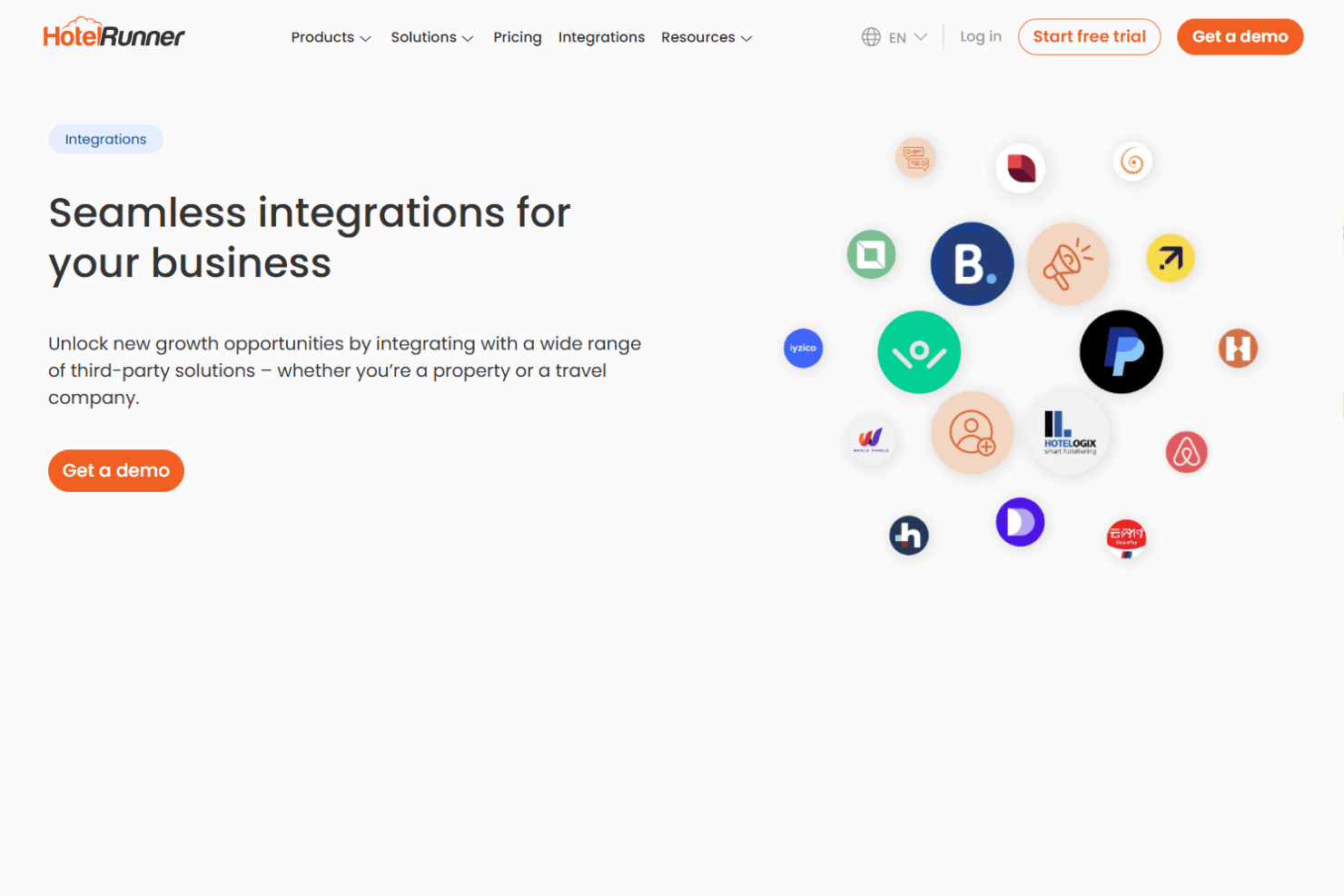
HotelRunner integrates with Booking.com, Expedia Group, Agoda, Airbnb, Trip.com, Hotelbeds, Stripe, PayPal, VRBO, and Tripadvisor, among others.
HotelRunner also offers an API for custom connections and supports integration with third-party systems.
HotelRunner Specs
- API: Yes
- Budgeting: No
- Calendar Management: Yes
- Compliance Tracking: No
- Contact Management: Yes
- Customer Management: Yes
- Dashboard: Yes
- Data Export: Yes
- Data Import: Yes
- Data Visualization: Yes
- Document Management: Yes
- Expense Tracking: No
- External Integrations: Yes
- Forecasting: Yes
- Inventory Tracking: Yes
- Multi-Currency: Yes
- Multi-User: Yes
- Notifications: Yes
- Organization Management: Yes
- Payment Processor: Yes
- Payroll: No
- Scheduling: Yes
- Supplier Management: No
- Tax Management: No
- Workflow Management: Yes


