
Mvix Review: Pros, Cons, Features, and Pricing
I see Mvix as a digital welcome desk for hotels; this review weighs its features, trade-offs, and pricing against the everyday needs of guest communication.

We review tools independently, and commissions help fund our testing. See our transparency policy, our methodology, or suggest a tool.
Mvix is hotel digital signage software for displaying guest announcements, event schedules, promotions, and wayfinding information across hotel properties. I’d choose it over Yodeck if you prefer a one-time media player purchase with a perpetual cloud-software license rather than recurring per-screen subscription fees.
Mvix Evaluation Summary
4.6/5
- From $450 one-time
- Free demo available
Why Trust Our Software Recommendations
6,700+
Reviews
20
Industry experts
16+
Evaluation factors
14
Years
Our team has been testing and reviewing software since 2012. As hospitality leaders ourselves, we know how difficult—and important—it is to choose the right software.
For this guide, we evaluated tools using hands-on testing and independent research, scoring tools using our selection criteria.
Our reviews reflect our human editorial judgment, not a sales pitch.
Mvix Overview
I’d choose Mvix for hotels that need digital displays for lobby announcements, event schedules, wayfinding, promotions, and emergency alerts. Its hospitality-focused features, event management integrations, browser-based CMS, templates, and remote content scheduling support daily guest communications. Media players cost $450–$750 upfront and include a perpetual cloud-software license, reducing recurring subscription expenses but requiring a higher initial investment.
Preconfigured players simplify setup, while free phone, email, and knowledge-base support cover technical questions. Implementation services and personalized training are also available. I’d compare player tiers and premium support costs before purchasing, since advanced features and services may require additional spending.
Pros
- Hotel screens cover event schedules, wayfinding, promotions, and emergency alerts.
- Centralized remote controls and scheduling let staff update property-wide screens.
- Offline playback and included perpetual software license avoid monthly fees.
Cons
- Users report outages and black screens that can interrupt guest messaging.
- Reviewers describe upgrade-related bugs and inconsistent technical support.
- Upfront player purchases increase initial costs across multi-screen properties.


How We Test & Score Tools
We’ve spent years building, refining, and improving our software testing and scoring system. The rubric is designed to capture the nuances of software selection and what makes a tool effective, focusing on critical aspects of the decision-making process.
Below, you can see exactly how our testing and scoring works across seven criteria. It allows us to provide an unbiased evaluation of the software based on core functionality, standout features, ease of use, onboarding, customer support, integrations, customer reviews, and value for money.
Core Functionality (25% of final scoring)
The starting point of our evaluation is always the core functionality of the tool. Does it have the basic features and functions that a user would expect to see? Are any of those core features locked to higher-tiered pricing plans? At its core, we expect a tool to stand up against the baseline capabilities of its competitors.
Standout Features (25% of final scoring)
Next, we evaluate uncommon standout features that go above and beyond the core functionality typically found in tools of its kind. A high score reflects specialized or unique features that make the product faster, more efficient, or offer additional value to the user.
We also evaluate how easy it is to integrate with other tools typically found in the tech stack to expand the functionality and utility of the software. Tools offering plentiful native integrations, 3rd party connections, and API access to build custom integrations score best.
Ease of Use (10% of final scoring)
We consider how quick and easy it is to execute the tasks defined in the core functionality using the tool. High scoring software is well designed, intuitive to use, offers mobile apps, provides templates, and makes relatively complex tasks seem simple.
Onboarding (10% of final scoring)
We know how important rapid team adoption is for a new platform, so we evaluate how easy it is to learn and use a tool with minimal training. We evaluate how quickly a team member can get set up and start using the tool with no experience. High scoring solutions indicate little or no support is required.
Customer Support (10% of final scoring)
We review how quick and easy it is to get unstuck and find help by phone, live chat, or knowledge base. Tools and companies that provide real-time support score best, while chatbots score worst.
Customer Reviews (10% of final scoring)
Beyond our own testing and evaluation, we consider the net promoter score from current and past customers. We review their likelihood, given the option, to choose the tool again for the core functionality. A high scoring software reflects a high net promoter score from current or past customers.
Value for Money (10% of final scoring)
Lastly, in consideration of all the other criteria, we review the average price of entry level plans against the core features and consider the value of the other evaluation criteria. Software that delivers more, for less, will score higher.
Core Features
Device Management Dashboard
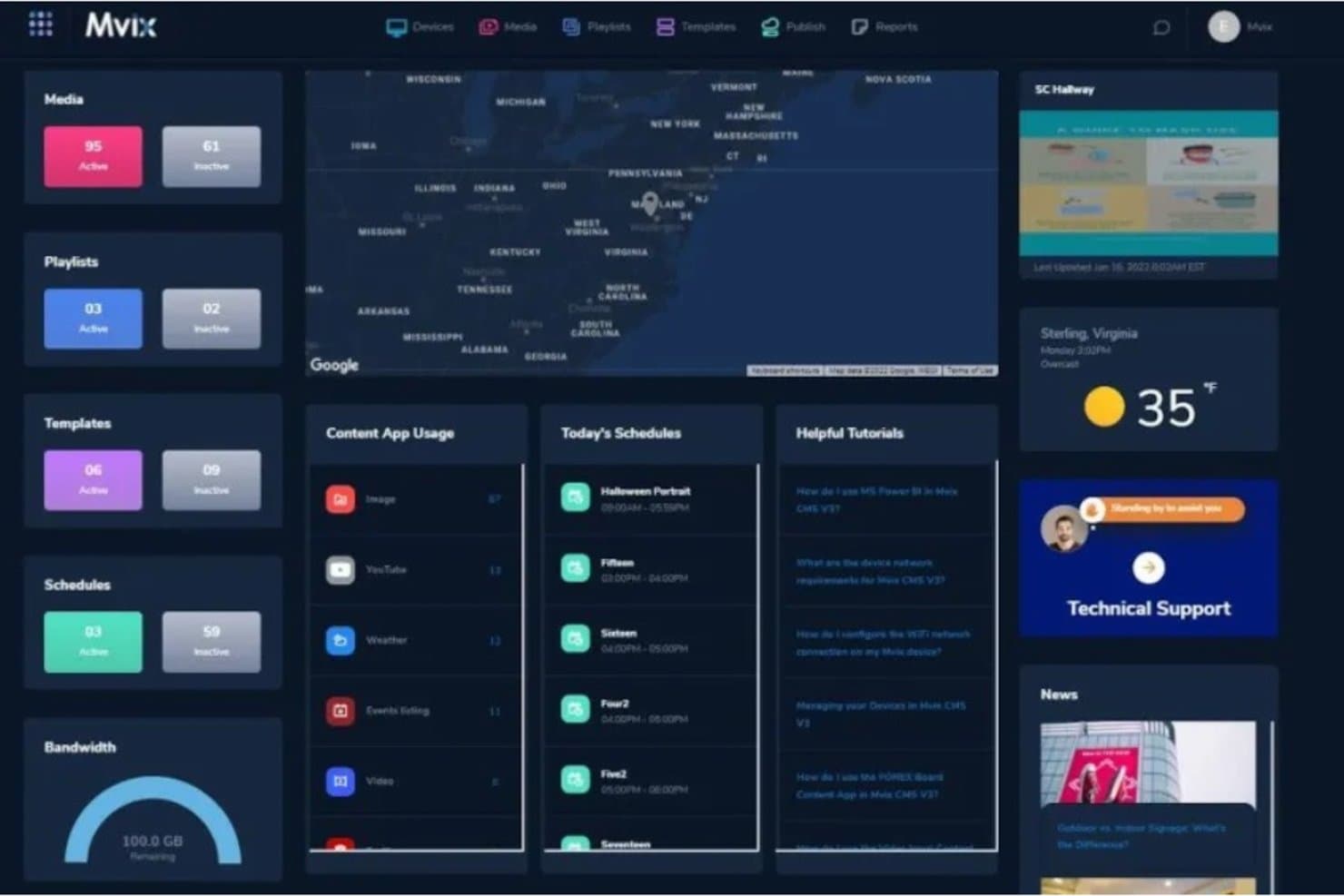
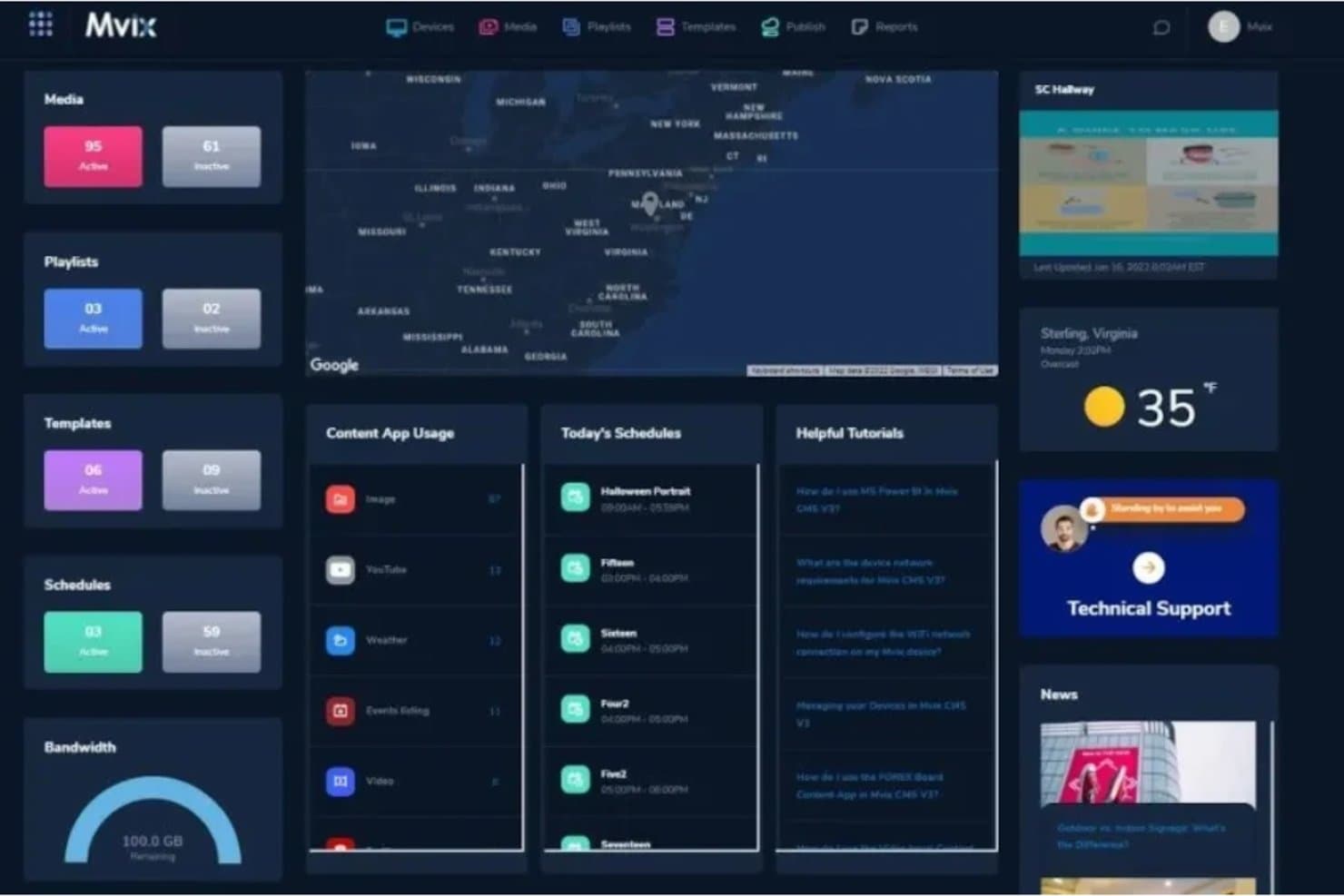
Mvix provides a centralized dashboard for monitoring digital signage devices, viewing active and inactive screens, and checking device locations. Hotels can track screen activity, review content schedules, and monitor displays across lobbies, restaurants, and other guest areas.
Real-Time Weather Display
Mvix offers customizable weather widgets that display current conditions, temperatures, and forecasts. Hotels can publish local weather updates on lobby screens and customize the layout, background, and weather information shown to guests.
Digital Signage Template Library
Mvix includes a design gallery with ready-made templates organized by industry, including hotels, restaurants, and corporate environments. Hotels can select and customize layouts for guest announcements, promotions, welcome messages, and special events.
Drag-and-Drop Content Designer
Mvix provides a visual content editor for creating and customizing digital signage layouts. Hotels can arrange images, text, and graphics, adjust their positions, and design branded welcome screens, promotional displays, and guest announcements.
Multi-Zone Display Layouts
Mvix supports multi-zone digital signage layouts that display different types of content on a single screen. Hotels can combine event schedules, guest information, weather updates, directories, and promotional messages into one display.
Media Upload and Management
Mvix allows users to upload and organize images, videos, documents, and other digital content through its media library. Hotels can import files from local devices and supported cloud storage services, including Google Drive, OneDrive, and Dropbox, for use in guest-facing displays.
Ease of Use
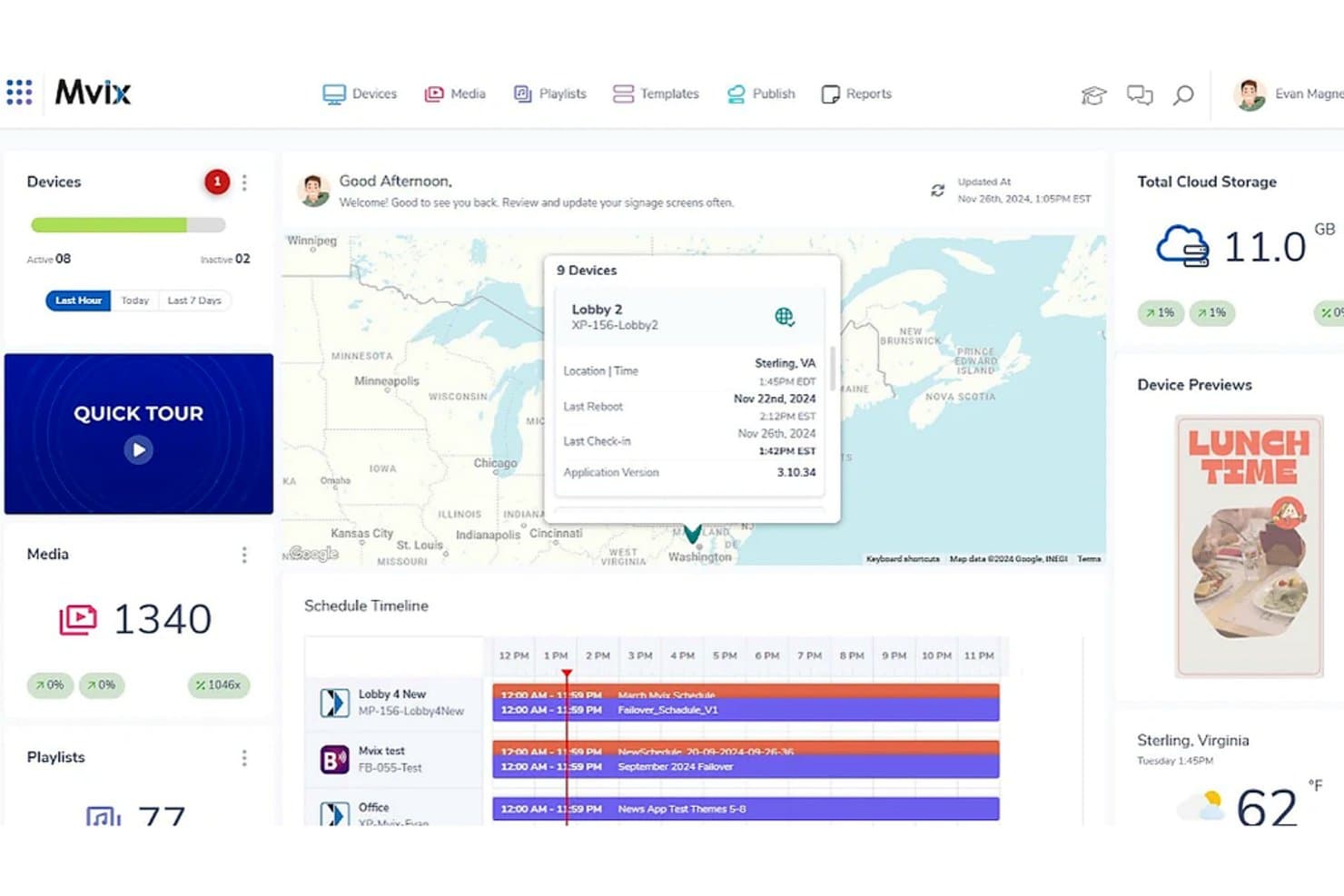
Mvix is easy to operate for routine hotel signage, with a browser-based CMS, templates, scheduling, and remote screen controls that allow staff to update displays without visiting each player. Setup resources include documentation, phone and email support, and a knowledge base. However, user reviews report occasional outages, black screens, upgrade-related bugs, and inconsistent technical assistance. I’d rate its everyday usability positively but consider technical reliability and troubleshooting potential weaknesses.
Integrations
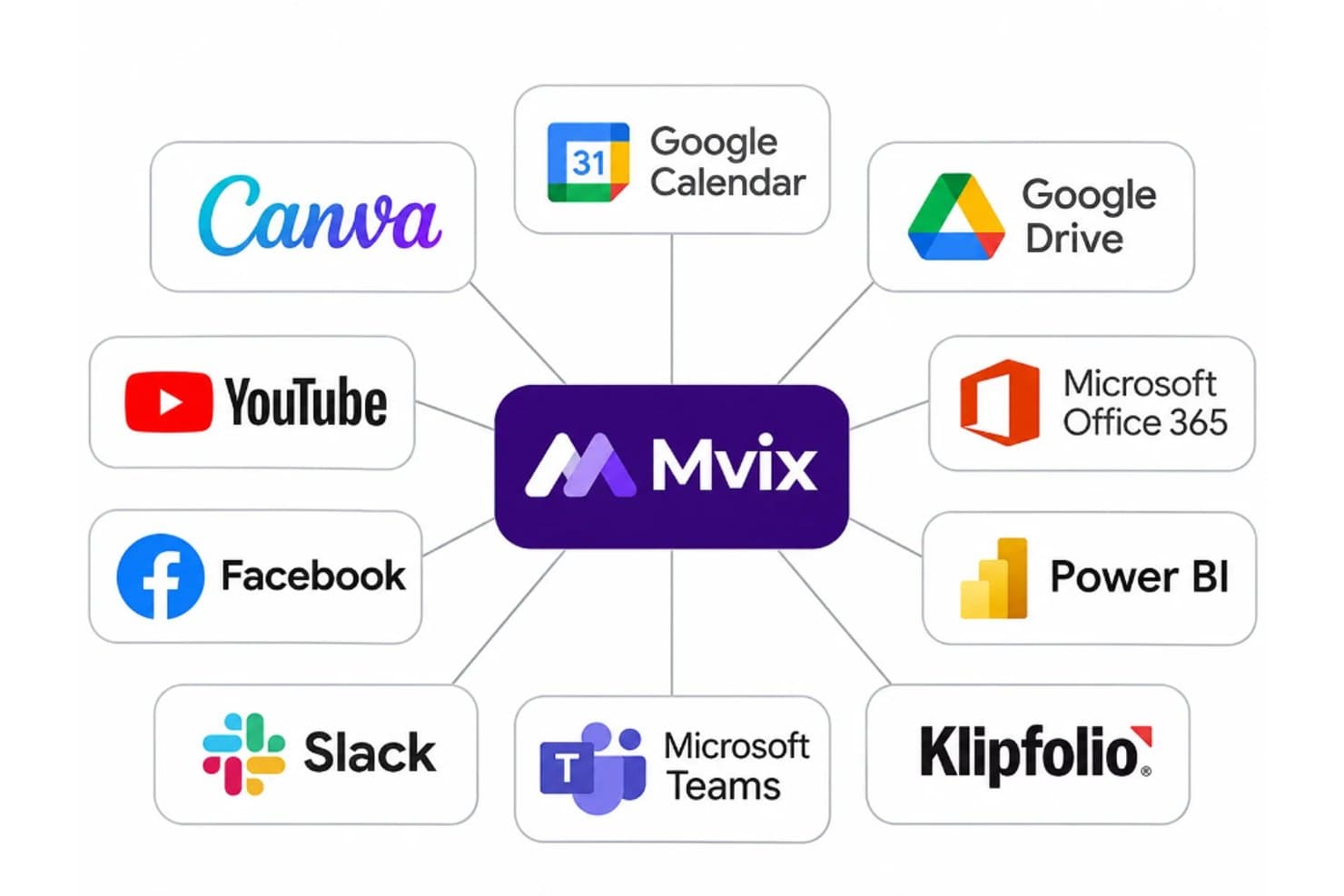
Mvix connects with Canva, Google Calendar, Google Drive, Microsoft Office 365, Power BI, Klipfolio, Microsoft Teams, Slack, Facebook, and YouTube for displaying designs, calendars, dashboards, team communications, and social media content. It also supports RESTful APIs and webhooks for custom connections with internal systems. Some integrations require advanced feature packages or additional licensing and development.
Mvix Specs
- API: Yes
- Calendar Management: Yes
- Dashboard: Yes
- Data Export: Yes
- Data Import: Yes
- Data Visualization: Yes
- External Integrations: Yes
- File Sharing: No
- Media Streaming: Yes
- Multi-User: Yes
- Scheduling: Yes
- Social-Media Integration: No
- Third-Party Plugins/Add-Ons: Yes
- Video: Yes
- Workflow Management: No


