

Akia-anmeldelse: Fordele, ulemper, funktioner og priser forklaret
Akia skiller sig ud med beskedfunktioner og automatisering til gæster, men det er ikke en løsning, der passer til alle. Her er min vurdering af, hvor Akia udmærker sig – og hvor løsningen måske kommer til kort for din ejendom.

We review tools independently, and commissions help fund our testing. See our transparency policy, our methodology, or suggest a tool.
Akia is a property management system built around guest messaging, automated communication, and contactless check-in for hotel teams. It's worth a close look if your front desk needs to handle guest requests via SMS, automate pre-arrival and in-stay messages, and coordinate service tasks across departments. I'd consider it over a full-service platform like Cloudbeds if your priority is guest-facing communication rather than deep back-office functionality—Akia keeps things focused without the overhead of tools that do significantly more than most independent hotels actually need.
Akia Evaluation Summary
2.5/5
- Pricing upon request
- Free demo available
Why Trust Our Software Recommendations
6,700+
Reviews
20
Industry experts
16+
Evaluation factors
14
Years
Our team has been testing and reviewing software since 2012. As hospitality leaders ourselves, we know how difficult—and important—it is to choose the right software.
For this guide, we evaluated tools using hands-on testing and independent research, scoring tools using our selection criteria.
Our reviews reflect our human editorial judgment, not a sales pitch.
Akia Overview
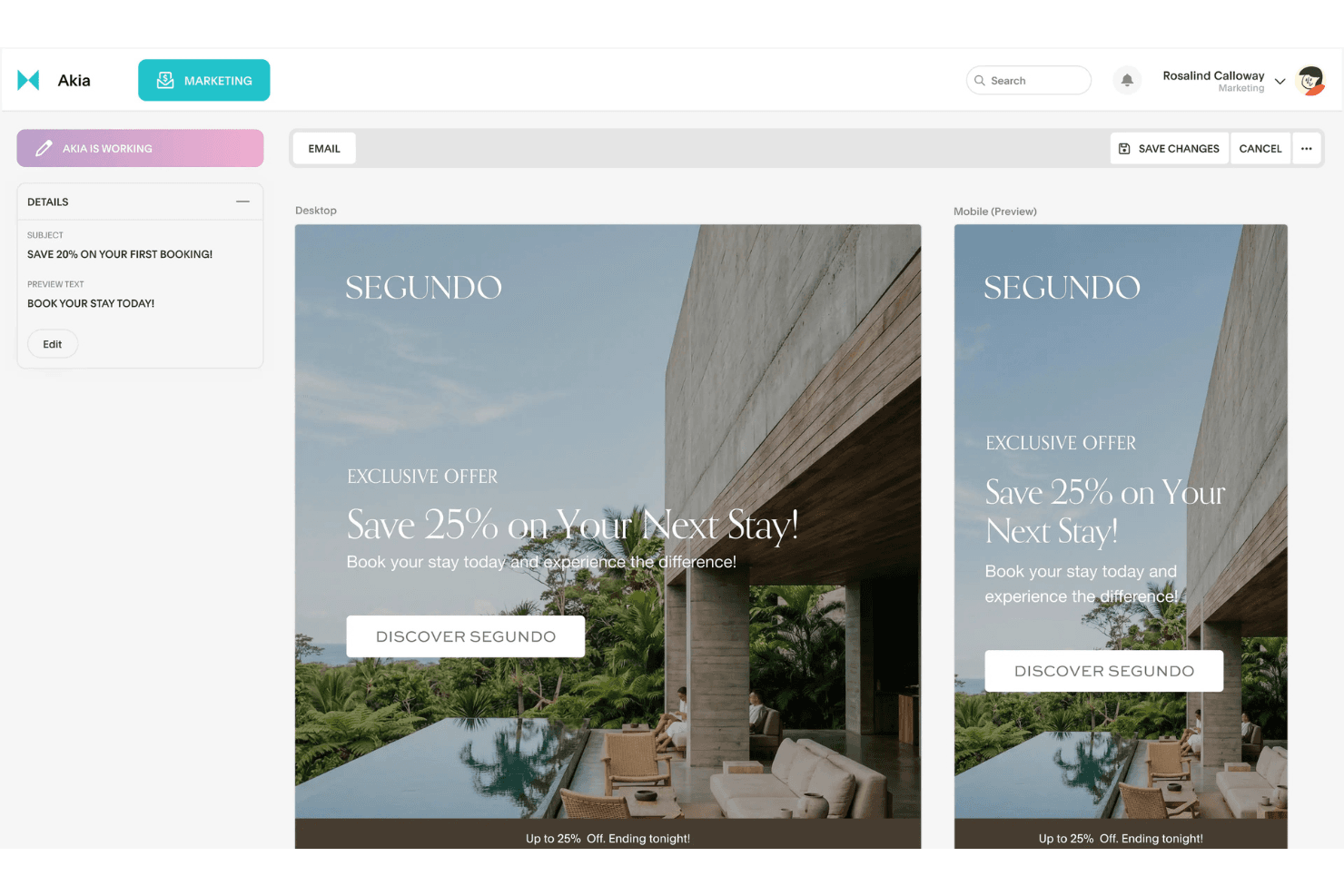
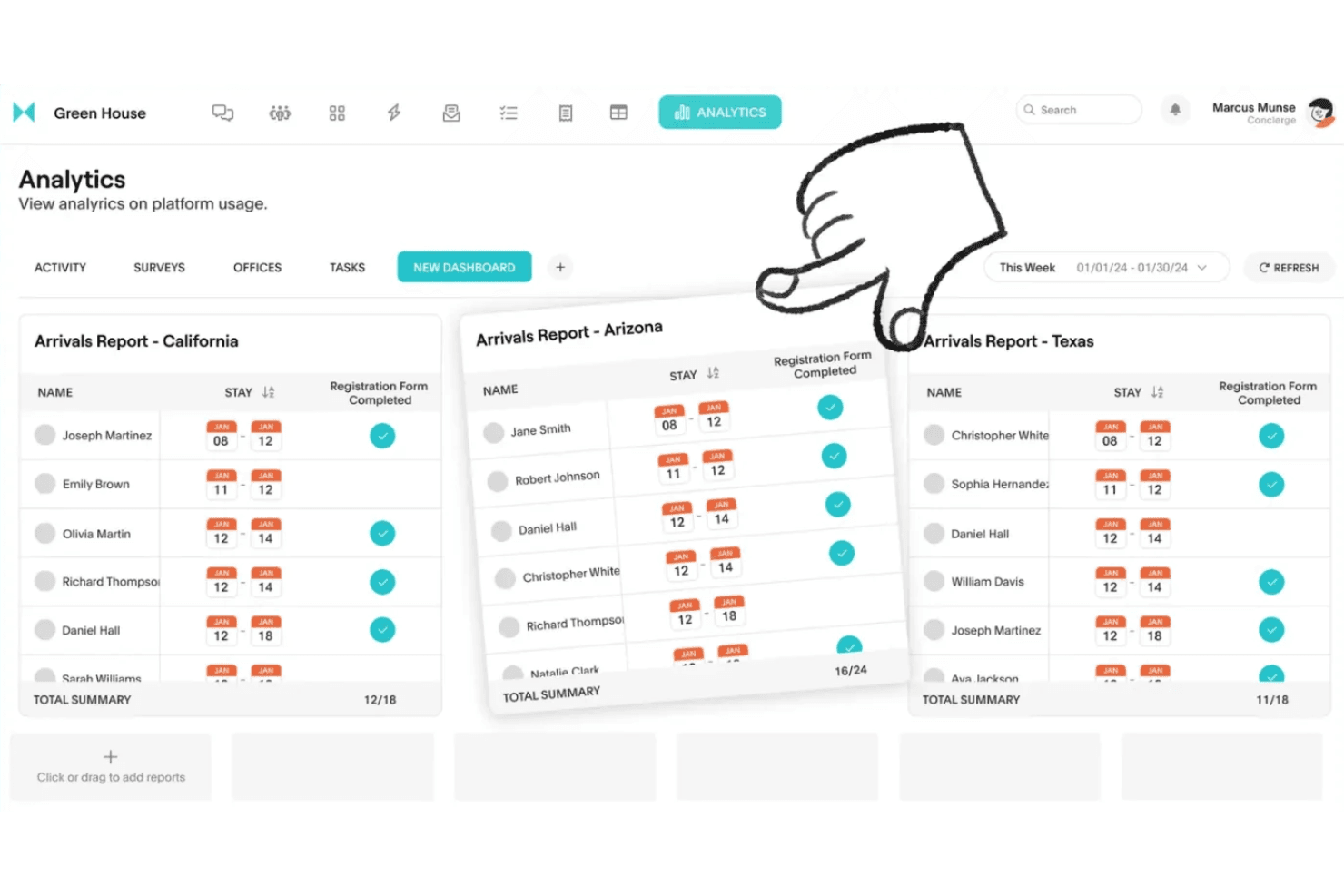
I think Akia is a strong choice if you want guest messaging, automation, and mobile-first tools in your property management systems. Its interface is easy to learn, and onboarding is quick, especially for teams new to digital solutions. Pricing is transparent, and support is responsive. While it doesn’t offer the deepest reporting or advanced accounting, Akia excels at automating guest requests and integrating with popular booking engines.
I’d suggest Akia for boutique hotels or properties focused on guest experience and operational agility, rather than those needing complex back-office features.
Pros
- Mobile-first interface is intuitive for staff and guests.
- AI-driven responses improve operational efficiency.
- Automates guest messaging and check-in processes.
Cons
- Payment processing integration is limited.
- Not a full-featured property management suite.
- Lacks advanced reporting and analytics features.
Is Akia Right For Your Needs?
Who Would be a Good Fit for Akia?
Akia is a good fit for hospitality businesses that prioritize guest communication, automation, and mobile-first operations. Properties with lean teams, limited IT resources, or a focus on guest experience will get the most value. Akia’s strengths in automating guest messaging, handling contactless check-in, and supporting staff coordination make it ideal for smaller hotels, boutique properties, and short-term rental operators who want to modernize without heavy back-office needs.
- Hospitality StartupsQuick onboarding and simple setup support fast-moving teams.
- Front Desk TeamsAutomated responses and task management improve daily workflows.
- Independent PropertiesNo need for complex IT or back-office systems.
- Limited-Service HotelsMobile-first tools help small teams manage guest requests quickly.
- Short-Term RentalsAutomated check-in and guest communication reduce manual workload.
- Boutique HotelsAkia’s guest messaging and automation tools enhance personalized service.
Who Would be a Bad Fit for Akia?
Akia is not the best choice for large, multi-property hotel groups or businesses needing deep accounting, inventory, or reporting features. If your operation relies on advanced analytics, complex integrations, or full-suite property management, Akia’s focus on guest messaging and automation may leave gaps. Teams with heavy compliance, accounting, or enterprise-level needs should consider more comprehensive solutions.
- Facilities ManagementDoesn’t offer detailed maintenance or asset tracking tools.
- Accounting DepartmentsNo built-in accounting or financial management modules.
- Revenue Management TeamsLimited analytics and reporting for pricing optimization.
- Corporate Housing ProvidersMissing advanced billing and long-term stay features.
- Resorts With AmenitiesDoesn’t support complex amenity or activity scheduling.
- Large Hotel ChainsLacks multi-property management and enterprise-level controls.
How We Test & Score Tools
We’ve spent years building, refining, and improving our software testing and scoring system. The rubric is designed to capture the nuances of software selection and what makes a tool effective, focusing on critical aspects of the decision-making process.
Below, you can see exactly how our testing and scoring works across seven criteria. It allows us to provide an unbiased evaluation of the software based on core functionality, standout features, ease of use, onboarding, customer support, integrations, customer reviews, and value for money.
Core Functionality (25% of final scoring)
The starting point of our evaluation is always the core functionality of the tool. Does it have the basic features and functions that a user would expect to see? Are any of those core features locked to higher-tiered pricing plans? At its core, we expect a tool to stand up against the baseline capabilities of its competitors.
Standout Features (25% of final scoring)
Next, we evaluate uncommon standout features that go above and beyond the core functionality typically found in tools of its kind. A high score reflects specialized or unique features that make the product faster, more efficient, or offer additional value to the user.
We also evaluate how easy it is to integrate with other tools typically found in the tech stack to expand the functionality and utility of the software. Tools offering plentiful native integrations, 3rd party connections, and API access to build custom integrations score best.
Ease of Use (10% of final scoring)
We consider how quick and easy it is to execute the tasks defined in the core functionality using the tool. High scoring software is well designed, intuitive to use, offers mobile apps, provides templates, and makes relatively complex tasks seem simple.
Onboarding (10% of final scoring)
We know how important rapid team adoption is for a new platform, so we evaluate how easy it is to learn and use a tool with minimal training. We evaluate how quickly a team member can get set up and start using the tool with no experience. High scoring solutions indicate little or no support is required.
Customer Support (10% of final scoring)
We review how quick and easy it is to get unstuck and find help by phone, live chat, or knowledge base. Tools and companies that provide real-time support score best, while chatbots score worst.
Customer Reviews (10% of final scoring)
Beyond our own testing and evaluation, we consider the net promoter score from current and past customers. We review their likelihood, given the option, to choose the tool again for the core functionality. A high scoring software reflects a high net promoter score from current or past customers.
Value for Money (10% of final scoring)
Lastly, in consideration of all the other criteria, we review the average price of entry level plans against the core features and consider the value of the other evaluation criteria. Software that delivers more, for less, will score higher.
Core Features
AI Guest Messaging
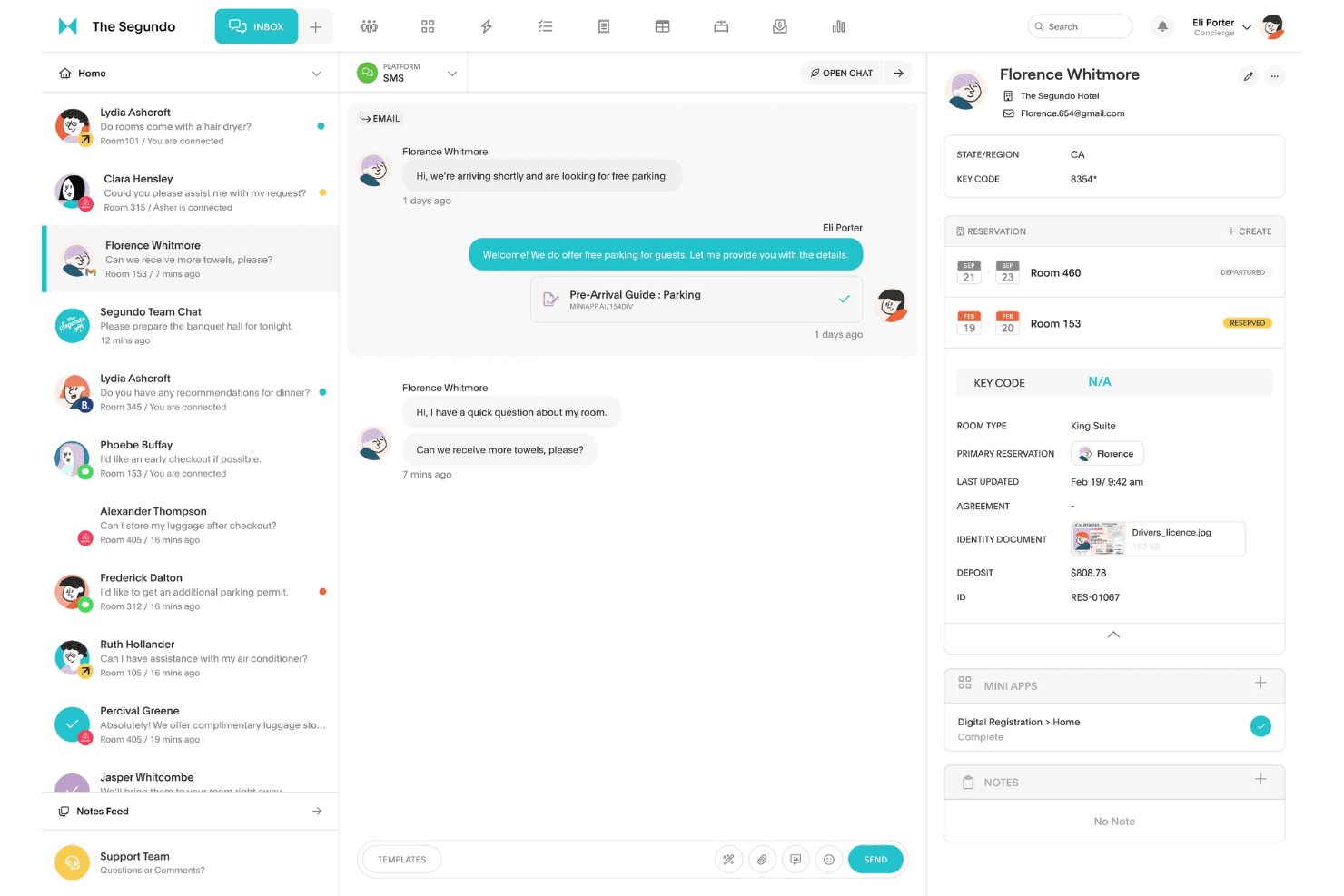
Akia automates guest communication with AI-driven responses via SMS and web apps. This reduces manual work and ensures guests get timely, accurate information.
Contactless Check-In
Guests can check in through branded web apps without downloading anything. This speeds up arrivals and minimizes front desk congestion.
Mini Apps
Akia offers customizable, branded web apps for guest services like check-in, requests, and upsells. Guests access these instantly without logins or downloads.
Task Management
Staff can assign, track, and complete guest requests directly in Akia. Real-time updates keep teams coordinated and responsive.
AI Training
Akia learns from your property’s interactions and adapts its responses over time. This helps personalize guest experiences and automate more tasks.
Teamspace Messaging
Internal chat connects staff and logs work automatically. This feature keeps communication organized and links guest requests to team actions.
Ease of Use
Akia is one of the most user-friendly property management systems I’ve seen, especially for teams new to digital tools. The interface is clean, intuitive, and mobile-first, so staff can manage tasks and guest messages on the go.
Users often mention how quick it is to set up and train new team members. Features like web-based check-in and automated messaging minimize manual steps, making daily operations feel straightforward and efficient.
Integrations
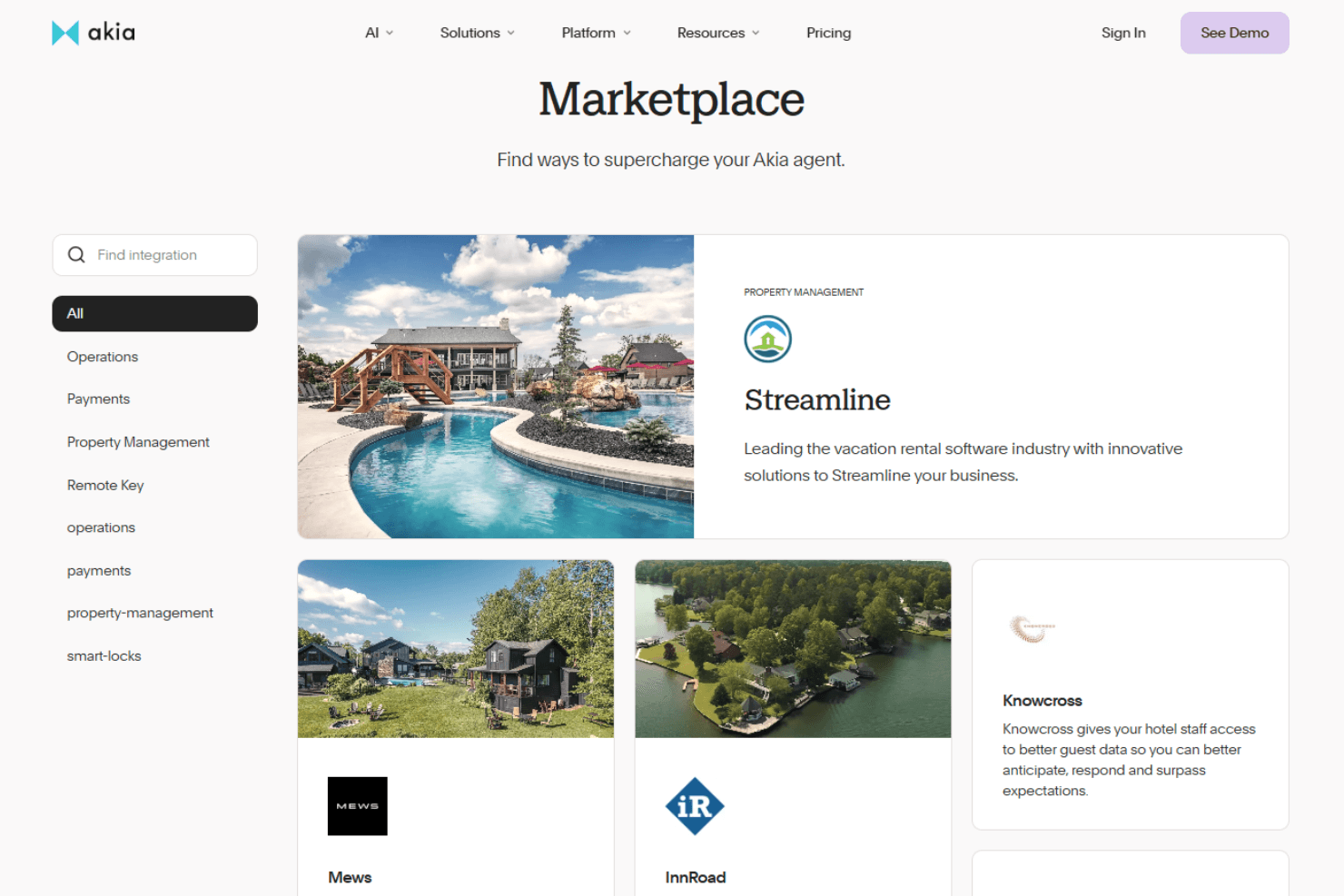
Akia integrates with Mews, Cloudbeds, StayNTouch, Guesty, Opera, WebRezPro, Infor HMS, Track PMS, RoomMaster, and Escapia, among others.
Akia also offers an API and can build custom integrations for your specific tech stack.
Akia Specs
- API: Yes
- Budgeting: No
- Calendar Management: Yes
- Compliance Tracking: No
- Contact Management: Yes
- Customer Management: Yes
- Dashboard: Yes
- Data Export: Yes
- Data Import: Yes
- Data Visualization: Yes
- Document Management: Yes
- Expense Tracking: No
- External Integrations: Yes
- Forecasting: No
- Inventory Tracking: No
- Multi-Currency: No
- Multi-User: Yes
- Notifications: Yes
- Organization Management: No
- Payment Processor: Yes
- Payroll: No
- Scheduling: Yes
- Supplier Management: No
- Tax Management: No
- Workflow Management: Yes


